AI image maker
An image generator AI that turns one sentence into a picture: a photo, a poster, a drawing or a product shot. Pick a shape and a style, and get one image or four to choose from.
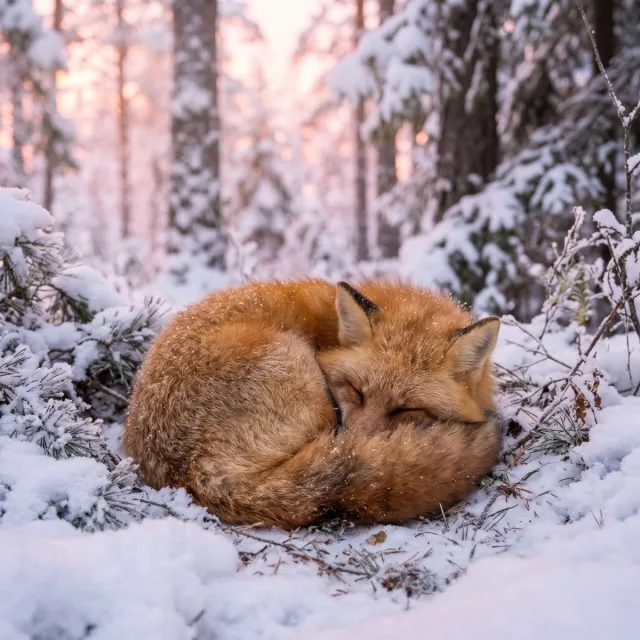
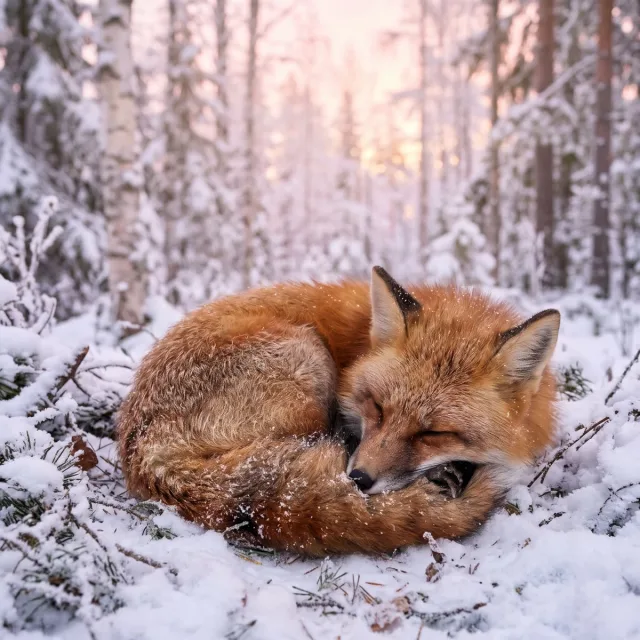
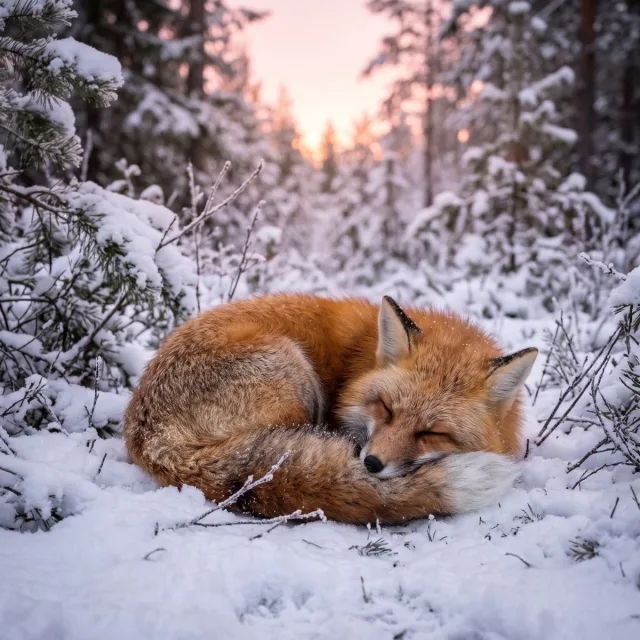
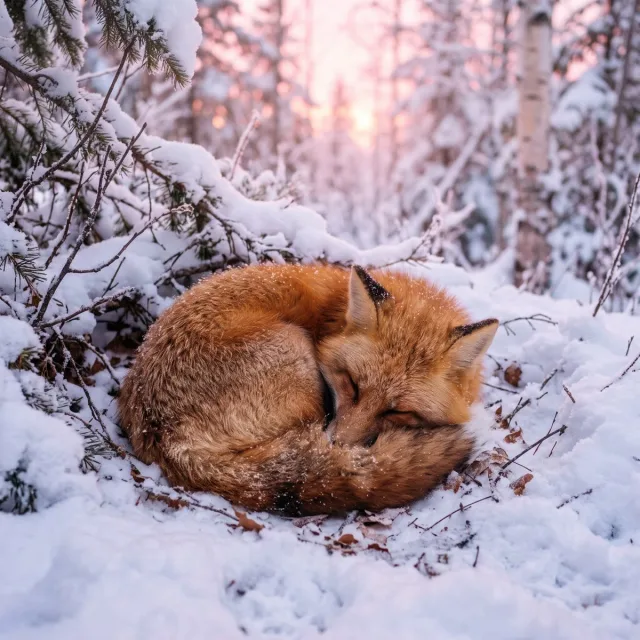
PromptA red fox curled up asleep in a snowy forest at dawn, soft pink light, close-up
Eight pictures and the prompts that made them
Each one is a single run of the sentence under it, nothing fixed afterwards. Click a prompt to put it in the box and change what you like.
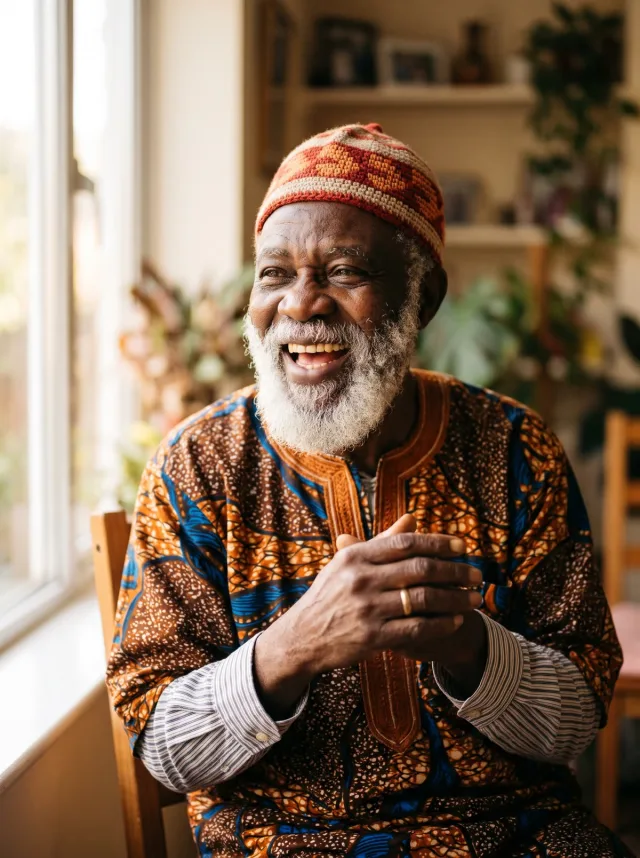 Portrait 39 s
Portrait of an older Nigerian man with a white beard and a knitted cap, laughing, warm window light, shallow depth of field
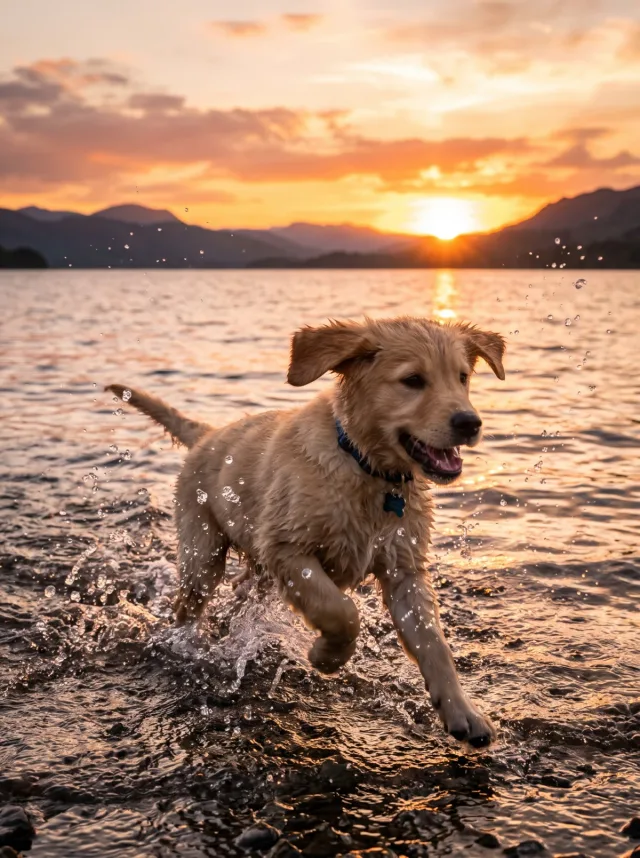 Pet 38 s
A golden retriever puppy splashing through a shallow lake at sunset, water drops frozen in the air
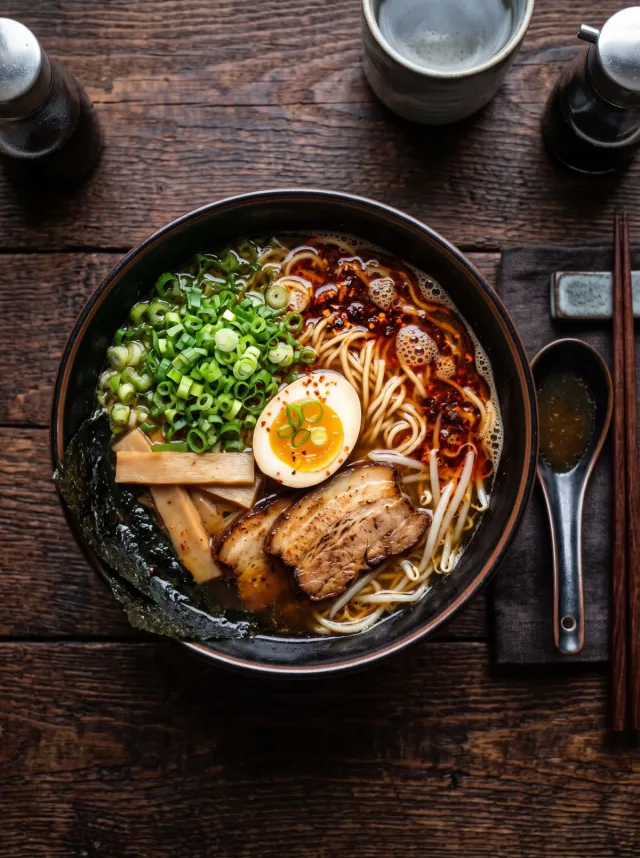 Food 38 s
Overhead shot of a bowl of ramen with a soft-boiled egg, scallions and chili oil on a dark wooden table
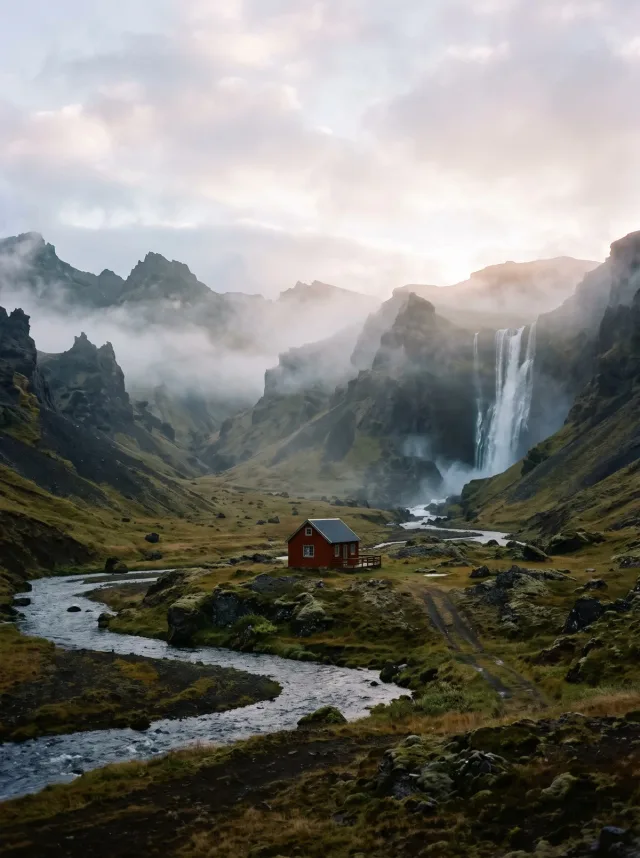 Landscape 29 s
Misty mountain valley in Iceland with a small red cabin and a tall waterfall, early morning light
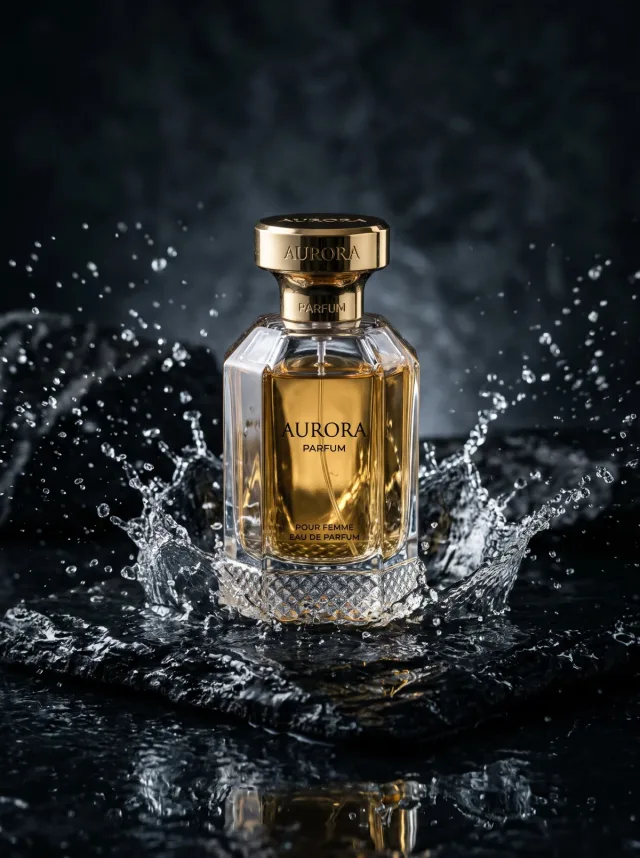 Product 29 s
A glass perfume bottle standing on wet black stone, water splashing around it, dark studio light, product photo
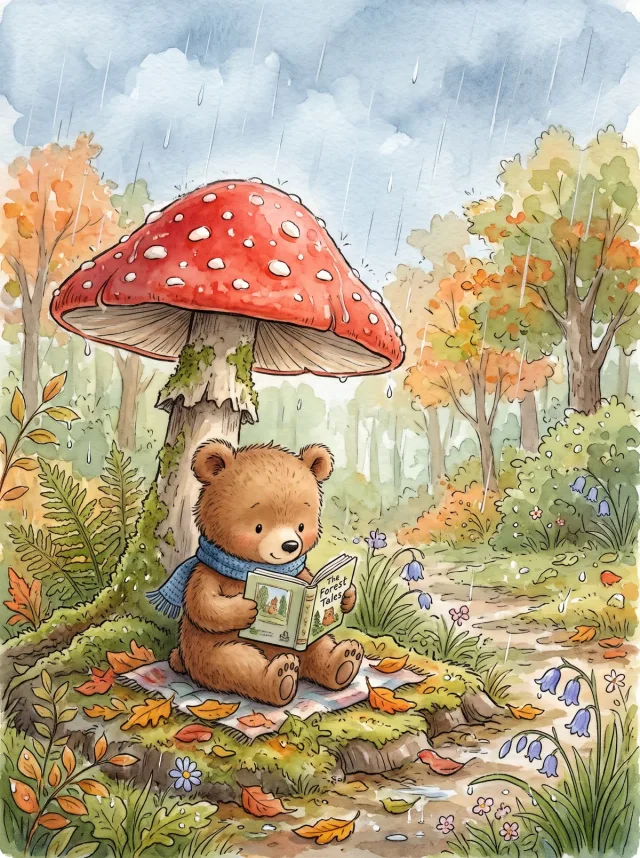 Illustration 29 s
Children's book illustration of a little bear reading a book under a big mushroom in the rain, soft watercolor and ink
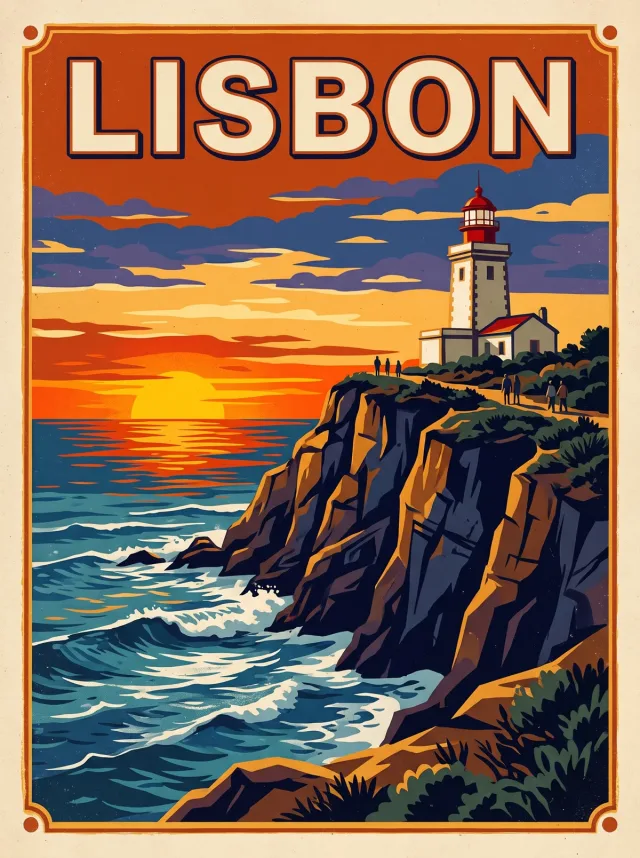 Poster 29 s
Retro travel poster of a lighthouse on a cliff at sunset, bold flat colors, the word LISBON in big letters at the top
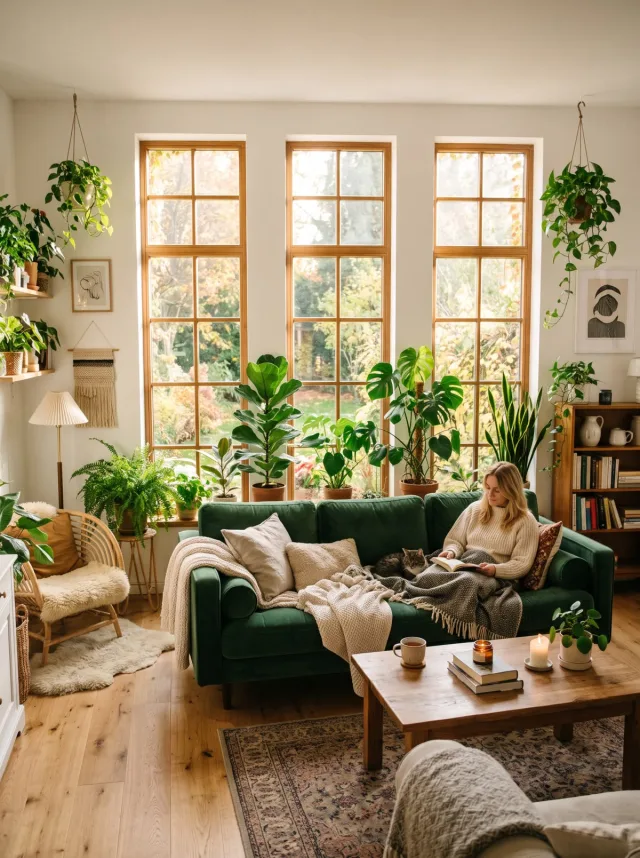 Interior 38 s
Cozy Scandinavian living room with a green velvet sofa, lots of plants and afternoon sun through tall windows
How do you make AI generated images?
Type what you want in one or two sentences, pick a shape and a style, and press Generate. Each image is 8 credits, our 2K pictures took 29 to 39 seconds, and any of them can go straight to the animator.
- 1
Describe the picture
Say what is in the picture, where it is and what the light is like. One clear sentence beats a list of words.
- 2
Pick a shape and a style
Square for a profile picture, 4:5 for a post, 9:16 for a story or a video, 16:9 for a banner. Then Photo, 3D, Watercolor or Anime.
- 3
Generate one or four
One image is 8 credits; four at once is 32, and you keep the one you like. Our eight gallery pictures took 29 to 39 seconds each.
- 4
Save it, or make it move
Download the picture, or turn it into a 5-second clip for 43 more credits.
One sentence, four styles
Same prompt every time; only the style changed. The style button adds a few words to the end of your sentence, so you can also type the style yourself.
A young Black girl in a yellow raincoat walking a corgi down a rainy city street at night, holding an umbrella
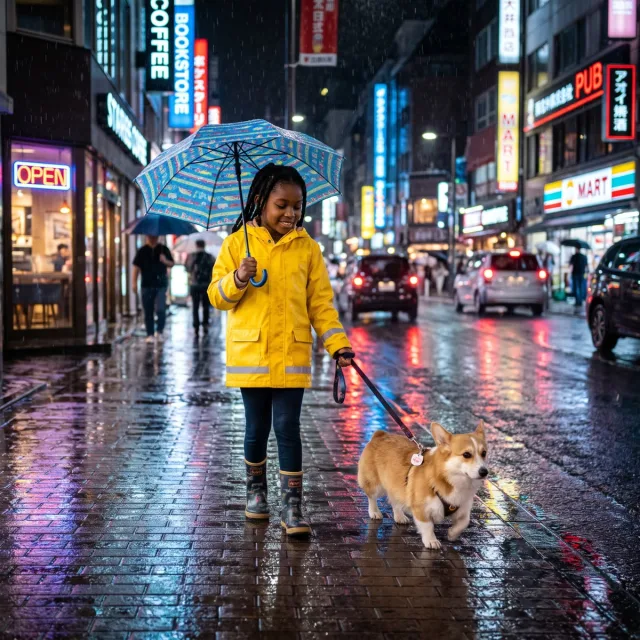
Looks like a phone photo on a wet night: neon shop signs, reflections on the stones and a real corgi on a lead.
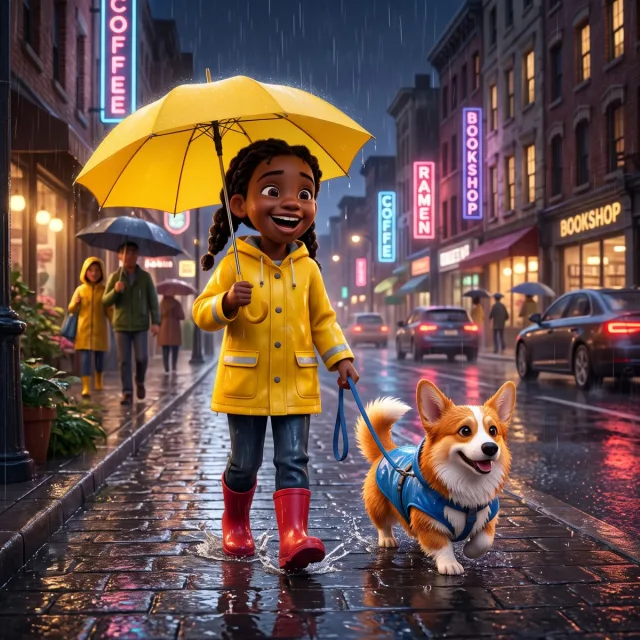
A still from an animated film: big eyes, red boots, a yellow umbrella, and the corgi got a little blue coat.
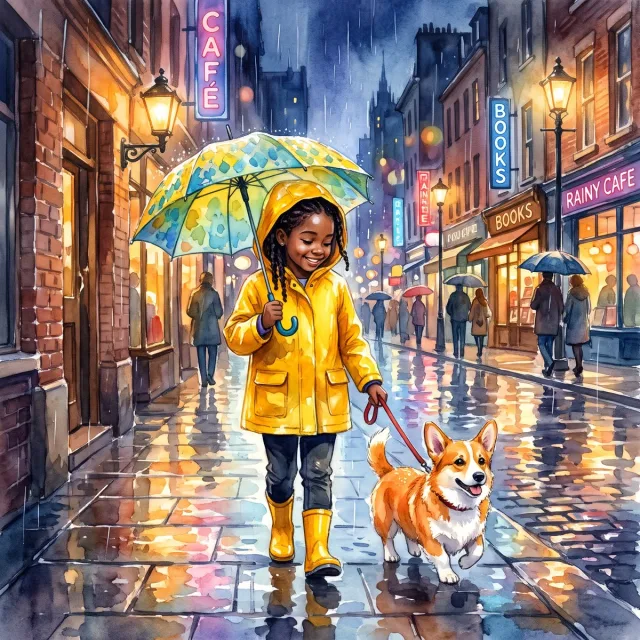
Soft washes and loose ink lines; the puddles and the café lights turn into patches of colour.
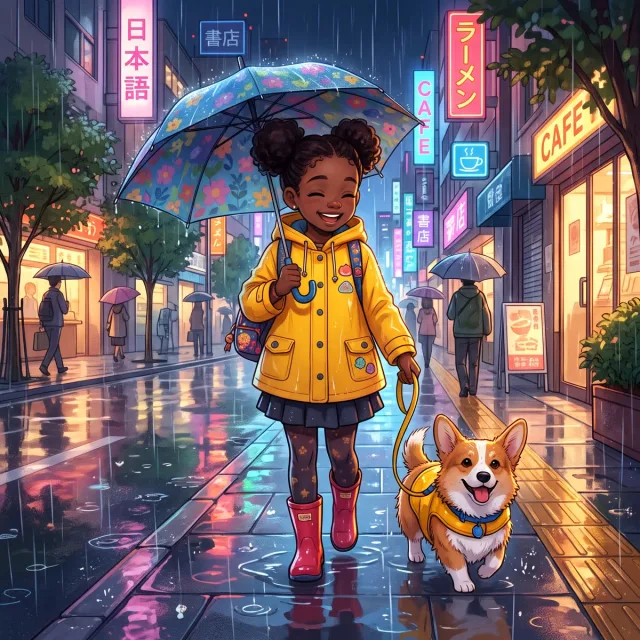
Clean outlines and bright colour; the street became a Japanese one with lantern signs, and the corgi’s coat matches hers.
Pick the shape for where it’s going
Choose the shape before you generate. Cropping a square into a tall story later cuts off most of the picture; generating it tall puts the whole scene in the frame.
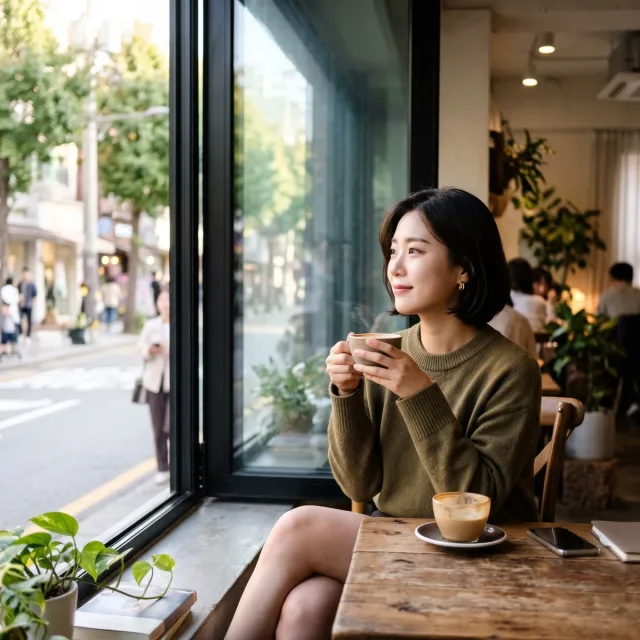 Square 1:1
Profile pictures and album covers
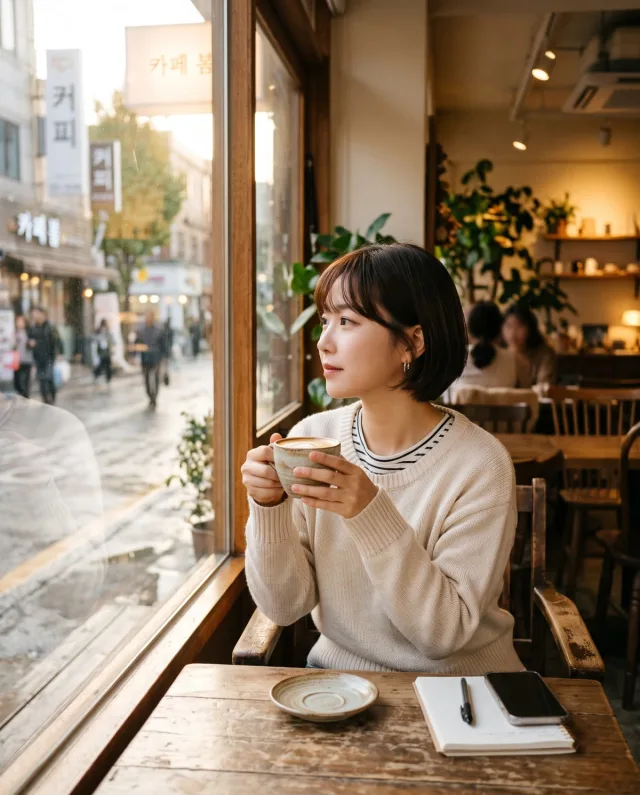 Post 4:5
Instagram and Facebook feed posts
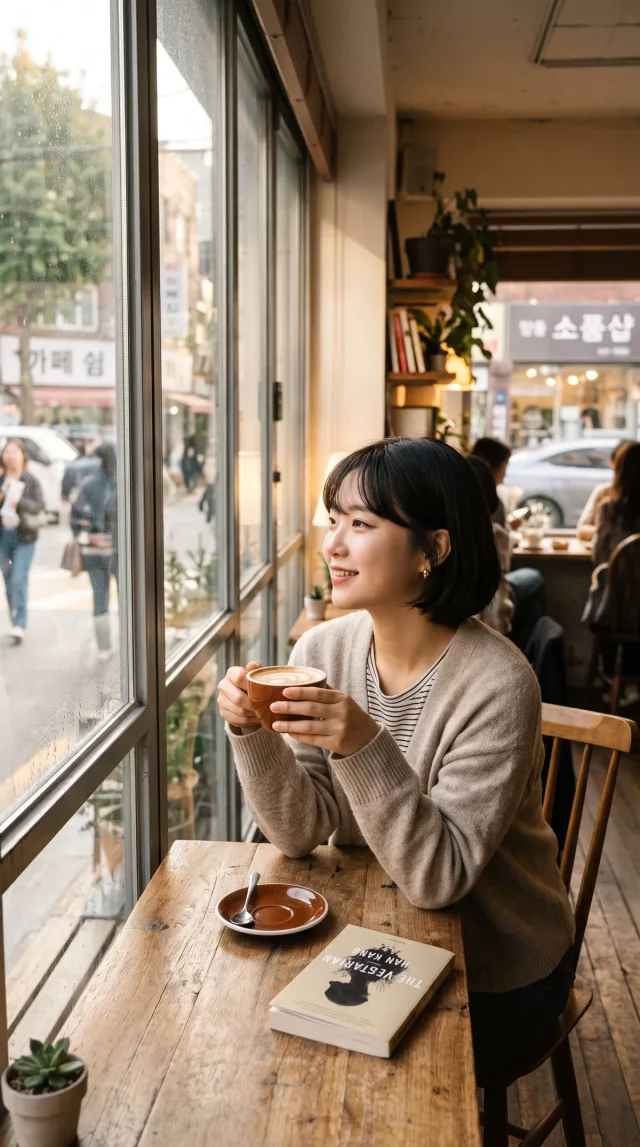 Tall 9:16
Stories, Reels, TikTok and phone wallpapers
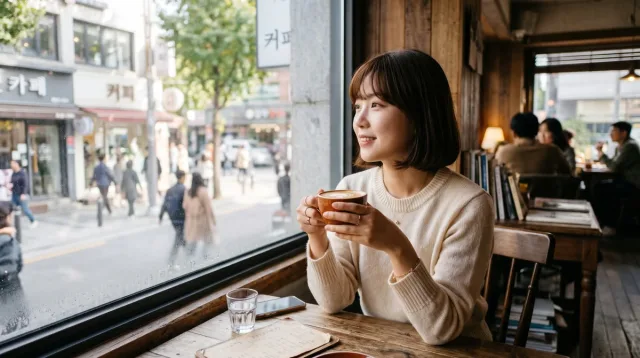 Wide 16:9
YouTube thumbnails, banners and slides
Each shape is a new picture, not a crop: the tall one fits her whole table, the wide one shows more of the street. Because each is a new run her sweater changes too, so add a reference photo when the person has to stay the same.
Short prompt or specific prompt?
Both work. A short prompt leaves every choice to the AI; a specific one gets you the picture you had in mind. Here are two ideas written both ways.
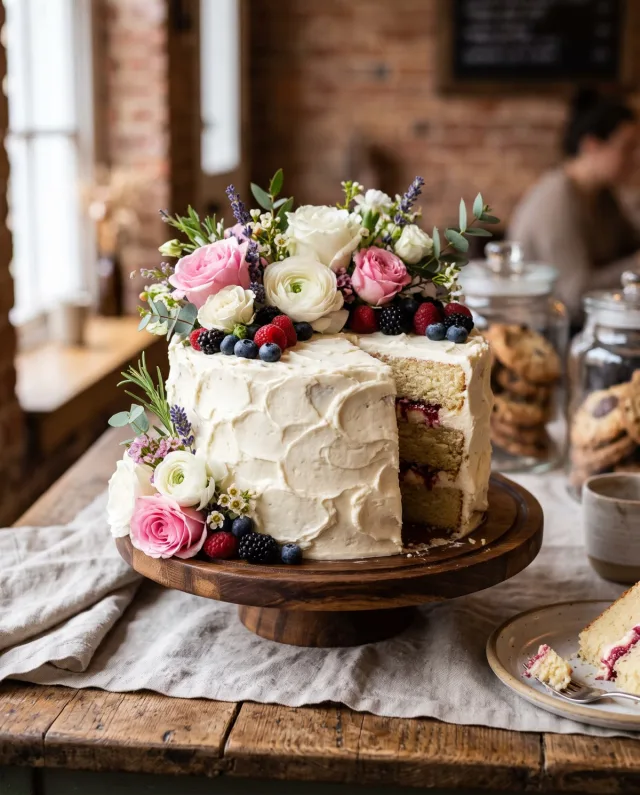
a cake
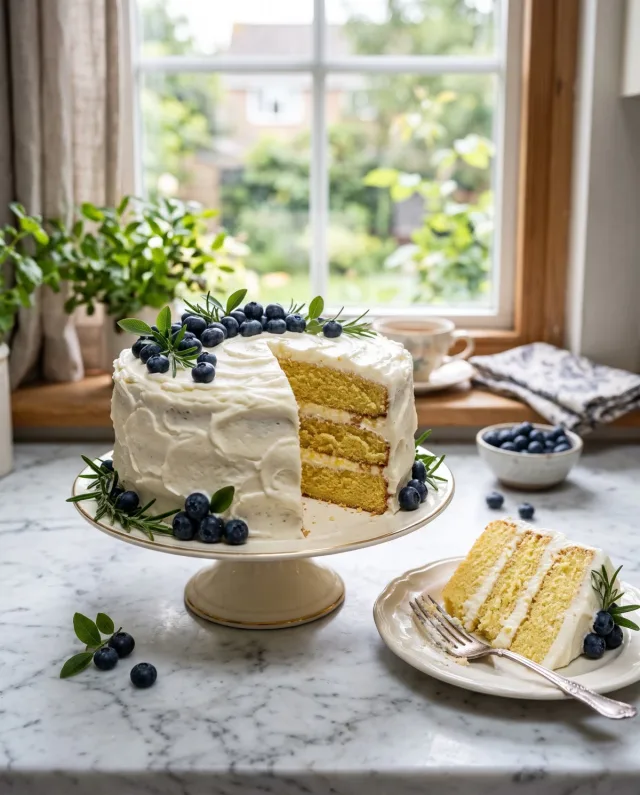
A three-layer lemon cake with white frosting and fresh blueberries on a marble counter, one slice cut out, soft morning light from a window, photorealistic photograph
What changed
“A cake” gave a cream cake covered in flowers on a wooden stand in a café: pretty, but nothing we chose. The specific prompt got everything it listed: three layers, blueberries, marble, one slice cut out and window light.
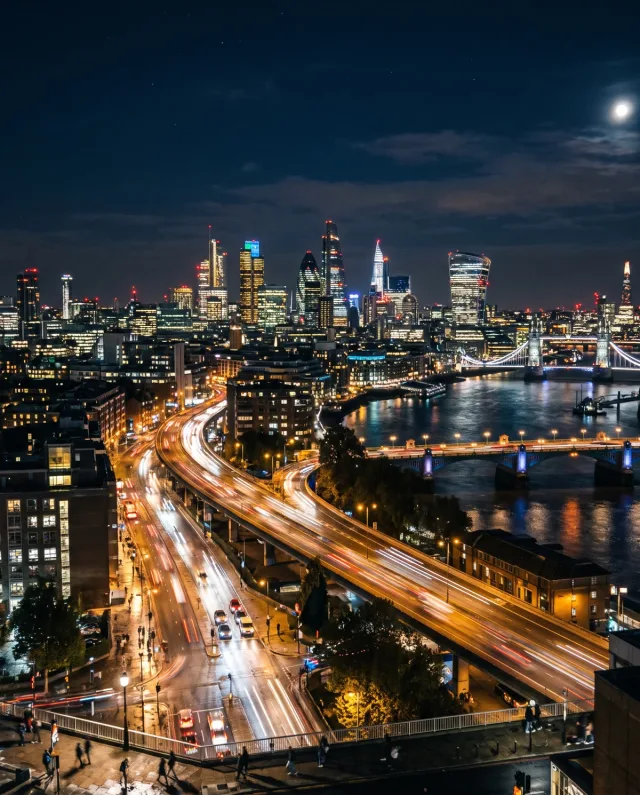
a city at night
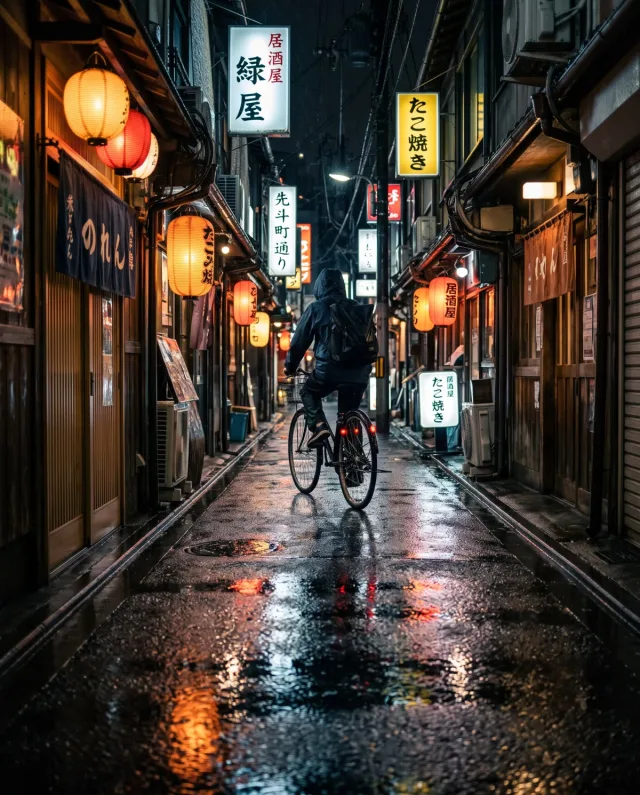
A narrow Tokyo alley at night after rain, glowing paper lanterns, a lone cyclist, reflections on wet asphalt, low camera angle, photorealistic photograph
What changed
“A city at night” gave a skyline seen from above with light trails on the roads, a postcard of nowhere in particular. The specific prompt got the narrow Tokyo alley, the paper lanterns, the lone cyclist and the wet street.
- What and who. “A golden retriever puppy”, not “a dog”.
- Where. “A shallow lake at sunset”.
- Light and camera. “Soft morning light from a window”, “low camera angle”.
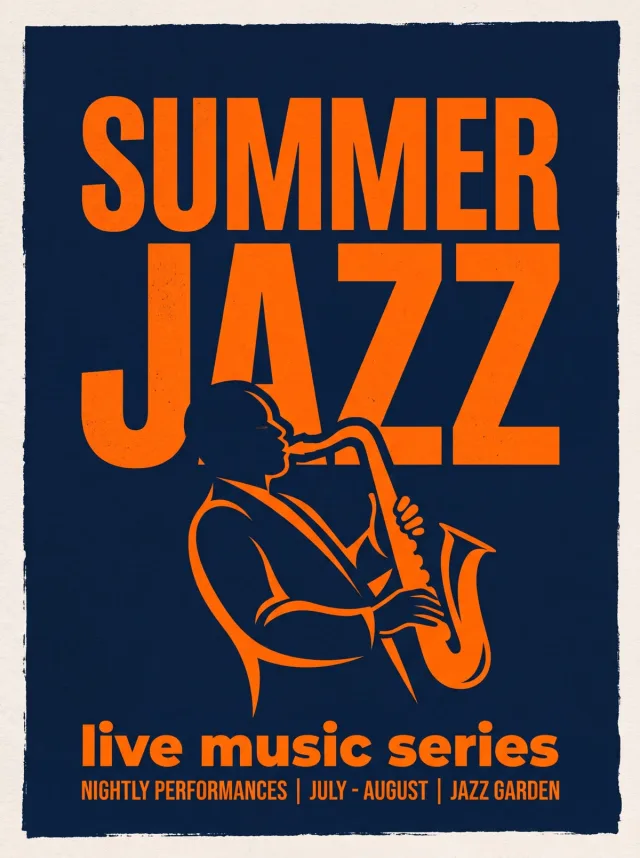
A minimalist concert poster with the big words SUMMER JAZZ and a saxophone silhouette, orange and navy
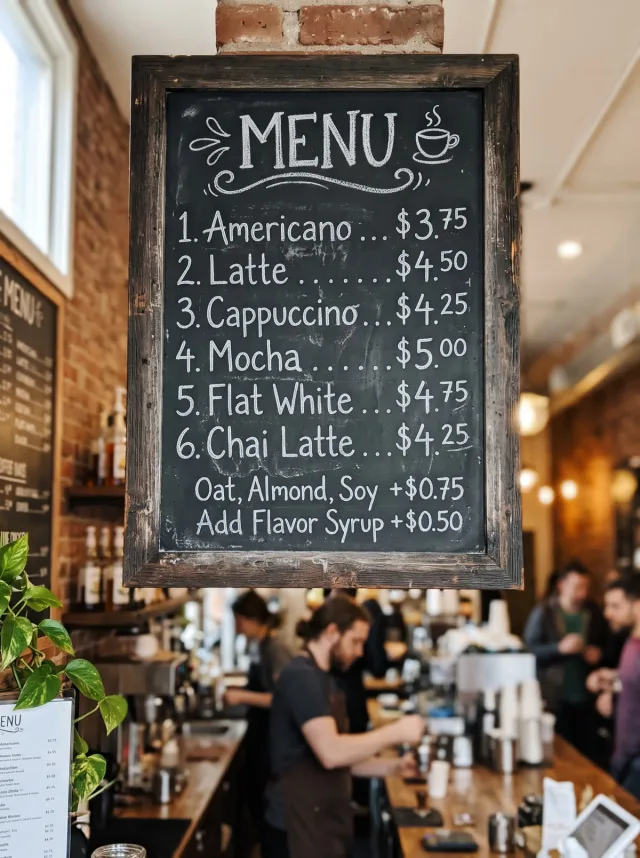
A cafe chalkboard menu listing six drinks with their prices in small handwritten chalk letters
Can it write words in the picture?
Yes, better than we expected. The poster says SUMMER JAZZ exactly, and the chalkboard lists all six drinks with their prices, every word spelled right.
It also writes words you didn’t ask for: the poster added “live music series” and a line of dates, and the menus in the background of the café are blurred scribbles. So say exactly what text you want, and check it before you post.
- Put the exact words in capitals and say where they go: “the word LISBON at the top”.
- Write every line you want, word for word. If you want no other words, say “no other text”: our poster added a line we never asked for.
- Zoom in before you post it: a wrong letter is easy to miss at small size.
Make the picture move
Every picture you make here can go straight to the animator. You write one more sentence about what should move, and in about a minute you have a 5-second clip with sound, for 43 credits.
Our puppy came splashing through the sunset water toward the camera, and it stayed the same puppy for all 5 seconds.
Generate an imageA still landscape, then mist and water
Landscapes are the easiest pictures to bring to life, because nothing has to keep a face. Ask for weather and water: drifting mist, a waterfall, clouds over the peaks.
In our clip the mist drifted along the valley, the waterfall kept pouring and a thin line of smoke rose from the cabin, as the sentence asked.
AI image generator: your questions
About prompts, shapes, words in pictures, using them and credits. Plans and refunds are on the pricing page.
How do I make AI generated images?
Type what you want in one or two sentences, pick a shape and a style, and press Generate. Each image is 8 credits at the standard 1K size, 10 at 2K and 12 at 4K. Our 2K pictures took 29 to 39 seconds.
How do I write a good prompt?
Say what is in the picture, where it is, and what the light and camera are like. “A three-layer lemon cake with blueberries on a marble counter, soft window light” gets you much closer than “a cake”.
What’s the difference between text to image and image to image?
Text to Image makes a picture from your words alone. Image to Image starts from a photo you upload and follows its person, pet or product while your words change the rest, like the place, the clothes or the style.
Can I use my own photo as a reference?
Yes. Open the Image to Image tab, or press Add a reference photo under the prompt box, and the picture follows its person, pet or product. The person in the photo should know you are using it.
Which model should I use?
Start with Nano Banana 2, the one that is already picked: it made every picture on this page. Open the model list to try another; each one shows what it costs before you press Generate.
What sizes can I make?
Square 1:1, post 4:5, tall 9:16 and wide 16:9, at 1K, 2K or 4K. Pick the shape before you generate; cropping afterwards loses part of the picture.
Can it write text in the image?
Yes. In our tests it spelled SUMMER JAZZ on a poster and a six-drink chalkboard menu with prices correctly. Write the exact words and where they go; it may add extra lines of its own, so check before you post.
Who owns the pictures I make?
You do: our Terms say the pictures you make stay yours. Don’t make pictures of real people without their consent, and only start from photos you have the right to use.
Is the AI image generator free?
Confirm your email and you get 43 free credits, enough for 5 images, plus 8 free credits a day for pictures. There is no watermark. After that each one is 8 credits, and a failed run costs nothing.
Can I animate the image?
Yes. Press Make it move under any picture and write what should move. A 5-second clip is 43 credits. Our puppy splashed toward the camera and our mountain valley filled with drifting mist.
What will you make first?
Your first 5 images are free once you confirm your email. After that each one is 8 credits, and a failed run costs nothing.