Guides to animating photos
10 guides built from clips we made here, misses included: how to animate a photo, bring an old one back to life, make a picture talk, turn a Live Photo into a video, and which AI model suits which photo.
Never animated a photo? Start here
The guide the others build on. Read it once and every other guide makes sense.
 Basics
How to animate a photo with AI
Four steps, six prompts you can copy, which model to pick, and how to fix a clip that went wrong.
- Which photos animate well, and which fight you
- Six prompts you can copy, and how to write your own
- Which model to pick for faces, action or sound
- What to change when the AI ruins a photo
Every guide
Pick the one for what you have: an old print, a face that should talk, a Live Photo, a GIF, or a choice between models.
 Free
Animate a photo with AI for free
How many free clips six photo animators give, at what quality, and which ones add a watermark.
8 min read · Updated 14 Nov 2026Read Models
Which image to video AI is best?
Two photos through seven models, every clip shown with what it did well, where it slipped and what it cost.
10 min read · Updated 14 Nov 2026Read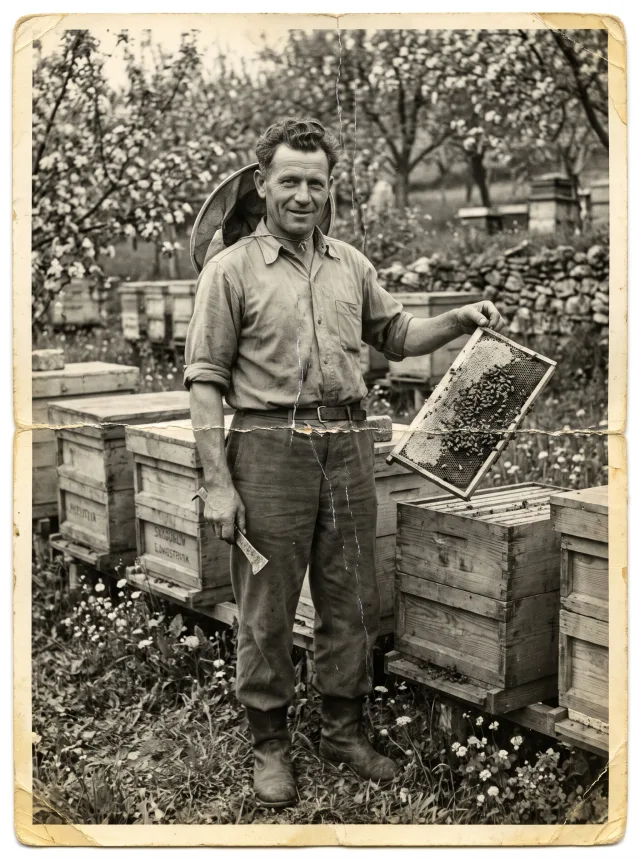 Old photos
How to bring old photos to life
Fix the damage, add color, then let it move, step by step on one creased 1950s print.
7 min read · Updated 12 Nov 2026Read Talking
How to make a picture talk
With your own recording, a typed line, or lips only, and which photos hold up when they speak.
8 min read · Updated 19 Nov 2026Read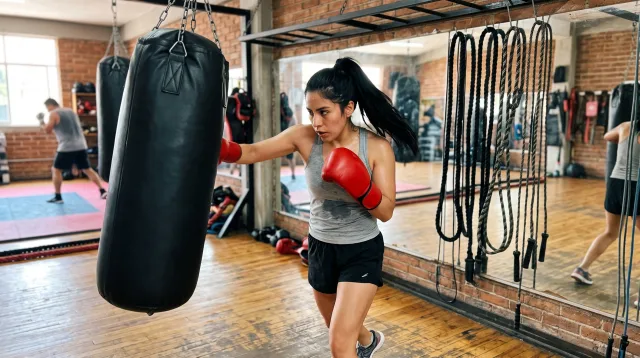 Models
Seedance vs Kling vs Veo
Three photos, the same prompts, every clip side by side with what each one cost.
8 min read · Updated 12 Nov 2026Read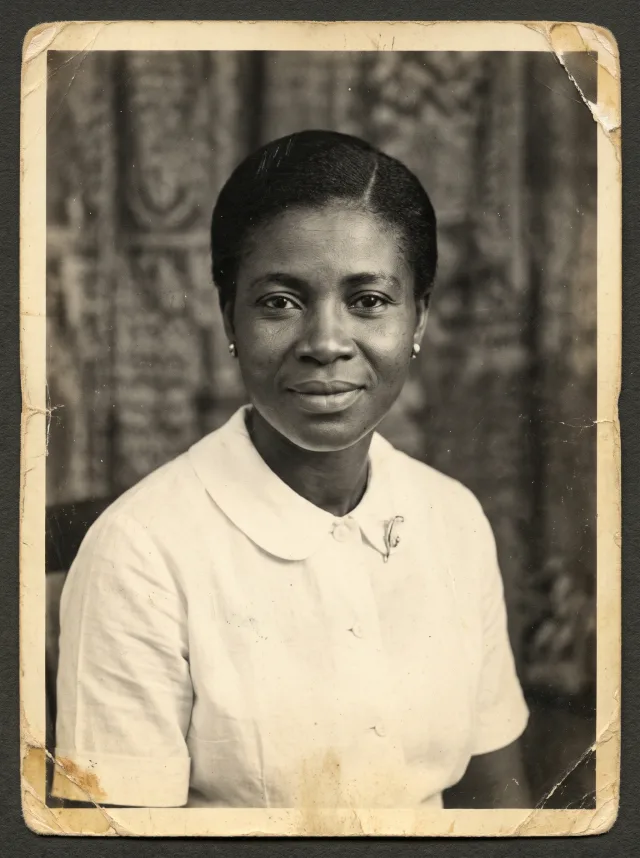 Old photos
MyHeritage Deep Nostalgia, explained
What Deep Nostalgia and LiveMemory do to an old photo, what is free, and when another tool fits better.
8 min read · Updated 12 Nov 2026Read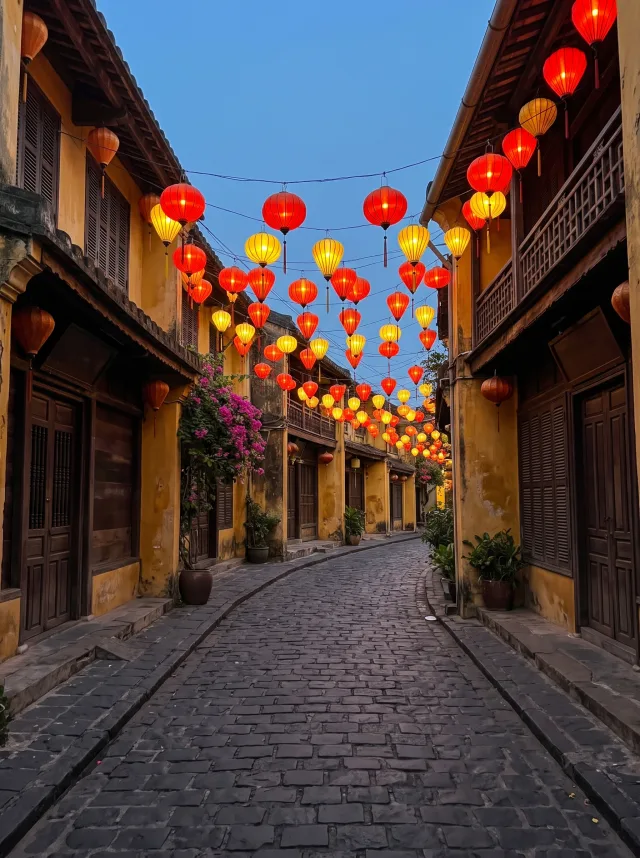 Loops
How to make a cinemagraph
One thing moves and everything else holds still, made from a single photo or the classic way from a video.
8 min read · Updated 12 Nov 2026Read Live Photos
How to turn a Live Photo into a video
Save it as a video in three taps, make it loop or bounce, or turn it into a GIF.
6 min read · Updated 12 Nov 2026Read GIFs
 GIFs
How to make a GIF transparent
From a GIF, a video or a few pictures, and how to check it stays see-through where you post it.
6 min read · Updated 12 Nov 2026ReadTools the guides use

Photo Animator
Add a photo, pick a motion, get a clip in about a minute.
Open
Animate Old Photos
Repair, add color and bring a print to life in one go.
Open
Live Photo to Video
Free, in your browser: save the moving part as an MP4.
Open
GIF Background Remover
Free, in your browser: cut the background out of a GIF.
OpenAbout these guides
Where to start, what is real and what it costs to follow along.
Where should I start if I have never animated a photo?
With How to animate a photo with AI. It covers picking a photo, writing what should move and choosing a model, with six prompts you can copy. Then open the guide for your kind of photo: an old print, a picture that should talk, or a loop.
Are the clips in these guides real?
Yes. We made them on AnimatePhotos for these guides, and the ones that went wrong are shown too, with what we changed. Where a guide talks about another tool, it says where each fact came from and when we checked it.
Do I need to pay to follow a guide?
No. The guides are free to read, and the GIF and Live Photo steps use free tools that run in your browser with no sign-up. To animate a photo, confirm your email and you get 43 free credits, enough for one 5-second clip at 768p.
Which guide helps me pick an AI video model?
Seedance vs Kling vs Veo puts three models on the same three photos. Which image to video AI is best runs two photos through seven. The models page lists every model with its price, length and sound.
How do I know a guide is still right?
Each guide shows the date we last checked it near the top. Guides that quote another site, such as Deep Nostalgia, also say when we read that site.
Put a guide to work on your own photo
Your 43 free credits make one clip. A clip that fails costs nothing.