How to make a GIF transparent
Three ways to get a transparent GIF — from a GIF you have, from a video, or from scratch — and how to check it stays see-through where you post it.
To make the background of a GIF transparent, open it in a GIF background remover, let it pick out the subject (or click the background color), check the result on a dark and a light background and download the new GIF. A GIF pixel can only be fully see-through or fully solid, so set the edge color close to whatever the GIF will sit on. If you’re starting from a video, turn it into a GIF first, then remove the background the same way.
Every route uses a free tool that runs in your browser · Updated 2026-11-12
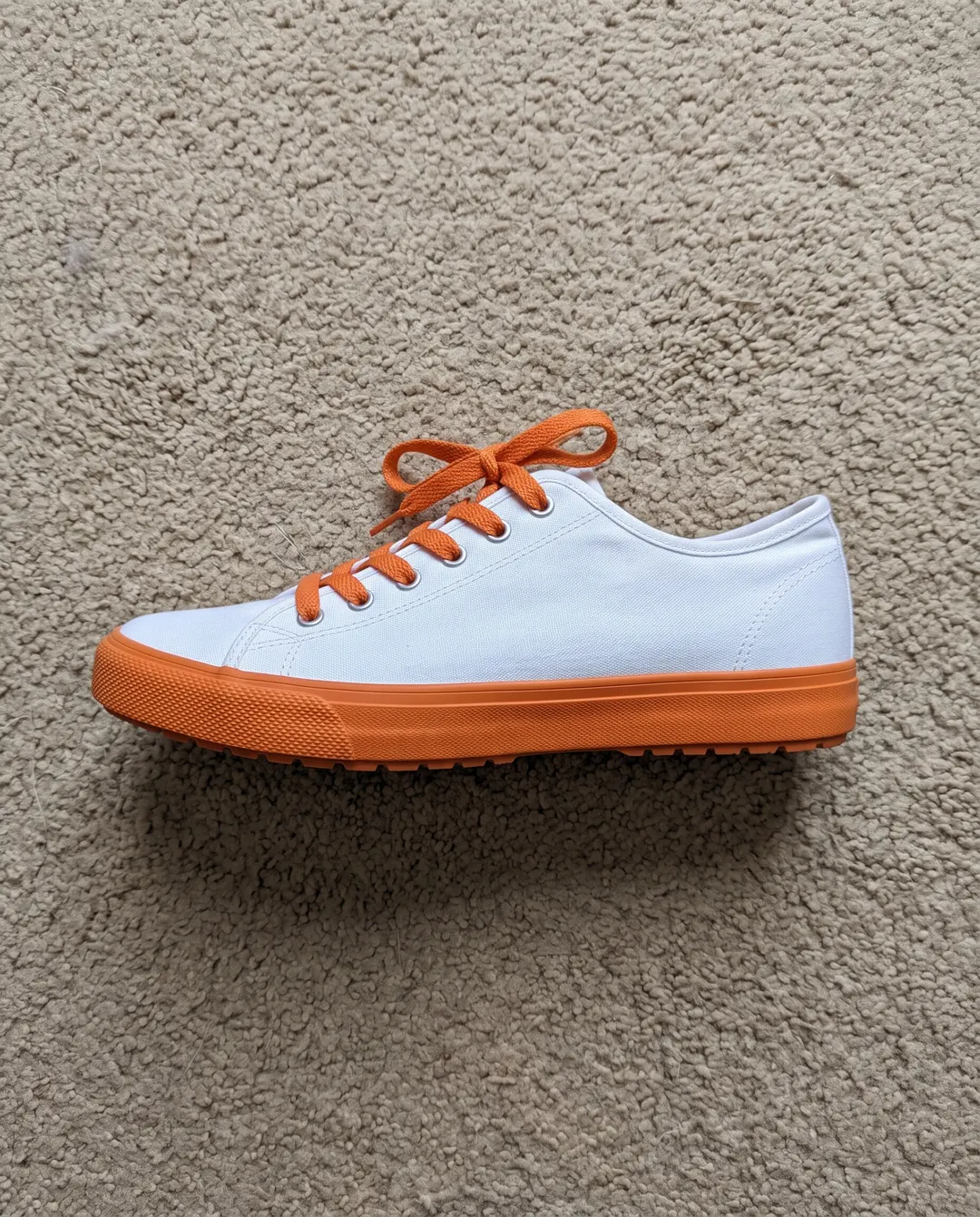
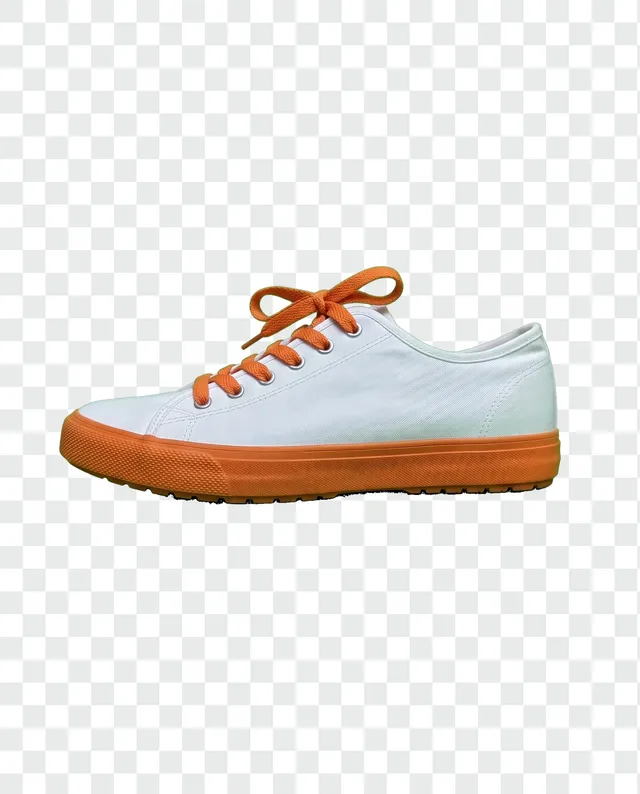 BackgroundSee-through
Three ways to get a transparent GIF
Start from what you already have. Each route ends with the same check.
You already have a GIF
Take the background out frame by frame with the GIF background remover. Three steps, below.
OpenYou have a video
Turn the part you want into a GIF with Video to GIF, then remove its background the same way.
OpenYou have a few pictures
Put them in order as frames with Photo to GIF, then take the background out of the finished GIF.
OpenHow to make a GIF transparent background
From a GIF you already have, in the free background remover. Nothing is uploaded and there is no watermark.
- 1
Open the GIF
Drop it into the box on the GIF background remover. It opens inside your browser tab and never leaves your device. The first time, the tool fetches its cutting model, so give it a moment.
- 2
Remove the background
Pick Subject for photos and real scenes, where the tool decides frame by frame what belongs to the subject. Pick One color for a flat background, like a green screen, a white wall or a sticker, and click that color.
- 3
Check it on dark and light, then download
Look at the preview on both a dark and a light background before you save. A thin rim on one of them means the edge color needs changing: set Matte color to the color the GIF will sit on.
How to make a GIF with a transparent background from a video
A background remover works on GIFs, so a video takes one extra stop. Make the GIF first, keeping only the seconds you need, then cut it.
Plan for the cut while you film or pick the clip. A plain background with a clear gap between it and the subject cuts far cleaner than a busy street. Video shot against a single flat color can use One color, which is the most exact of the two ways.
- Open Video to GIF and drop the video in. It accepts an iPhone .MOV as it is.
- Keep it narrow and short. A GIF stores every frame in full, so width and frame rate multiply the file size, and the cutting takes longer too.
- Bring the GIF to the background remover and follow the three steps above.
How to make a transparent GIF from scratch
If the GIF doesn’t exist yet, build it from pictures. Photo to GIF takes JPG, PNG, WebP or AVIF files, up to 60 of them, and turns them into frames in the order you set.
We haven’t yet confirmed that a see-through PNG keeps its transparency through Photo to GIF, so the dependable route is two steps: make the GIF from your pictures, then take the background out with the background remover. Drawing your frames on one flat color, such as plain white, makes that second step easy, because One color can lift it in one click.
Will it stay transparent where you post it?
The GIF itself keeps its see-through pixels anywhere it is shown as a GIF. What changes is the place you post it. Anything that turns your GIF into a video loses the transparency, because a video has no see-through pixels; that is why our GIF to MP4 tool asks you for a fill color before it converts.
We haven’t tested each chat app, slide tool and social site yet, so we don’t list which ones keep it. You can find out for your own case in a minute.
- Post it once somewhere private first: a message to yourself, a draft slide, an unpublished page.
- Look at it on both a dark and a light background, if the place lets you switch.
- If a solid box appears behind it, that place fills transparency in. Use a matte color that matches the box, or send a WebP if it is accepted.
Transparent GIF: the two things people mean
Search for “transparent GIF” and you get two different files. One is an animation with no background. The other is a single invisible pixel.
| Compared | An animated GIF with a see-through background | A 1×1 transparent GIF |
|---|---|---|
| What you see | The subject, moving, with the page showing through around it | Nothing at all: one pixel, fully clear |
| What it is for | Stickers, reactions, logos and product shots placed on any color | Holding space in old web layouts; emails use it to note when a message is opened |
| How to get one | The three routes on this page | Any image editor: a 1×1 canvas, nothing painted, saved as a GIF with transparency |
Transparent GIF questions
Can a GIF be half see-through, like a soft shadow?
No. Each GIF pixel is either fully clear or fully solid; ezgif puts it as “GIFs only support 1-bit transparency.” For soft shadows, glows or feathered edges, save a WebP or an APNG instead, both of which the background remover offers.
Why does my transparent GIF show a black or white background in some apps?
The app is filling the clear pixels in, often because it turns GIFs into videos, and a video has no transparency. The GIF hasn’t lost anything; that place just won’t show it. Pick a matte color that matches the fill, or post a WebP where it is accepted.
How do I check that a GIF is really transparent?
Put it on two backgrounds, one dark and one light. If the page color shows through around the subject on both, it is transparent. A white box on the dark one means the background was never removed; a thin halo means the edge color doesn’t match.
Can I make only some frames transparent?
Yes. Every GIF frame has its own pixels, so one frame can be fully clear while the next is solid. That is handy for a GIF that should appear out of nothing: make the first frames empty and let the subject arrive. Onlinegiftools has a setting for exactly this.
What is a 1×1 transparent GIF used for?
It is a single invisible pixel. Old web pages used it to push things into place before modern layouts, and emails use it to register when a message is opened. It has nothing to do with animation.
Should I use PNG, WebP or APNG instead?
For a still picture, PNG. For a moving one with soft edges, WebP or APNG, which can be partly see-through; WebP is usually the smaller of the two. GIF wins where it is the only format accepted, since almost every app plays it.
Can I make a GIF transparent on my phone?
The background remover runs in the browser, so it opens on a phone too. The first GIF downloads the cutting model, about 90 MB, so do it on Wi-Fi. We haven’t timed it on a phone yet.
Does making a GIF transparent change its speed or length?
It shouldn’t. The background remover cuts the pixels of each frame and keeps each frame’s timing, so the GIF plays for as long as before. Compressing it afterwards with the GIF compressor keeps both the timing and the transparency.
About this page
Updated 12 Nov 2026. Every route on this page uses a free tool on this site that runs in your browser.
Keep going


Have the GIF? Cut it out
Free, no sign-up and no watermark. The GIF stays on your device the whole time.