Upscale an image with AI
An upscaler image tool for small photos, old scans and AI pictures. Pick 2× or 4×, and the AI draws in the new pixels instead of stretching the old ones, so edges and textures stay sharp.
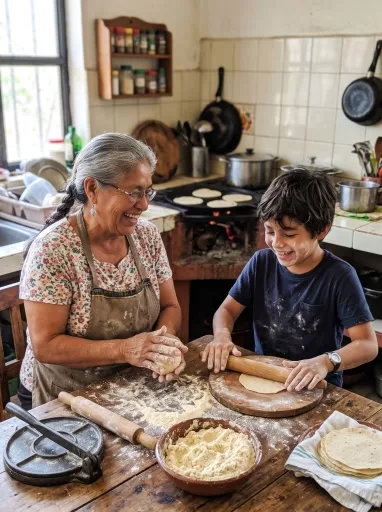 382 × 512
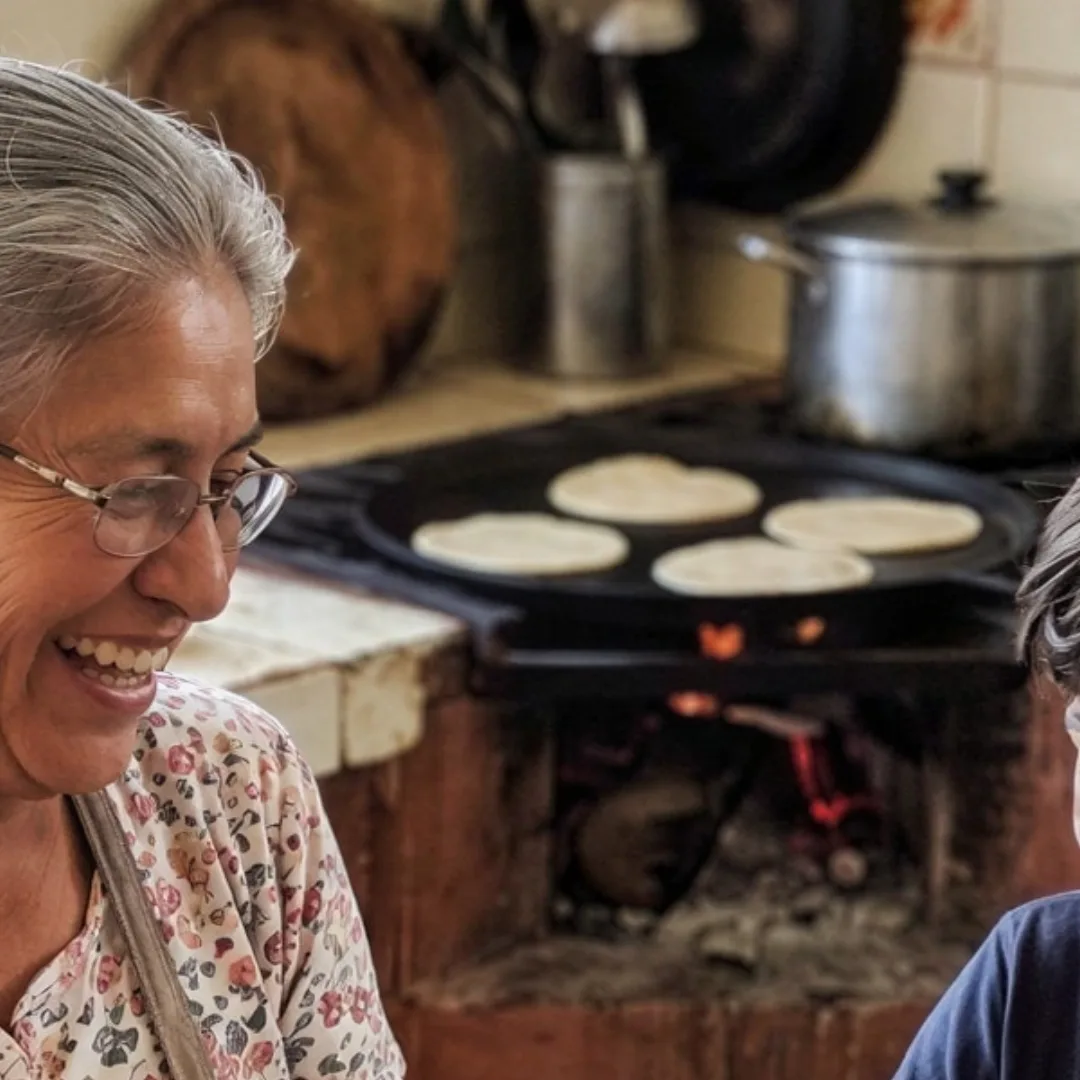
 StretchedAI 4×
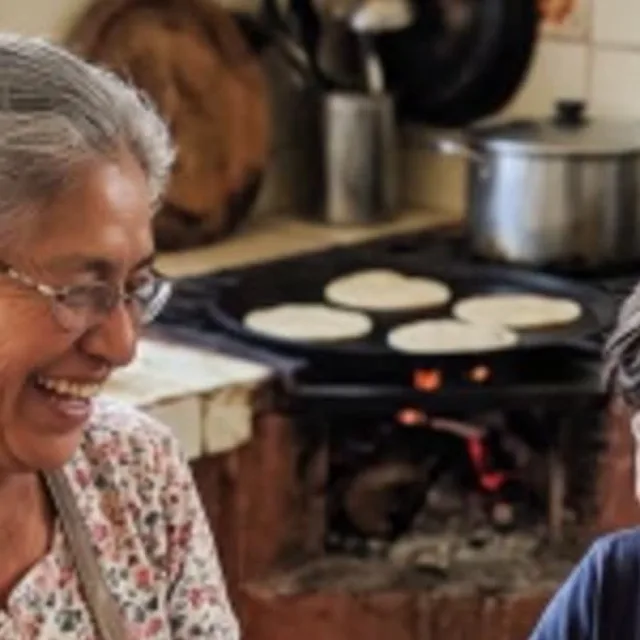
Upscale 4×A 512 px kitchen photo of a grandmother and her grandson making tortillas
The whole picture, and the same spot up close
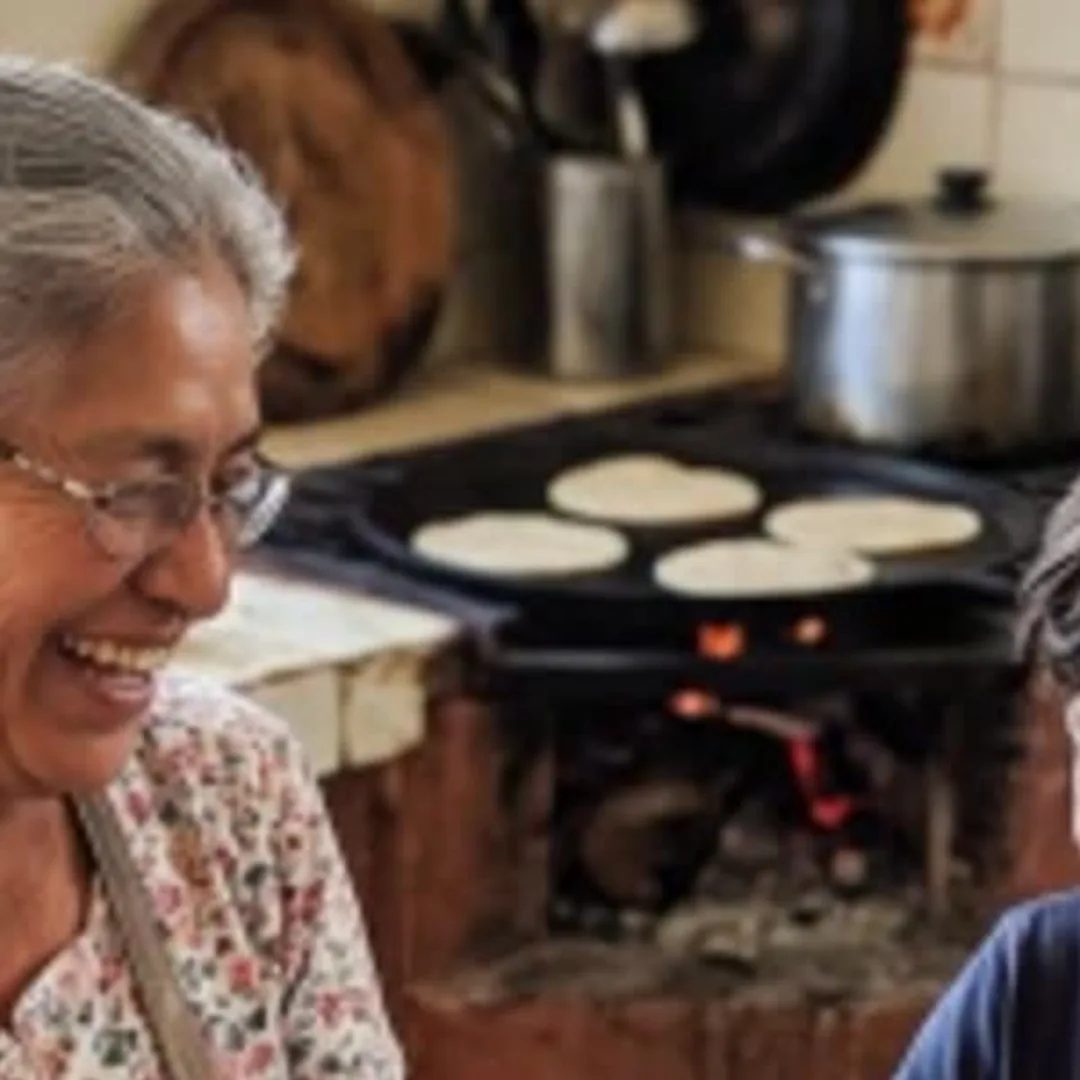
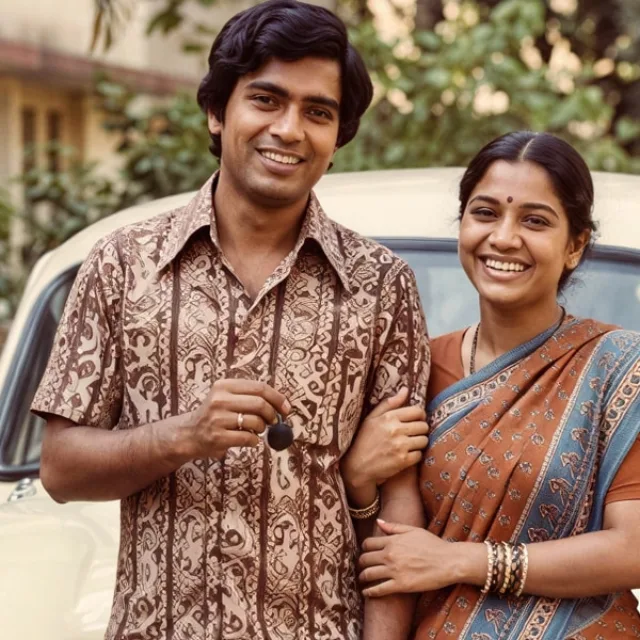
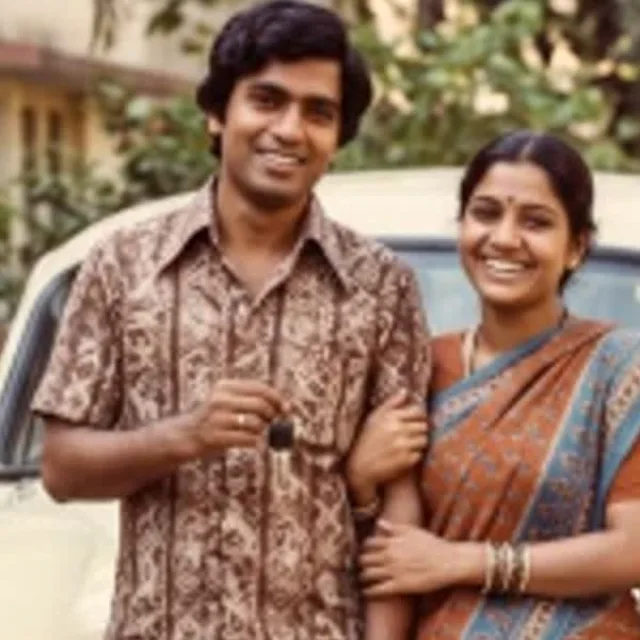
Each small picture is 512 px tall. On the left of each close-up it is simply stretched 4×, the way any photo app enlarges it; on the right is the AI upscale. Same spot, shown at full size.
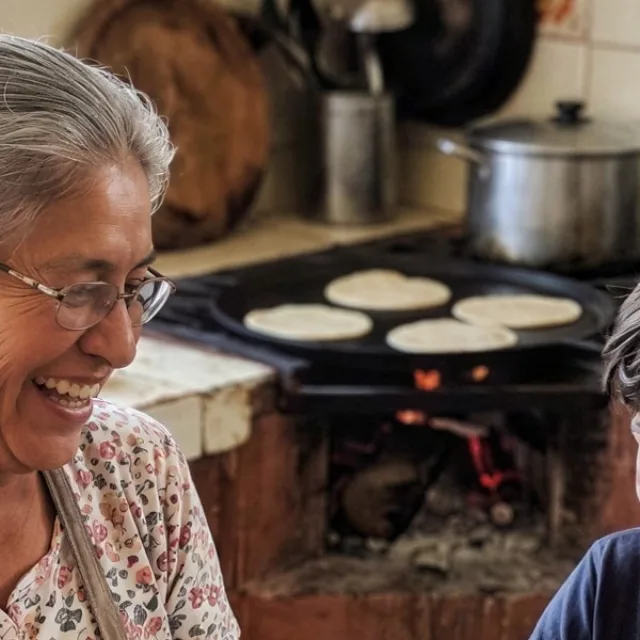
 StretchedAI 4×
Family photo
Stretched, her glasses and the little flowers on her blouse turn to mush. Upscaled, the glasses have clean rims and every flower is sharp again.
4× in 12 s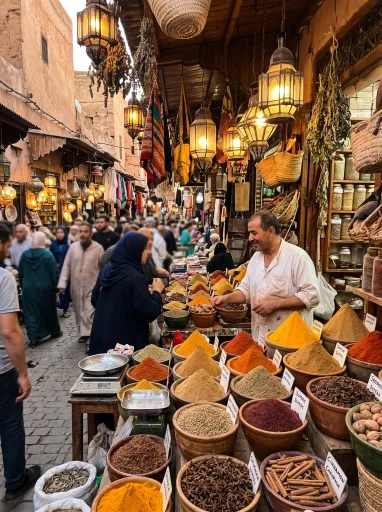
 StretchedAI 4×
Phone photo
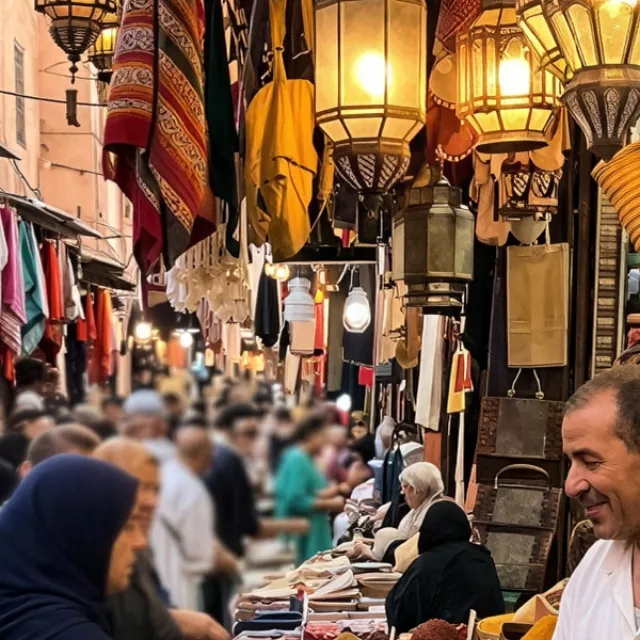
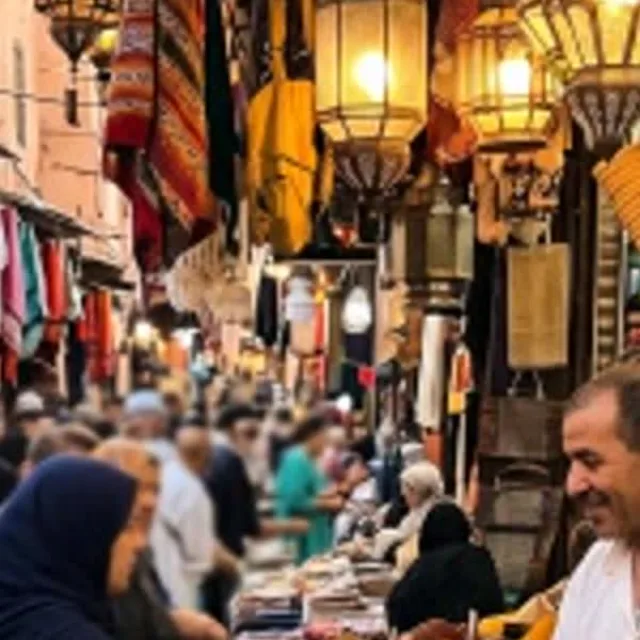
The lanterns and the striped rugs hanging over the street come back sharp. The crowd behind the seller stays soft, as it was in the photo: the AI didn’t invent faces it couldn’t see.
4× in 10 s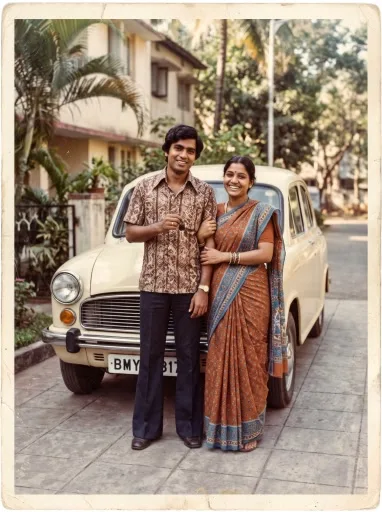
 StretchedAI 4×
Old print scan
The faded colors of the old print stay, but the couple’s smiles, his shirt pattern and her bangles get crisp edges again.
4× in 11 s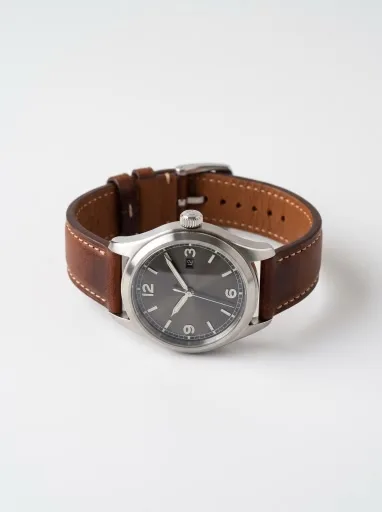
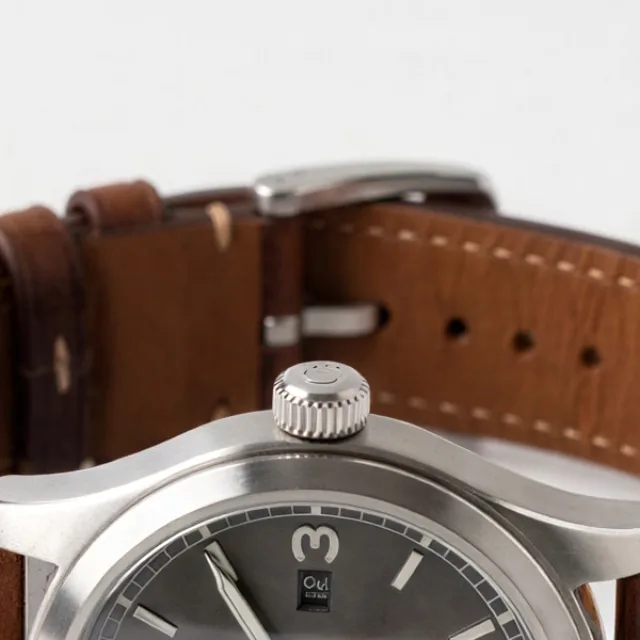
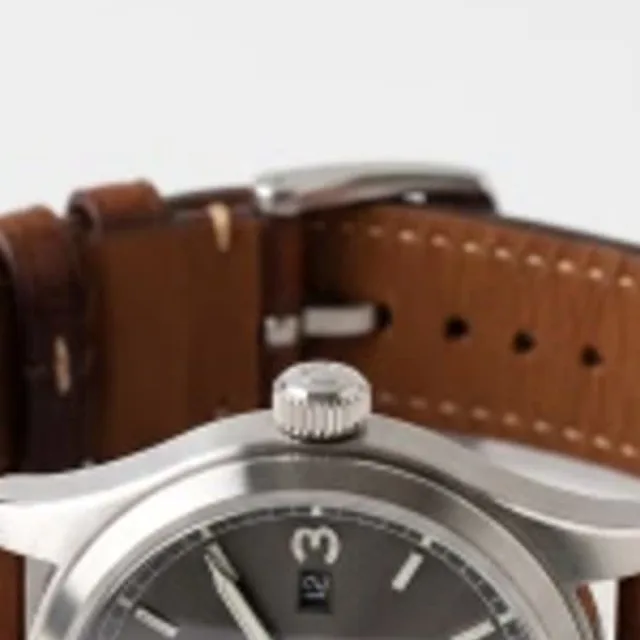 StretchedAI 4×
Product photo
The ridges on the watch crown and the stitching on the strap come out sharp. The tiny date did not: 12 came back as letters, so check small numbers.
4× in 11 s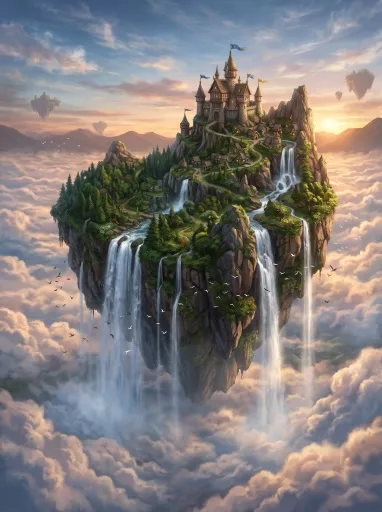
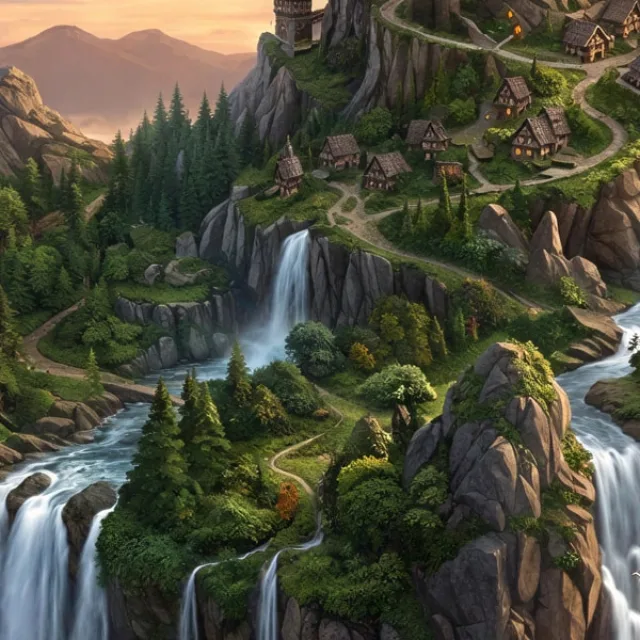
 StretchedAI 4×
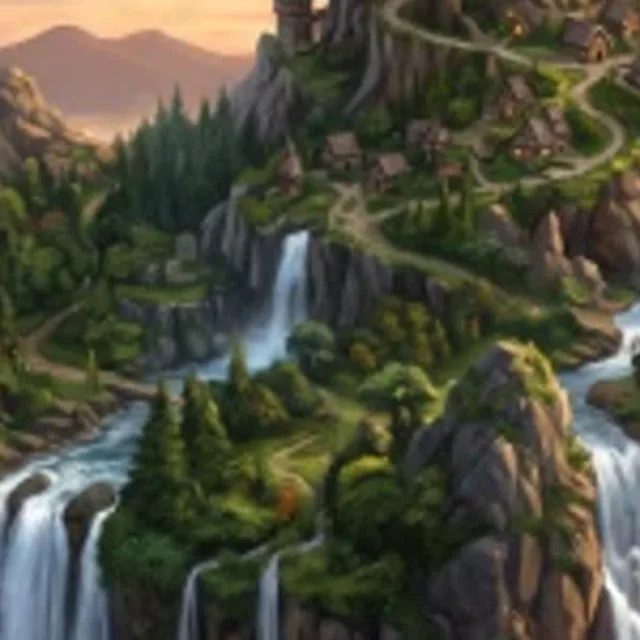
AI picture
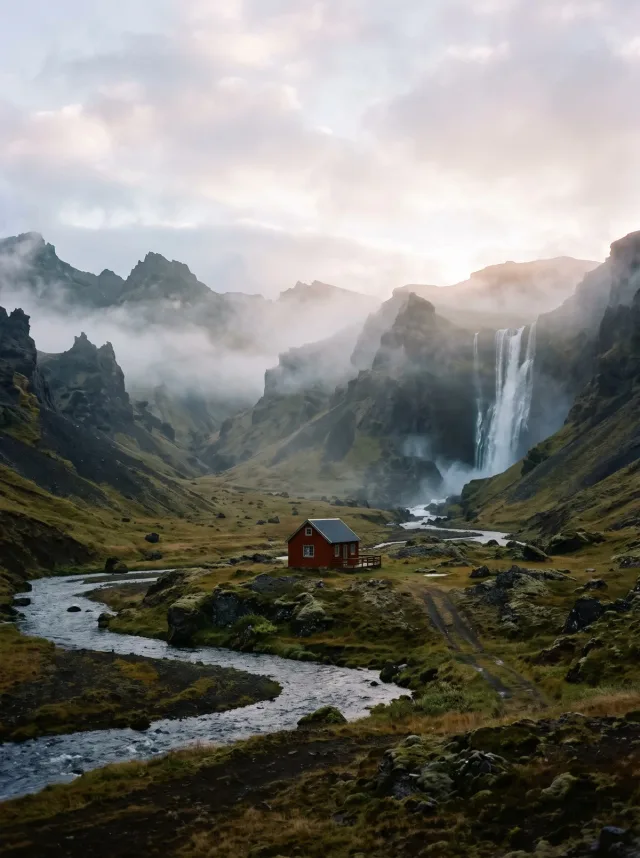
Clean, drawn pictures upscale well: the tiny houses, the pine trees and the waterfalls all get clean edges.
4× in 10 s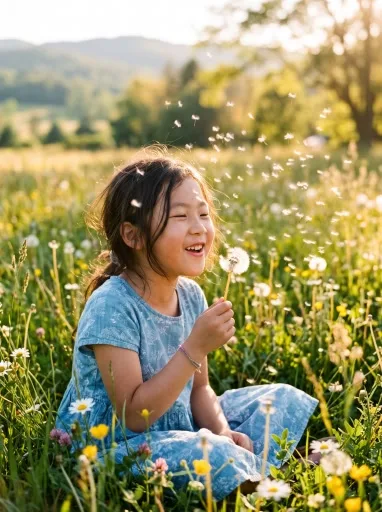
 StretchedAI 4×
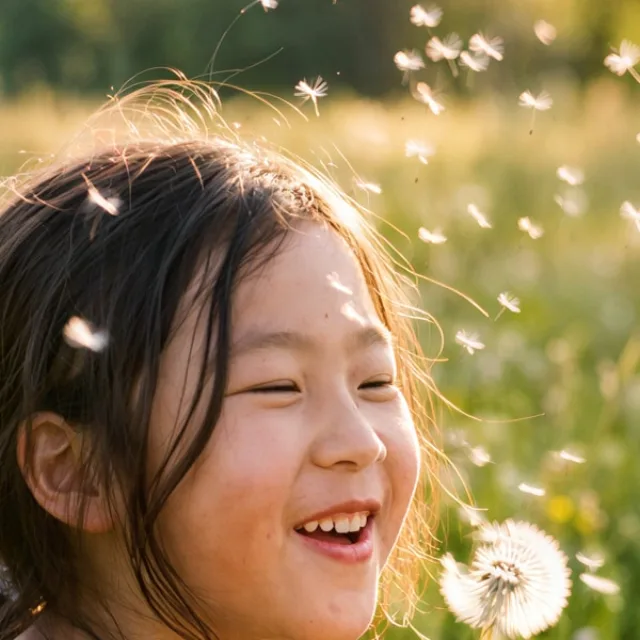
Outdoor portrait
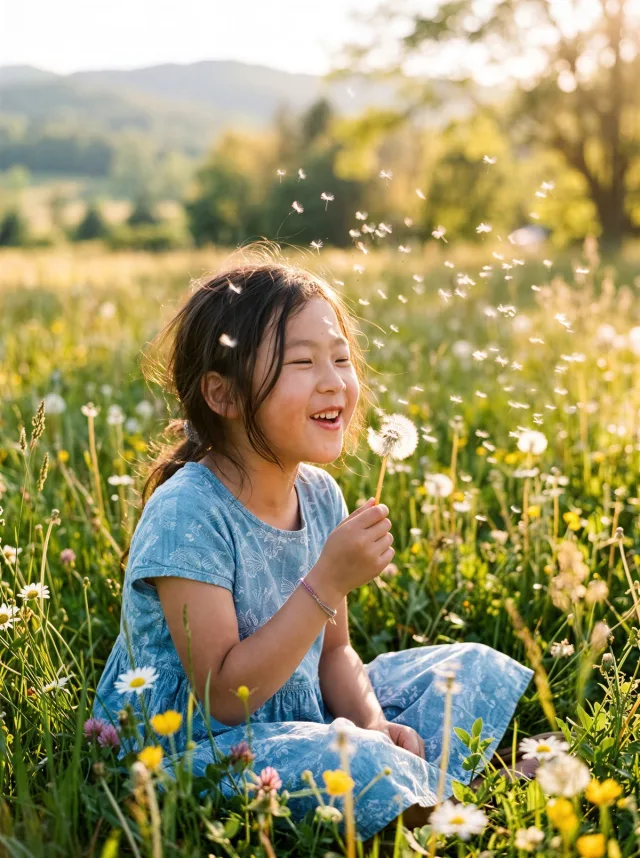
Every dandelion seed gets its own fine threads, and her hair is separate strands instead of a soft blur.
4× in 8 sHow do you increase the resolution of an image?
Upload it, pick 2× or 4× and press Upscale. AI upscale draws in the new pixels from what the picture shows, so edges and textures stay sharp instead of going soft. 2× is 30 credits and 4× is 40, and our 4× runs took 8 to 12 seconds.
- 1
Upload the image
A small photo, a screenshot, an old scan or a picture from an AI generator. JPG, PNG or WebP.
- 2
Pick 2× or 4×
2× doubles the width and height, 4× makes it four times as wide and tall. The new size shows before you start.
- 3
Upscale and download
Our 4× runs took 8 to 12 seconds. Drag the line to compare, then download the big image.
2× or 4×: what happens to small print
A honey jar whose label says “raw and unfiltered · 12 oz · Harlan Farm, Vermont” in small type. Same 512 px picture, three ways.
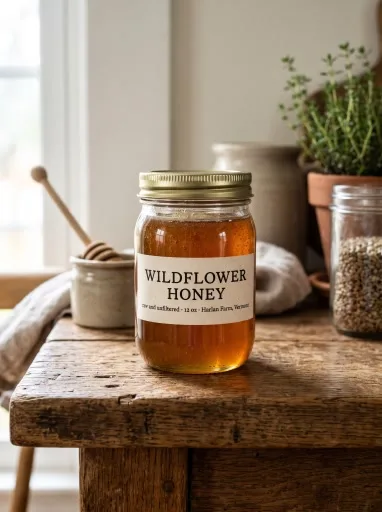
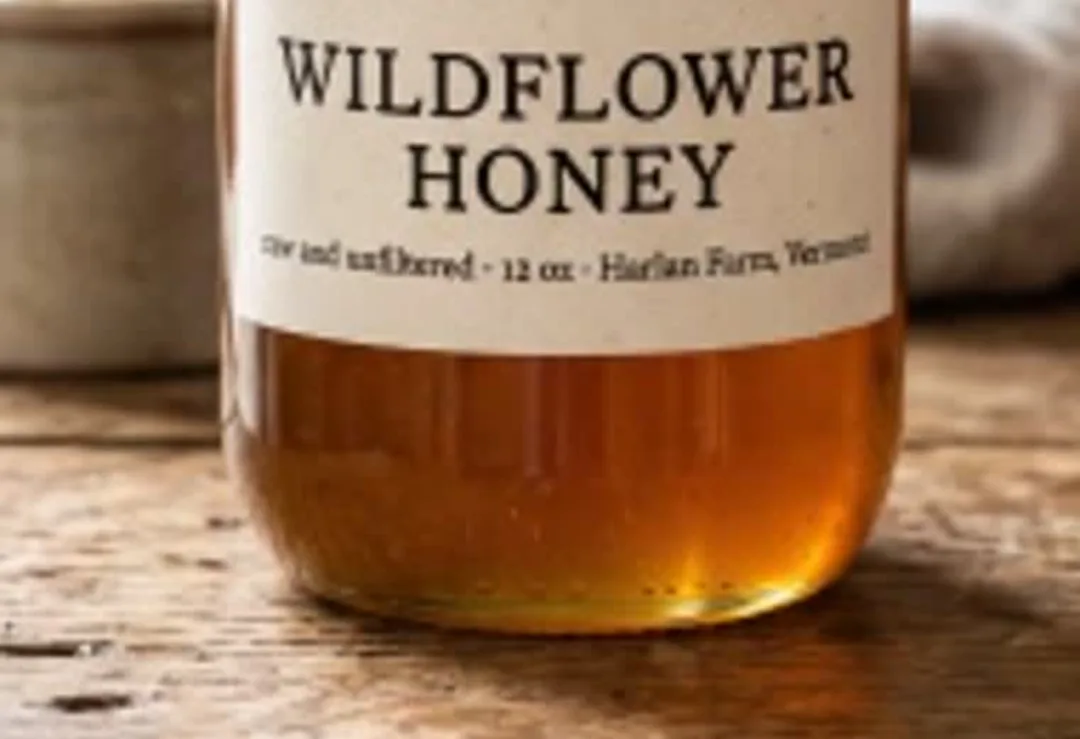
Stretched
The small label made 4× bigger with plain resizing.
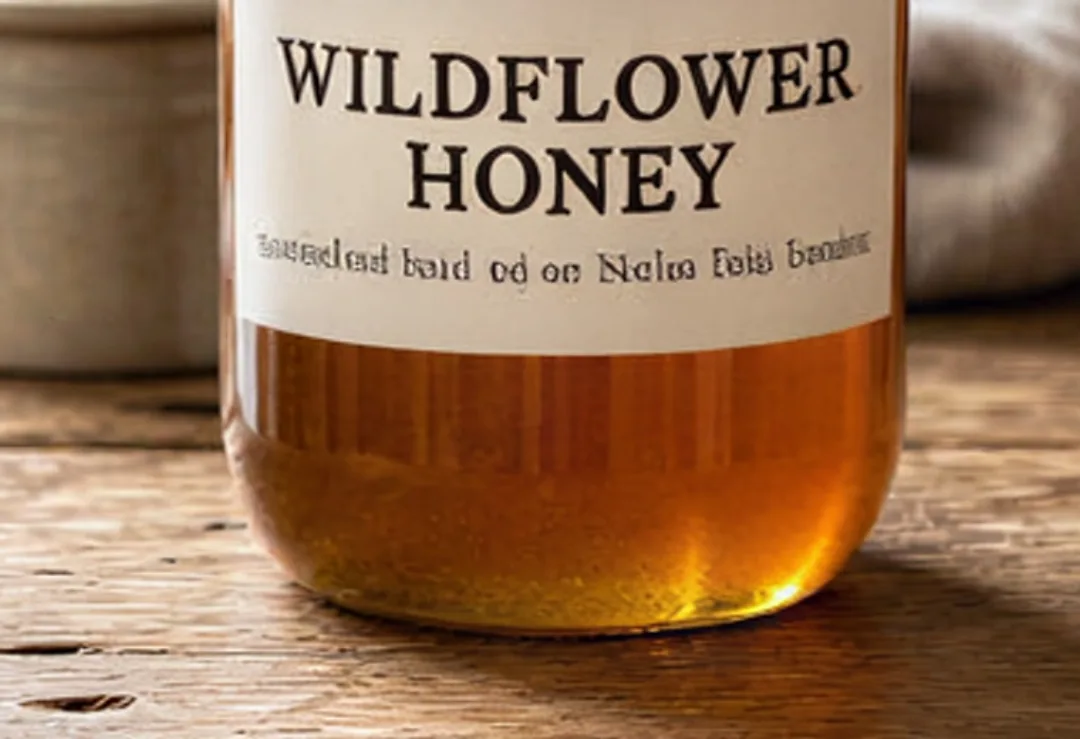
AI 2×
The big words still read WILDFLOWER HONEY. The small line turned into made-up letters that look like words but aren’t.
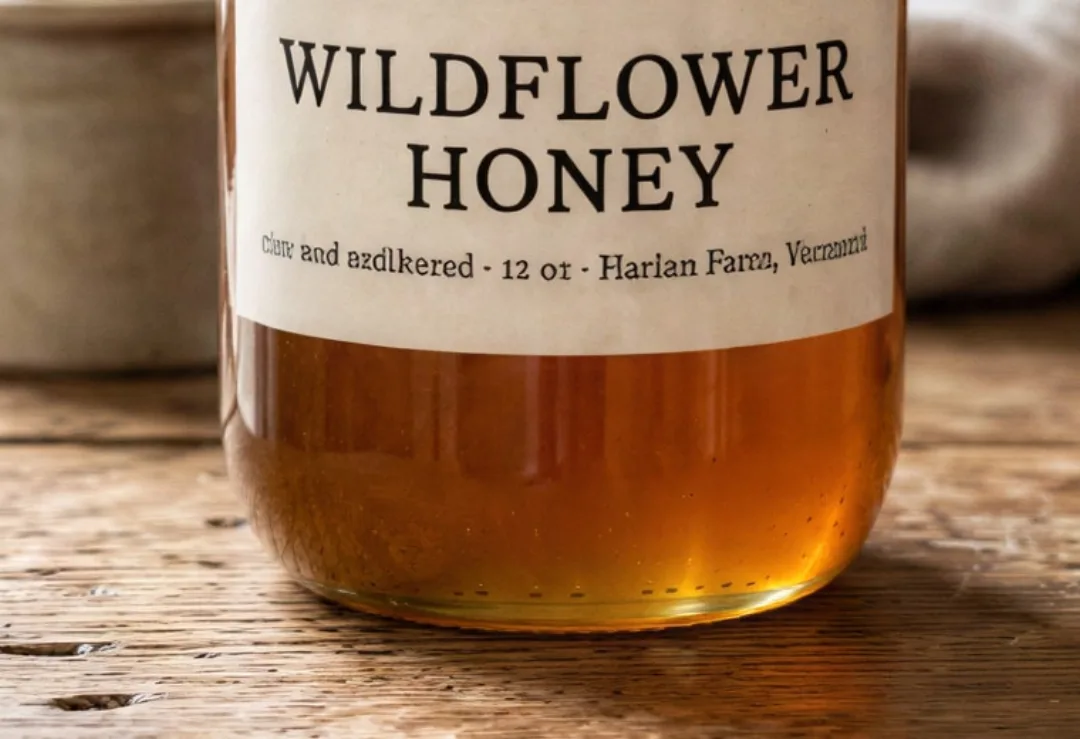
AI 4×
Closer, but still wrong: “raw” turned into a smudge, “unfiltered” into “azdlkered”, and Harlan Farm into “Harlan Farn”.
Pick 4× for a photo you want to print or crop into: faces, fabric, fur and leaves gain the most.
Pick 2× when the picture only needs to fill a screen or a web page.
Don’t trust small print. Big words survive; letters only a few pixels tall get redrawn as letters that look right and spell nonsense. Upscale the original file if you need the text.
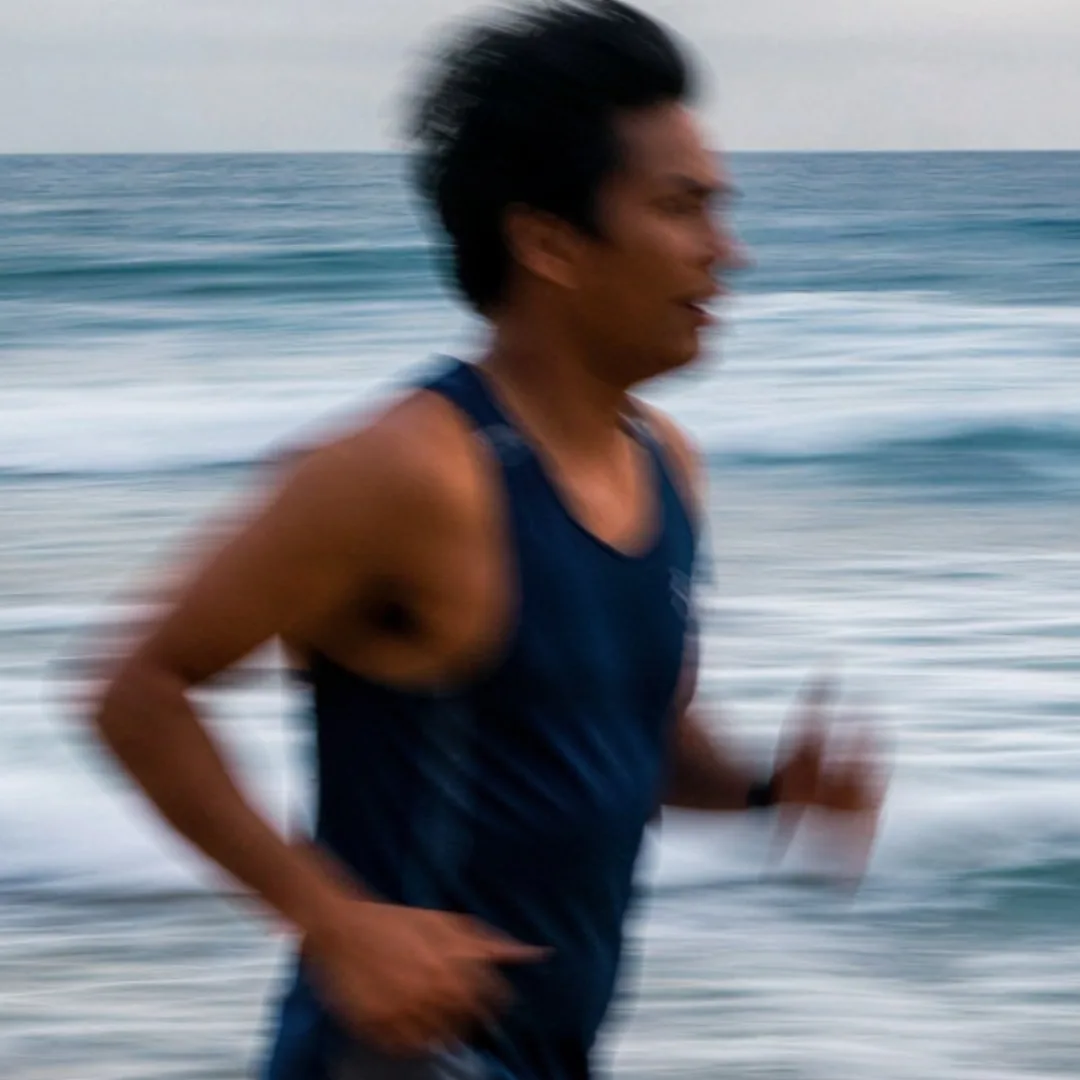
 StretchedAI 4×
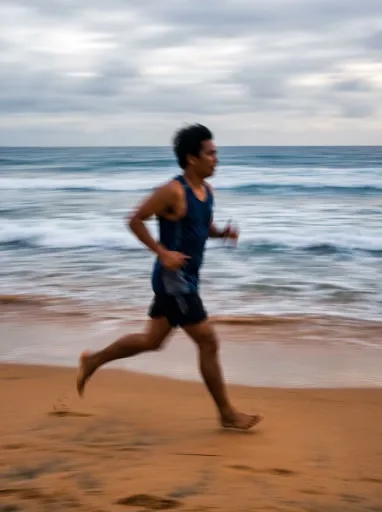
What upscaling can’t fix
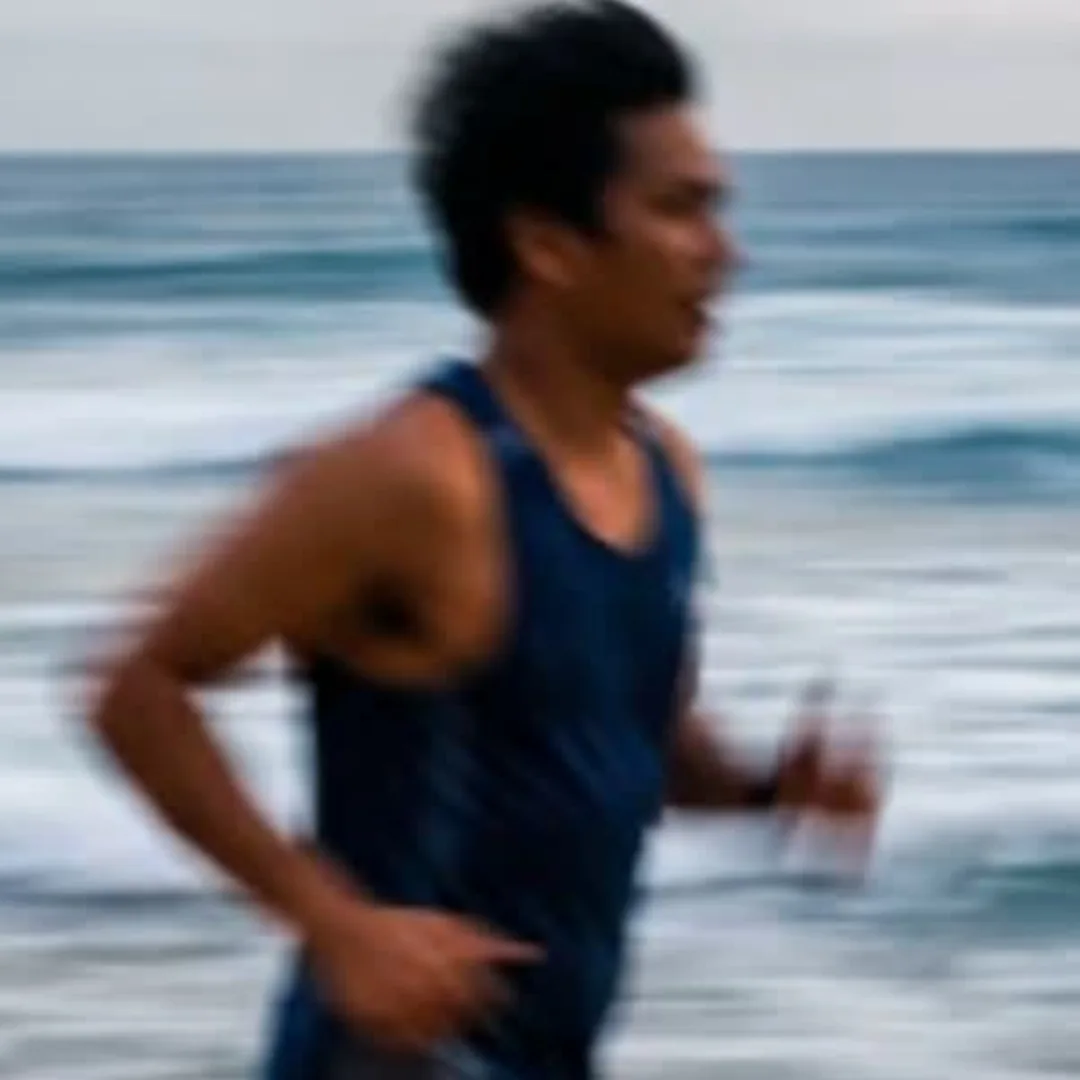
Upscaling adds pixels to what the photo already shows. It does not know what a blurred face really looked like.
This snapshot of a man running on a beach was smeared by the camera moving. Upscaled 4× it is bigger and smoother, but still smeared: the face, the arms and the waves stay blurred.
For a torn, creased or faded print, use photo restoration first, then upscale the repaired copy.
Restore an old photoHow big is big enough? 512, 1024 and 2048 pixels
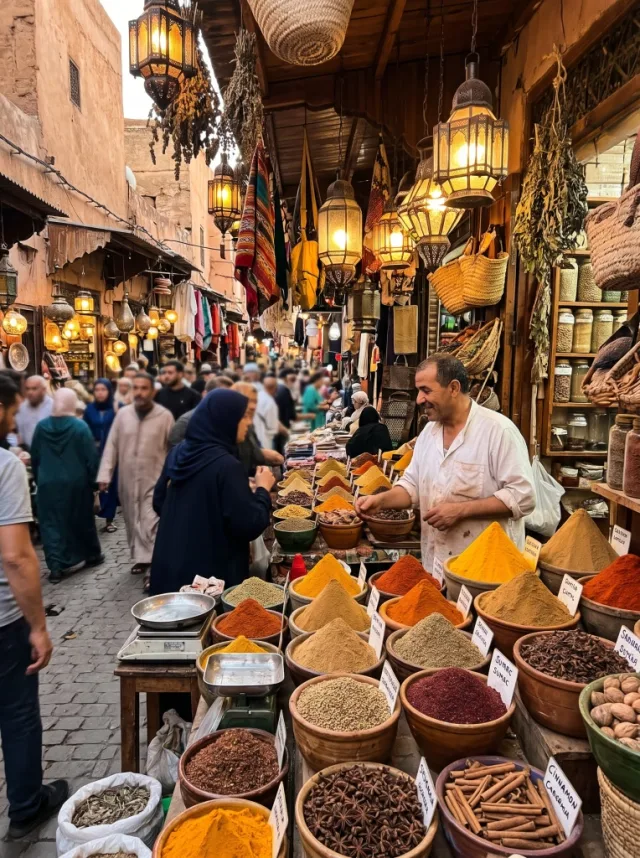
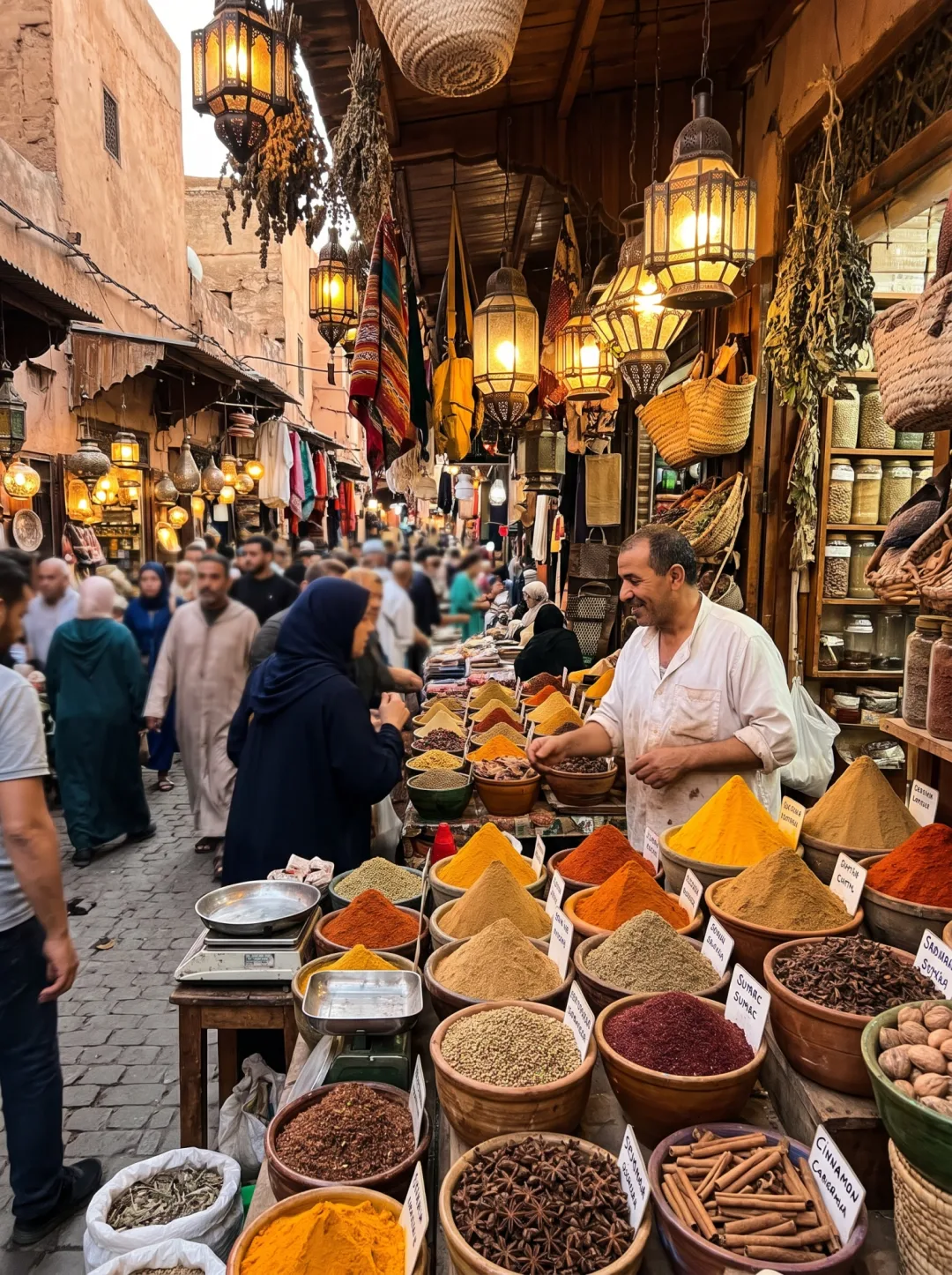
The same market photo at three heights, drawn to scale. A 512 px picture upscaled 4× lands at 2048; 2× lands at 1024.
512 pxA message or a thumbnail
Looks fine on a phone, soft anywhere bigger.
 1024 px
A web page or a post
Fills a feed post or half a laptop screen.
 2048 px
A full screen or a print
Sharp on a laptop, and about 7 inches tall printed at 300 dots per inch.
Upscale first, then make it move
The same 512 px photo of a girl blowing a dandelion, turned into a 5-second clip twice with the same sentence: once straight from the small picture, once after a 4× upscale. A clip is 43 credits.
From the small picture
The seeds drift and the grass sways, but her face is soft and waxy, and her eyelashes are gone.
From the upscaled picture
Same motion, but her eyelashes, the hair strands and her teeth stay sharp all 5 seconds.
If a picture is small, upscale it before you animate it. 40 more credits make the whole clip look sharper.
AI upscale: your questions
About sizes, blur, small text, print and credits. Plans and refunds are on the pricing page.
How do I upscale an image with AI?
Upload it, pick 2× or 4× and press Upscale. 2× is 30 credits and 4× is 40. Our 4× runs took 8 to 12 seconds, and you download the big image when it’s done.
How do I upscale an image without AI?
Any photo app or browser can resize it bigger, but that only stretches the pixels you have, so it looks soft. The left half of every close-up on this page is exactly that.
What’s the difference between 2× and 4×?
2× doubles the width and height; 4× makes them four times larger. A 512 px picture becomes 1024 or 2048 px. 4× shows more detail, and costs more.
Will it fix a blurry photo?
No. Upscaling makes a blurry photo bigger, not sharper: our motion-blurred beach snapshot stayed blurred at 4×. For a torn or faded print, use photo restoration first.
Will it keep the text readable?
Big words, yes. Small print, no: on our honey jar the big words stayed right, but the small line came out as made-up letters at 2× and with wrong letters at 4×. Check any text before you use it.
Can I use it for print?
A 512 px photo upscaled 4× is 2048 px tall, about 7 inches at 300 dots per inch. We haven’t tested prints ourselves, so look at it at full size before you order one.
Is the AI image upscaler free?
2× is free 3 times a day without an account. Confirm your email and you get 43 free credits, enough for one 4× upscale. After that 2× is 30 credits and 4× is 40, and a failed run costs nothing.
What happens to my image?
Your picture stays next to the upscaled copy in My Creations, so you can compare them: 30 days on the free plan, or, once you have paid, while you use AnimatePhotos and 90 days after. Delete both whenever you like. Tried it without an account? Then there is no My Creations to keep it in, so your picture is deleted after a day.

Which picture is too small?
2× is free 3 times a day. After that 2× is 30 credits and 4× is 40, and a failed run costs nothing.