Talking photo
Type a line, upload a voice note or record one. The person in your photo says it, with lips and face that match.
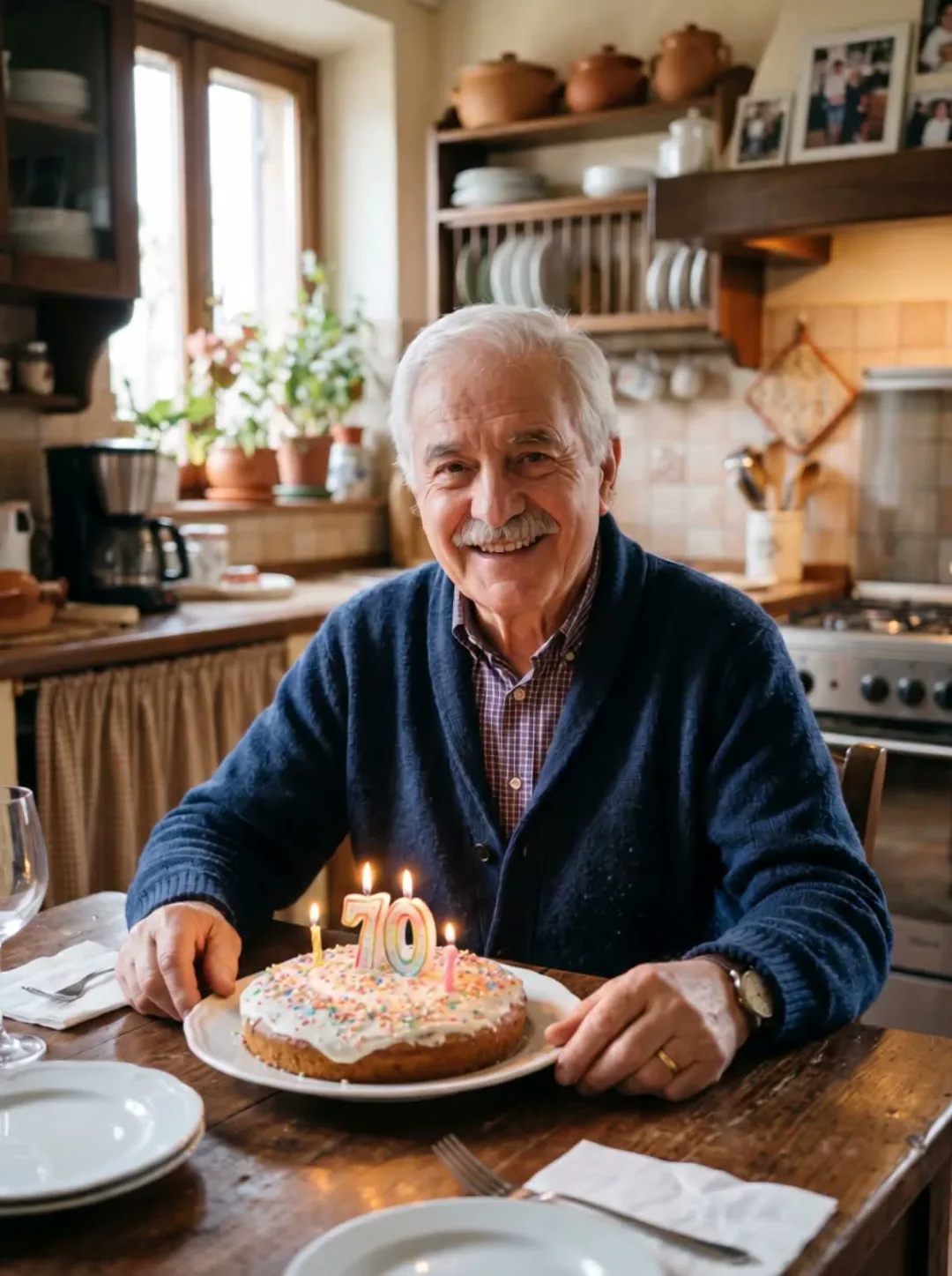
Line“[warmly] Happy birthday, sweetheart. Make a wish... and blow them out!” · Voice: George
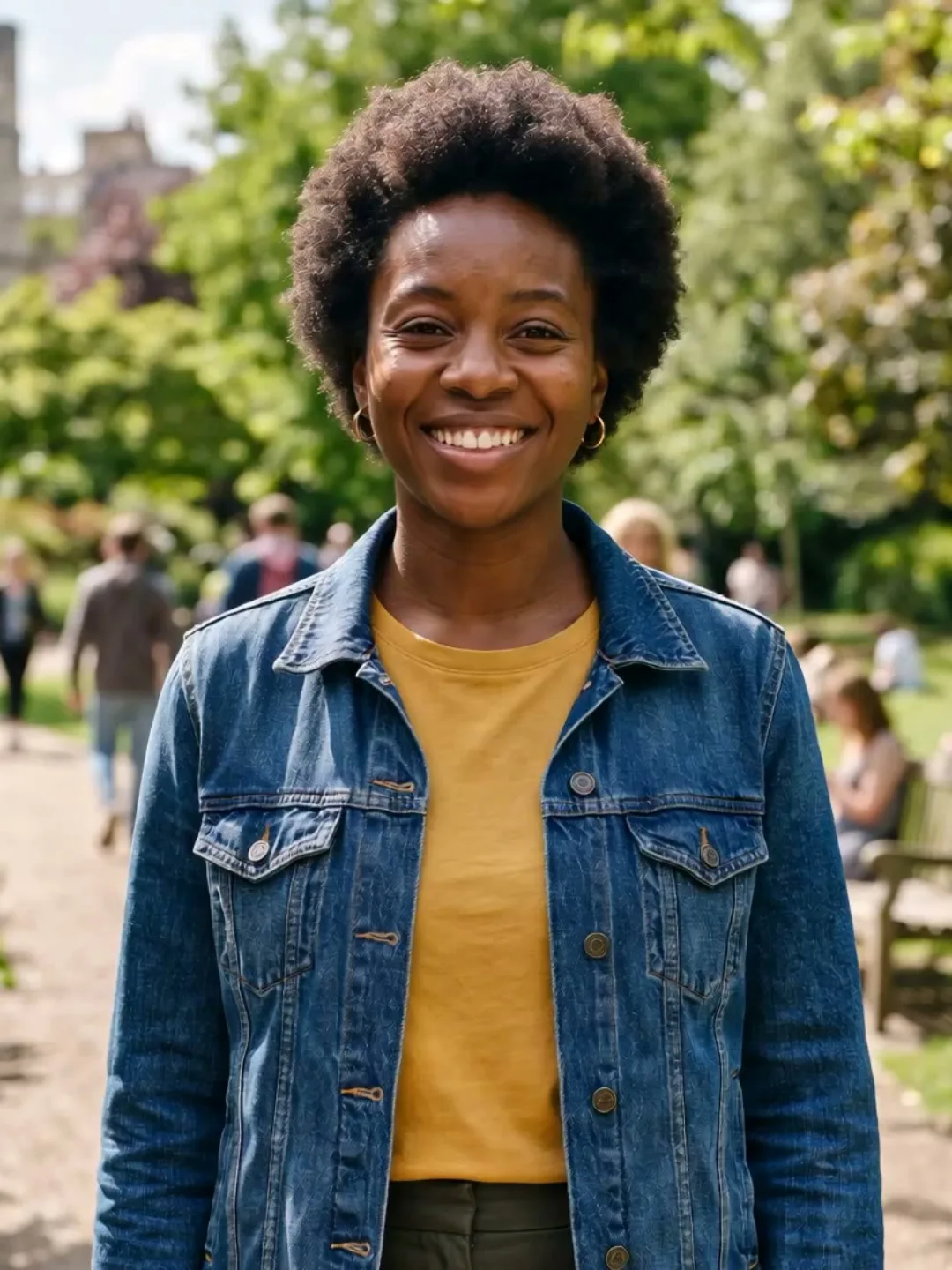
Use your own voice
Already have a voice note? Upload it as MP3, WAV, M4A or AAC, or record one in the browser, and the photo says it in your voice. The clip runs as long as the audio, up to 30 seconds.
This one was typed and read by Alice: “[laughs] Hey! I’m running five minutes late. Save me a seat, okay?” The laugh comes out as a laugh, not as a word, and her head tilts with it.
Make a photo talk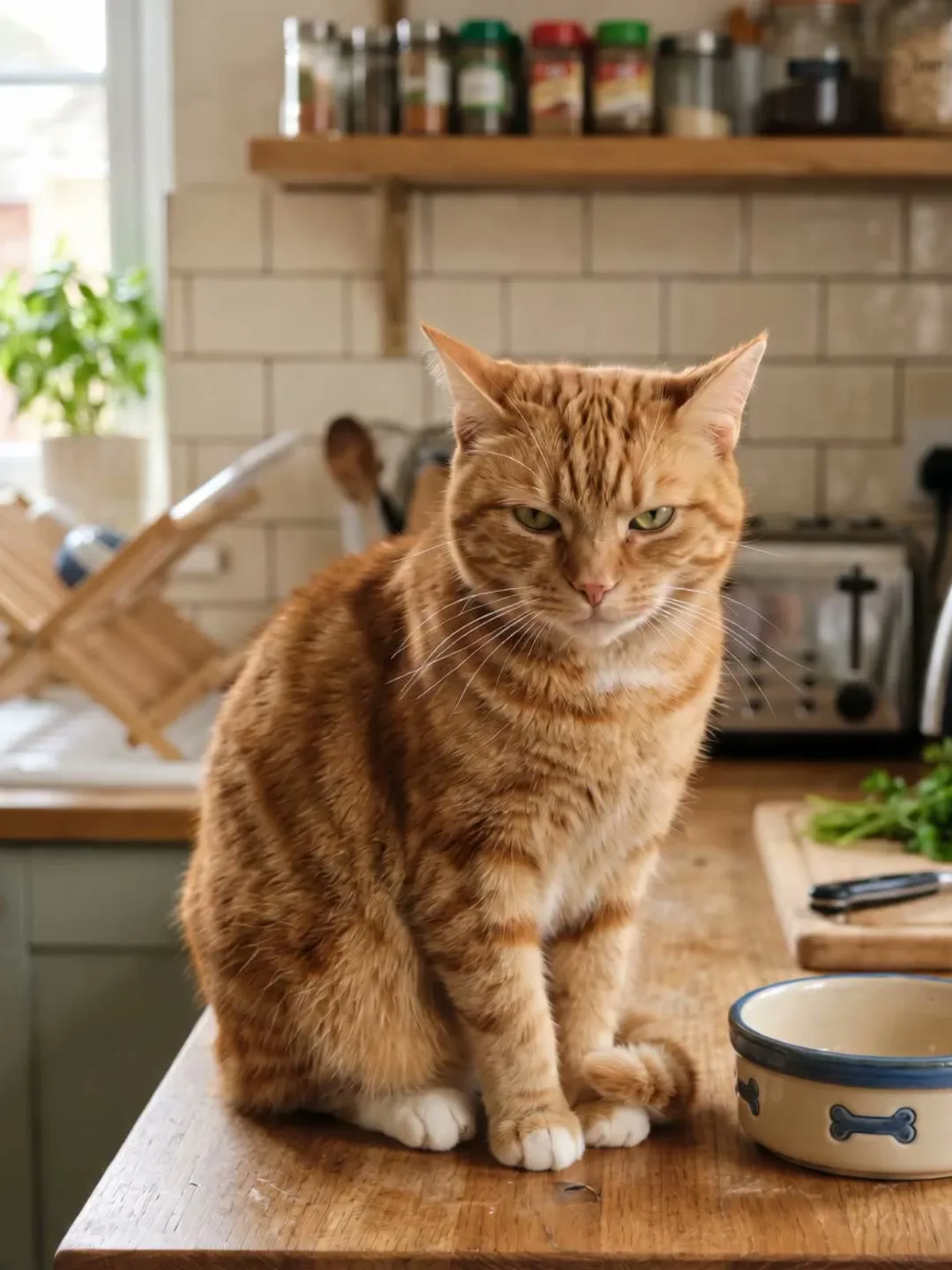
Make your pet talk
“Excuse me. The bowl is empty. [sighs] Again. This is unacceptable.” The mouth opens wide on every word, closes in the pauses, and there is a slow wink before the end.
Pick a deep voice for a big complaint, or upload your own and let the pet borrow it. Every word of our clip comes through as typed.
Crop close to the face first, as we did here, so the mouth fills more of the picture.
Let an old portrait speak
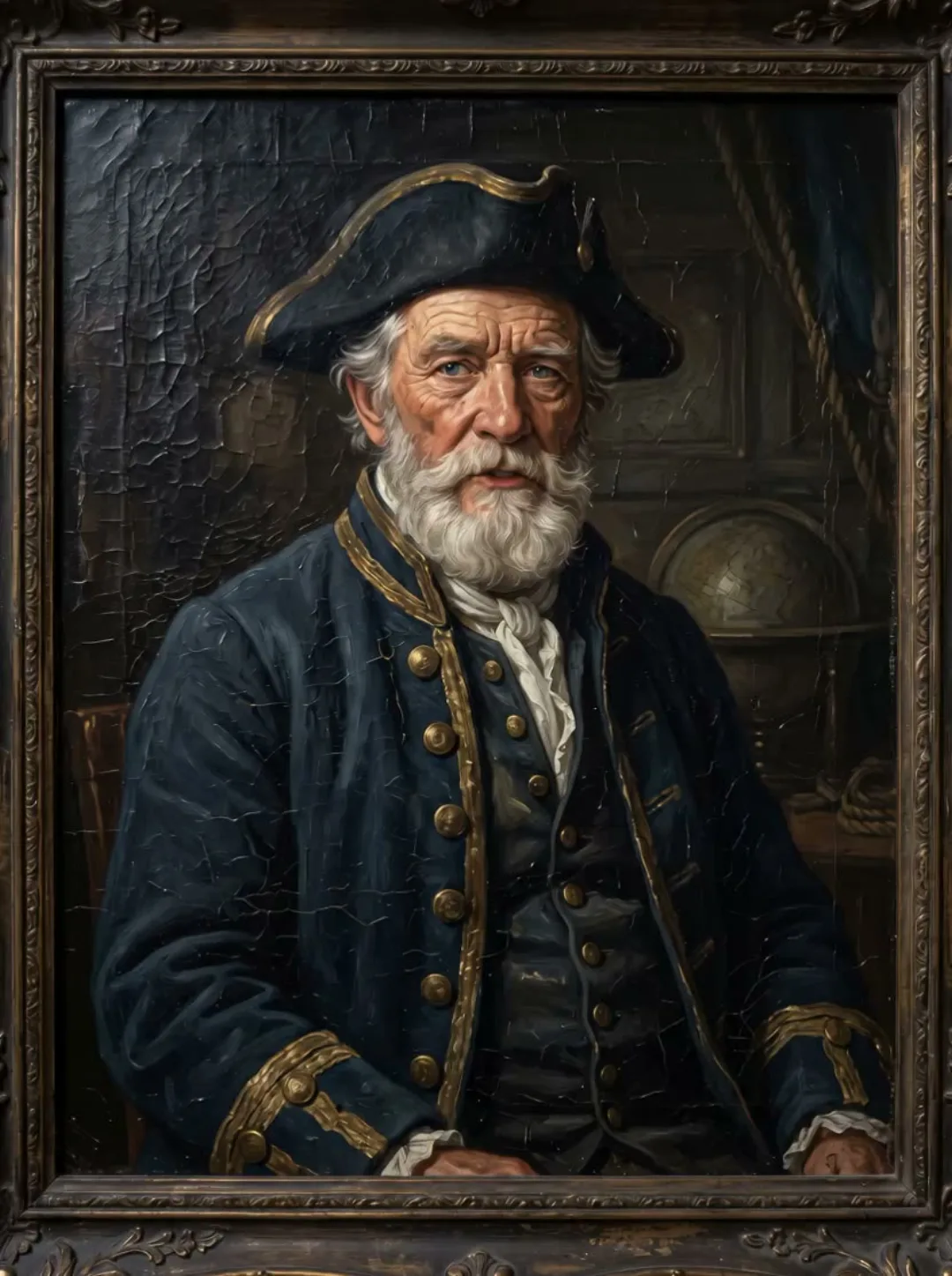
A painted sea captain says “Storm’s coming, lad. Batten down the hatches.” The brushwork, the frame and the cracked varnish stay; it is an oil painting from the first frame to the last.
Family portraits and paintings work the same way as photos. Pick a voice that suits the age of the face.
Audio shorter than 5 seconds gets a moment of quiet at the end. This line ran 3.9 seconds, so he finishes by lifting a hand to his hat.
How do you make a photo talk?
Upload a clear photo of one face, then type a line, upload a voice note or record one, and press Make it talk. In 2–3 minutes, or under a minute at 480p, you get a video as long as the audio, in which the lips and face follow the words.
- 1
Add a photo of one face
Front-on or slightly turned, with the mouth in view. A phone photo is plenty, and pets and painted portraits work too.
- 2
Type, upload or record
Type up to 200 characters, or bring audio up to 30 seconds. Tags such as [laughs] or [sighs] set how a typed line is said.
- 3
Pick a voice
Six voices for typed lines, from a warm older man to a bright young woman. Press Hear it first to listen free; the video uses that exact take. Uploaded and recorded audio keeps its own voice.
- 4
Make it talk, then listen
At 720p, five seconds costs 183 credits and each extra second 36.5; at 480p, 133 and 26.5. Our 720p clips took 132 to 166 seconds; 480p ones come back in under a minute. Play it with the sound on, then download the MP4.
How long can it talk, and what does it cost?
A clip lasts exactly as long as its audio. These are our six test clips at their real length, with what each one costs. You pay per second of audio, from 5 seconds.
Rounded up to the second. The Japanese line ran 6.9 seconds, so it was billed as 7: 256 credits. Anything under 5 seconds is billed as 5.
At 720p, 183 credits for 5 seconds, 365 for 10, 1,095 for 30. At 480p, 133 for 5 seconds. Runs that fail cost nothing, and the video always plays to the end of the audio.
Spanish and Japanese, checked by ear
We typed each line in its own language, picked a voice and checked the finished clip word for word against what we typed. Both matched. English, Spanish and Japanese are the languages we have checked; we add one here only after it passes the same test.
“¡Hola, amigos! Bienvenidos a mi tienda. Todo está fresquito. ¡Pasen, pasen!”
Hello, friends! Welcome to my shop. Everything is fresh. Come in, come in!He opens his hands to wave you in. Heard back correctly“はじめまして。今日は桜がとてもきれいですね。どうぞよろしくお願いします。”
Nice to meet you. The cherry blossoms are lovely today. I look forward to knowing you.She touches her hair as she finishes. Heard back correctlyTalking photo or AI avatar video?
They sound alike and do different jobs. A talking photo is a moment: someone in a picture says one thing. An avatar video is a presenter reading a script for minutes.
Need a presenter reading a ten-minute script? That is an avatar tool’s job. We make the short moment, from any face, in your voice or one of ours.
| Compared | Talking photo | AI avatar video |
|---|---|---|
| How long | 5 to 30 seconds: a line or two | Minutes: a whole script |
| Where the voice comes from | Your own recording, or one of six voices reading what you type | Your own recording, or a voice you pick from a list |
| Whose face | Anyone in a photo, a pet, a painting | Usually a presenter: a real person filmed or an avatar from a library |
| What you prepare | One photo and a line or a voice note | A script, a voice and often a few minutes of footage |
| Best for | A birthday wish, a reply in a chat, the first seconds of a post | Lessons, explainers, sales and training videos |
Three lines worth rewriting
A typed line is the whole script, and every second of it is billed. These three habits cost people the most.
Longer than it needs to be
Hi everyone, I just wanted to say thank you so much for coming tonight, it really means the world to me and the whole family.
Thank you for coming tonight. It means the world to me.
About 4 seconds instead of 8, so 183 credits instead of about 300. Keep the part people remember.Directions written as words
(laughing) Happy birthday!! You are getting so old haha
[laughs] Happy birthday! You’re getting so old!
Put the laugh in square brackets. Tags like [laughs] or [sighs] set how it is said and are not read out.A name it might stumble on
Congrats, Siobhán, on the Ní Mhaoláin Award!
Congrats on the award! We’re so proud of you!
Unusual names can come out wrong. Say who it’s for in the caption, or record the line yourself.Photos that talk well
The three photos below all spoke cleanly on the first try. What they share is easy to copy.
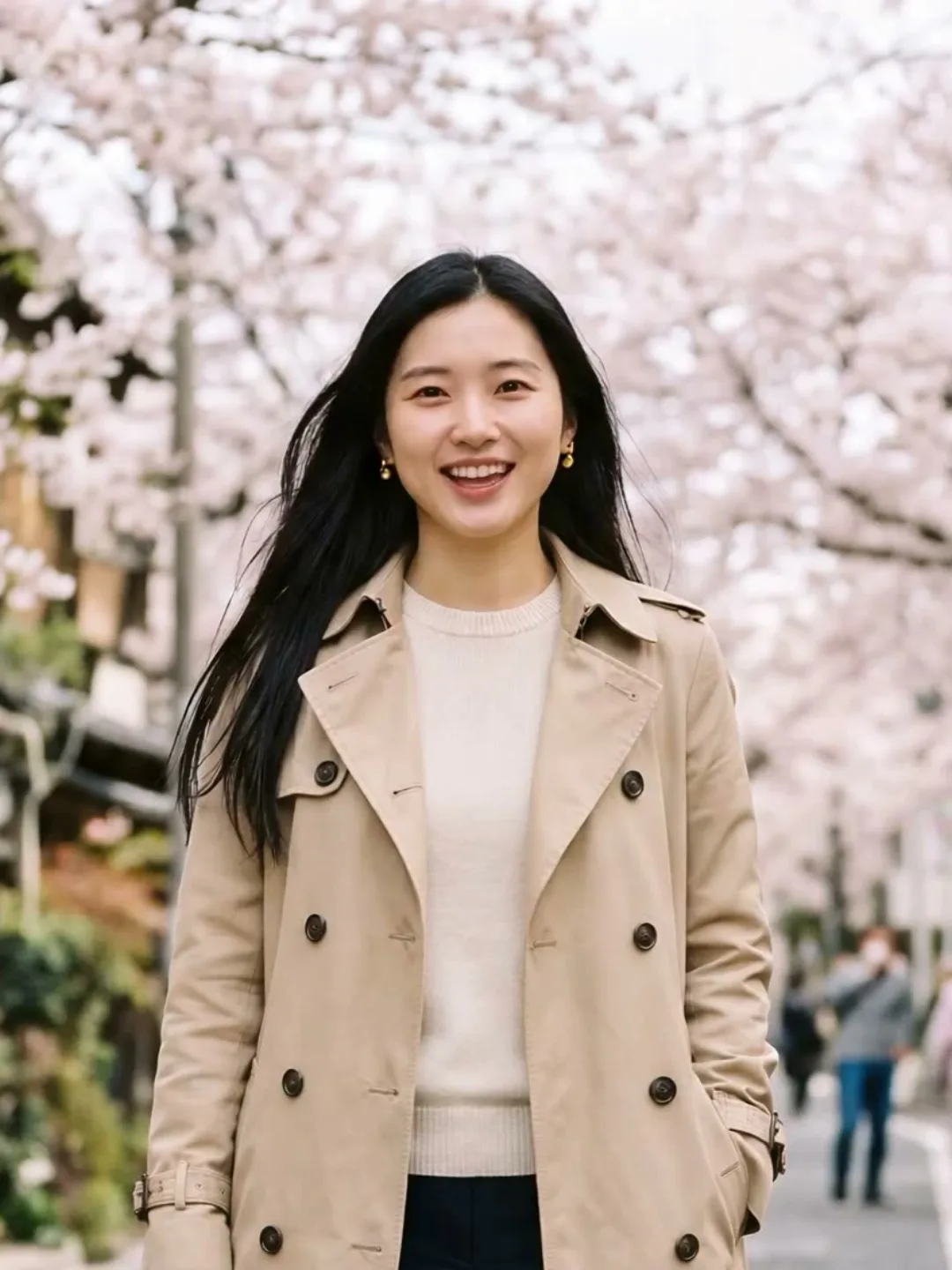

- A hand, mask or microphone over the mouth
- A side profile with one eye showing
- Sunglasses on a close-up
- A tiny face in a big group shot
One line goes a long way
A few seconds from a familiar face is easy to send and hard to scroll past.
Wishes from far away
A grandparent’s photo saying happy birthday when they can’t be there.
Replies in the group chat
Your own face saying the line, instead of a reaction from a film.
The pet’s point of view
The dog asking for a walk, the cat complaining about dinner.
A shop that greets you
The owner’s photo saying welcome on a sign, a site or a post.
History that speaks
A portrait from the lesson saying one line to open the class.
A voice note with a face
Your recording, said by the photo you’d send with it.
Questions about talking photos
About lines, voices, length and price. Plans and packs are on the pricing page.
What do I need for a talking photo?
A photo of one clear face and the words: typed, uploaded or recorded. Press Make it talk and you get an MP4 where the lips and face follow the audio: sharp 720p in 2–3 minutes, or a cheaper 480p in under a minute.
How long can a talking photo be?
As long as the audio, up to 30 seconds; anything under 5 seconds ends with a moment of quiet. A typed line can be up to 200 characters, which comes to roughly 14 seconds. For a longer message, make two clips.
Can I use my own voice recording?
Yes. Upload an MP3, WAV, M4A or AAC file, or record in the browser. The photo says it in your voice, with the lips following your words.
How much does a talking photo cost?
At 720p, 36.5 credits per second of audio, rounded up, from 5 seconds: 183 credits for 5 seconds, 365 for 10 and 1,095 for 30. At 480p, 26.5 a second: 133 for 5 seconds. Hearing a typed line first is free. Runs that fail cost nothing. Talking photos aren’t part of the free allowance.
Can I hear the voice before I pay?
Yes. Type the line, pick a voice and press Hear it first. Listening is free, up to 20 lines a day, and the video uses exactly the take you heard. Uploaded and recorded audio you can play back before you start.
Can a pet or a painting talk?
Yes. Pick a voice that suits them, such as Roger for a grumpy cat or Callum for an old captain, or upload one. A painting stays a painting: the brushwork, frame and varnish don’t turn into a photo.
Which languages can it speak?
English, Spanish and Japanese, each checked word for word on this page. Type the line in that language or upload audio in it. We add others here once they pass the same check.
How long does it take?
About 2 to 3 minutes at 720p: our six test clips took 132 to 166 seconds each, whatever their length. At 480p most clips are ready in under a minute.
Is a talking photo the same as an AI avatar?
No. A talking photo is a short line from any face in a picture. An avatar video is a presenter reading a script for minutes, usually filmed or picked from a library.
Other ways to bring a photo to life
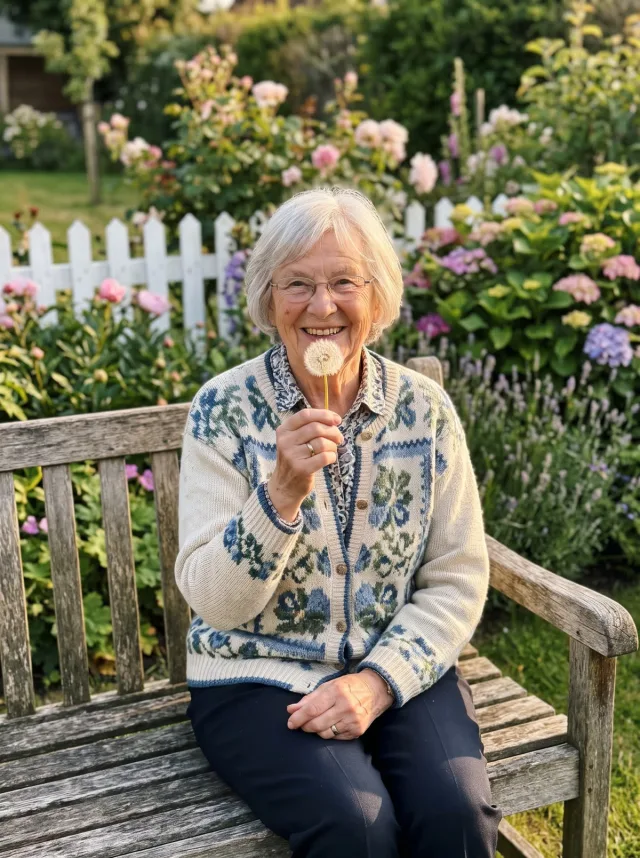
How to animate a photo
Which photos move well, and the one sentence that tells the model what to do.
Open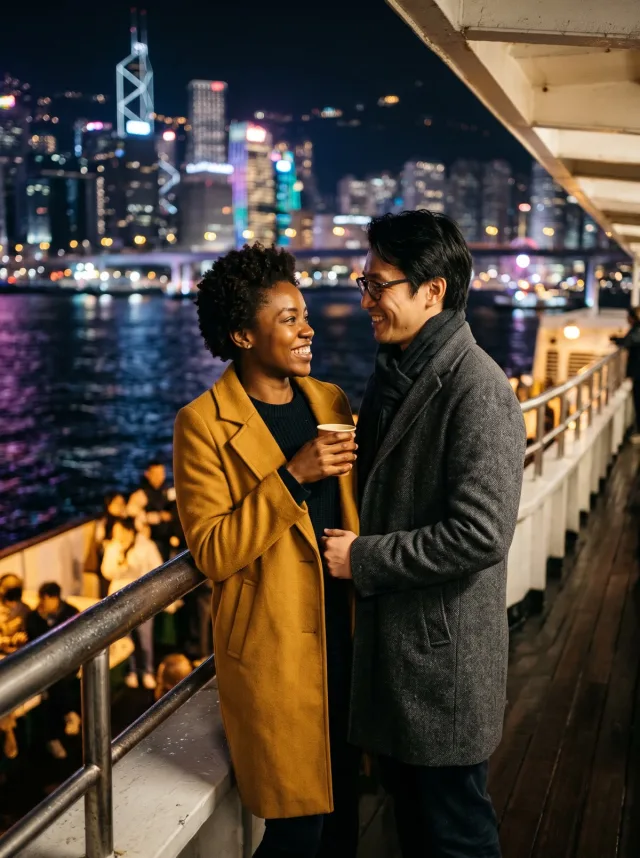
AI Kissing
A slow kiss, a peck or a forehead kiss from one photo of you both.
Open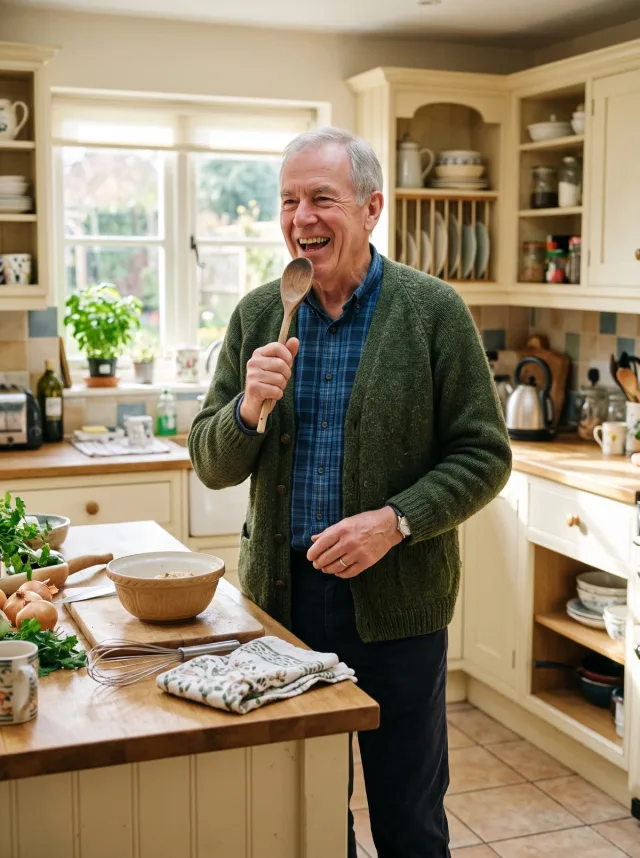
Video effects
A dance, a hug or a wave, with the motion already written.
Open
Seedance 2.0

A whole scene that moves, with its own sound, from one photo.
OpenGive them something to say
Bring a face, a pet or an old portrait, and a line, a voice note or a recording.