Text to video
Describe a shot in a sentence. Get a 5-second video with sound, no photo needed.
Prompt“A narrow Tokyo alley at night in the rain, steam rising from a small ramen stall, the cook ladles broth into a bowl, paper lanterns sway, the camera drifts slowly forward. Sound of rain and sizzling.”
 MiniMax H3
B-roll for a YouTube intro, without a shoot
A roaster at first light: fresh beans turn in the cooling tray, haze hangs in the window and fields wait outside. Nobody had to get up early, hire a roastery or set up a light.
Cut it under your voice in the first seconds of a video, or between two talking parts. Write the shot the way a camera person would: what is in close, what moves, where the camera goes.
We asked for beans tumbling in the drum. The drum stayed shut and the beans moved in the tray below it instead. Close enough for B-roll; for an exact action, say it plainly and try again.
Write a B-roll shotA moving background for a post or a story
Pink, teal and gold ink curls through clear water and never settles. There is nothing in the frame to read, so your own words sit on top of it: a quote, an offer, a date.
Pick the tall shape for stories and Reels. Say “abstract” and “no objects” so the model does not add a hand or a glass; ask for slow movement so the text on top stays easy to read.
A storyboard shot for a pitch
Before a film, a game or an ad gets a budget, someone has to show what it will look like. An astronaut crossing red dunes toward a base under two moons took one sentence and 19 seconds.
Show a moving shot in the deck instead of a sketch. It is a mood, not the final film: the suit, the base and the dunes will change from one run to the next, so keep the take that matches the idea.
How do you make a video from text?
Write the shot, pick its shape, generate and download. 43 credits for 5 seconds at 768p with sound.
- 1
Describe the shot
Who or what, doing what, where, and how the camera moves. Add the sound you want to hear at the end.
- 2
Pick the shape
Wide for YouTube and websites, tall for Shorts and Reels, square for a feed. Text has no photo to copy, so you choose.
- 3
Press Generate
The model draws every frame from your words. Our clips took about half a minute each.
- 4
Download it
Save the MP4, or turn it into a GIF on the same screen.
How to write a prompt, one piece at a time
The same fox, four times. Each time we added one piece to the sentence and changed nothing else. The coral words are what we added; below each clip is what it changed.
- 1
A red fox.
A close-up of a fox’s head on a pale, empty background. We gave no place, so there is none.
- 2
A red fox in a snowy birch forest at dawn.
Now there are birches, snow and low morning light. The fox shrank: it walks small in a wide shot.
- 3
A red fox in a snowy birch forest at dawn. The camera slowly pushes in.
The camera starts closer and moves in, so the fox fills more of the frame.
- 4
A red fox in a snowy birch forest at dawn. The camera slowly pushes in. Wind and crunching snow.
The line about sound also pulled the shot back out to a wide view, as in the second clip.
A longer sentence gives you more of what you asked for, but it can also move the camera. When you like the framing, say it: “close-up”, “medium shot” or “wide shot”.
One sentence, three styles
Keep the scene, change the last few words. Here is the same storm, the same scientist and the same weather station, with three different endings.
The sceneA scientist in an orange parka checks the instruments of a small mountain-top weather station in a snowstorm, wind whipping the snow around her.
+ Photorealistic, real camera footage.
Looks shot on a camera: blowing snow, a steel mast, the orange parka. Her hood is up, so you never see her face.
+ Anime style, cel shading, hand-drawn look.
Flat colour and clean outlines, drawn as a wide view of the station on the peak.
+ Claymation style, handmade clay figures, stop-motion look.
We asked for clay and got something closer to a smooth 3D cartoon. Of the three, this style came out least like the words.
Text to video or image to video?
We wrote “a grandfather teaches his granddaughter to fold dumplings”. The clip is warm and the dumplings are right. But that is someone’s grandfather, not yours.
Want your own grandfather in it?
Words can describe a face, but they cannot give you his face. Start from a photo of him instead, and the video starts on it: his hands, his kitchen, his smile.
Start from a photo with Image to Video| Question | Text to video | Image to video |
|---|---|---|
| Where the picture comes from | Your words. Every frame is drawn new | Your image. It is the first frame |
| The people in it | Strangers the model makes up | The people in your photo |
| Shape | You pick: wide, tall or square | The same shape as your image |
| Good for | Scenes you could not film: B-roll, moods, ideas | Moments that already happened: family, products, trips |
| Price | 43 credits a clip | 43 credits a clip |
What text to video still gets wrong
Three things to know before you spend credits. The first one we tried ourselves.
Writing inside the picture
We asked for a sign that reads “MARGOT’S BAKERY”, and the big painted sign came out spelled right. The small writing on the window came out as scribbles. Keep the words short and large, or add them later in an editor.
Real, named people
We don’t make videos of celebrities, politicians or anyone else by name. To bring someone you know to life, start from a photo of them that you have the right to use.
A story with more than one shot
Each sentence makes one 5-second shot; it won’t cut from the kitchen to the street. Make the shots one by one, then link them with First & Last Frame so one ends where the next begins.
Open First & Last FrameSentences to copy and change
The full sentences behind four clips on this page. Each one made its clip on the first try. Copy one, swap the person or the place, and keep the order: what is there, what happens, the light, the camera, the sound.
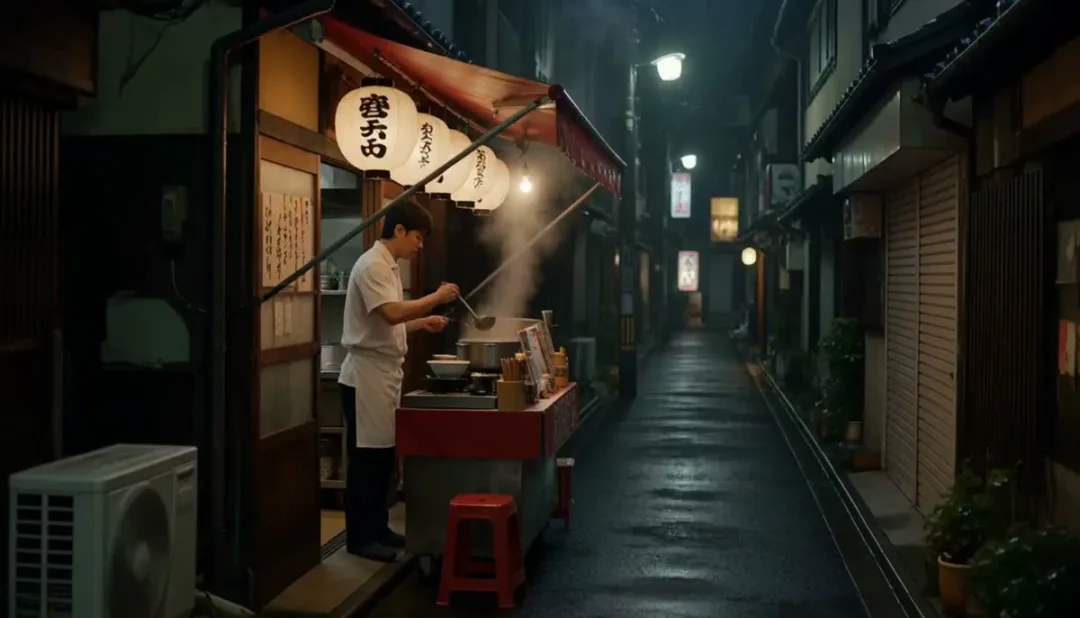 Night street
A narrow Tokyo alley at night in the rain, steam rising from a small ramen stall, the cook ladles broth into a bowl, paper lanterns sway, the camera drifts slowly forward. Sound of rain and sizzling.
36 words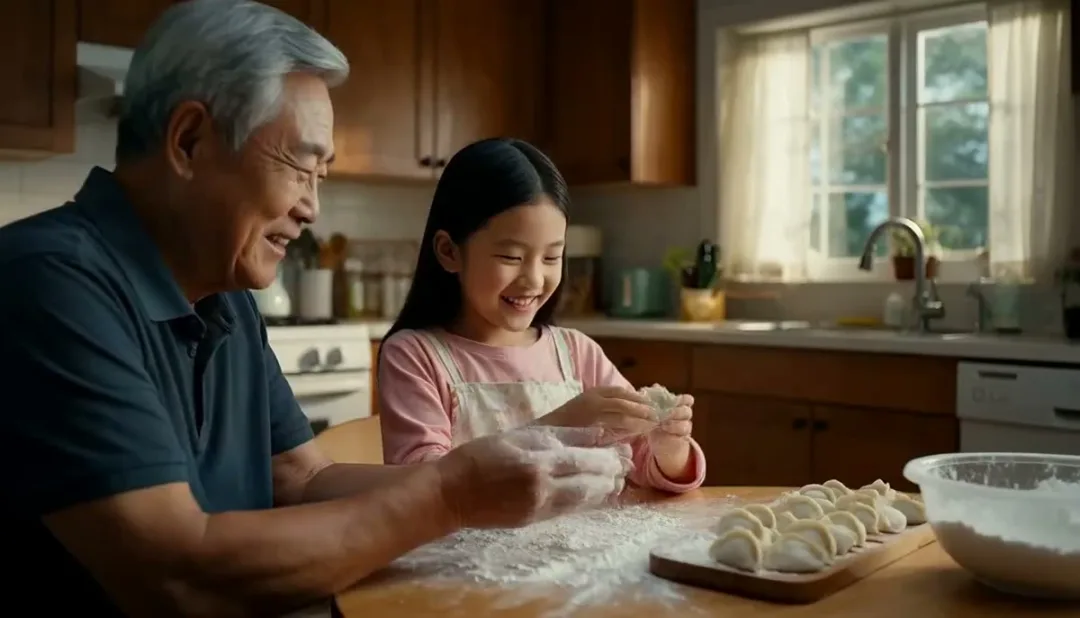 Two people
A grandfather teaches his granddaughter to fold dumplings at the kitchen table, flour on their hands, they both laugh. Warm evening light, kitchen sounds.
24 words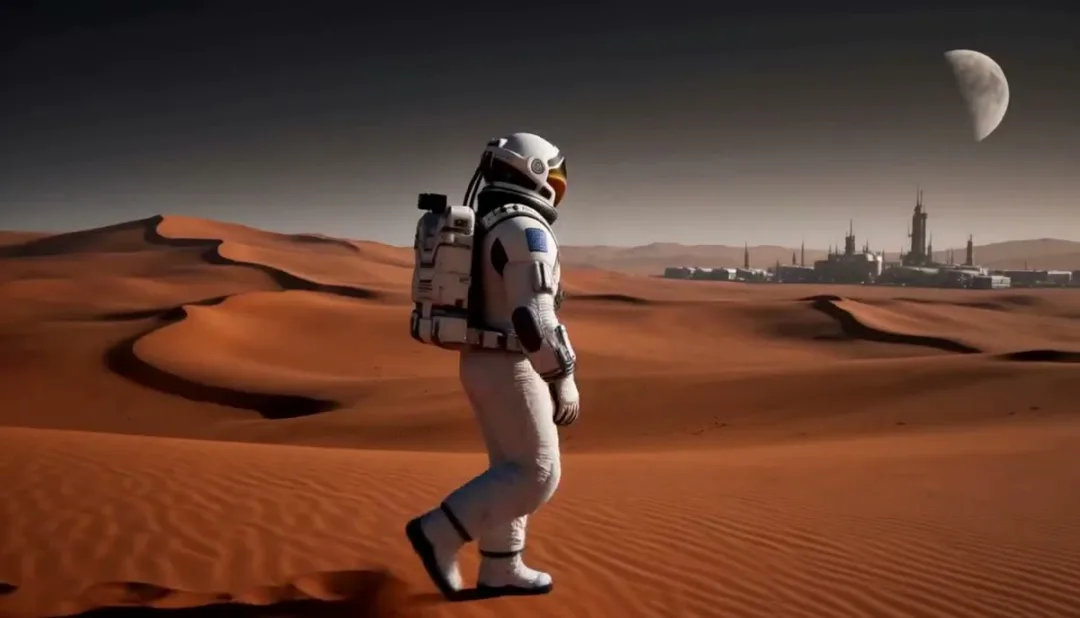 Wide shot
 of an astronaut in a white suit walking across red sand dunes on another planet toward a distant base, two small moons in the sky, the camera tracks alongside. Wind sound.
33 words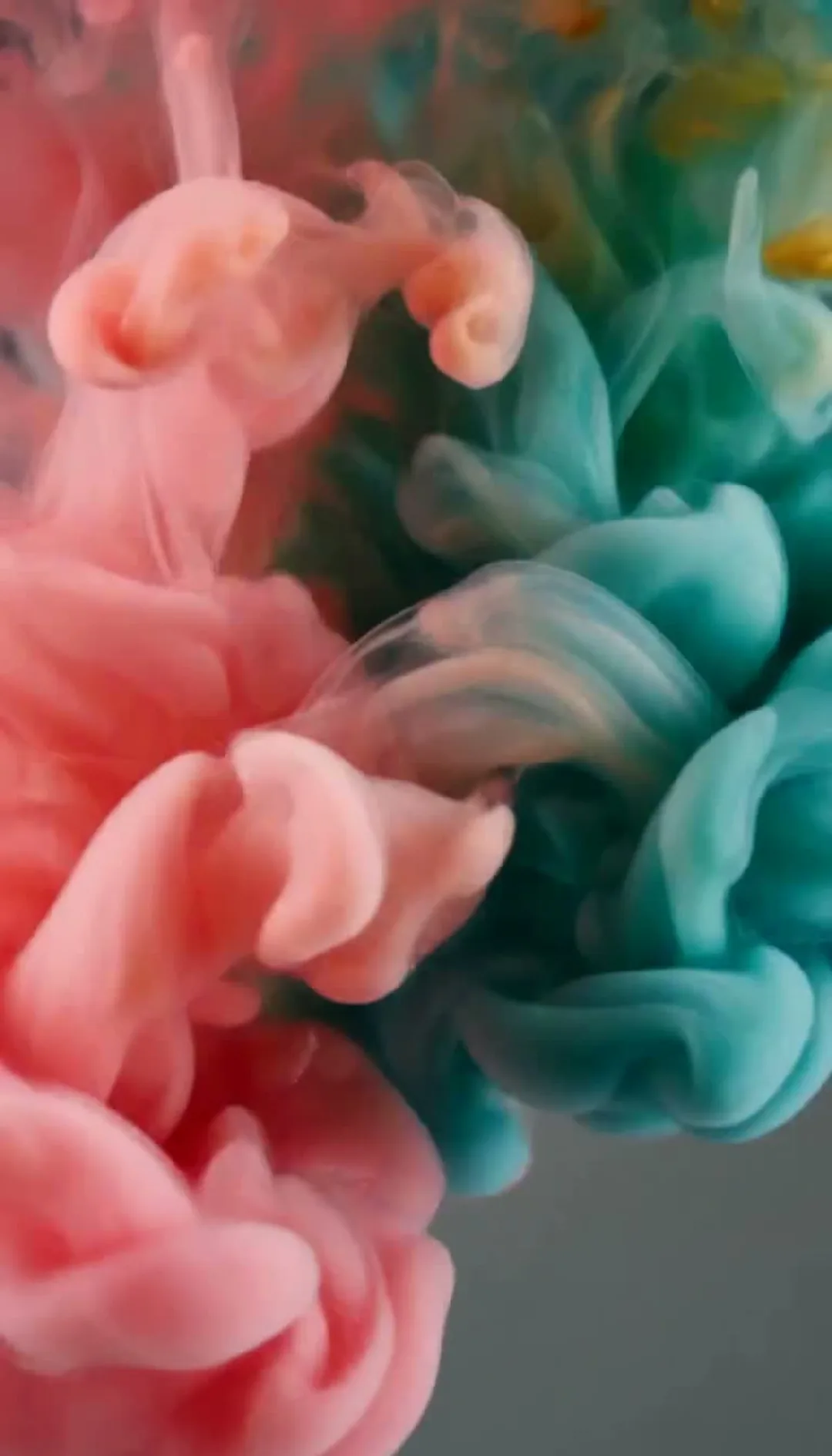 Background
Swirls of coloured ink drifting slowly in clear water, pink, teal and gold, soft light, abstract background with no objects. Quiet ambient sound.
23 wordsText to video: your questions
About free clips, prompts, writing in the picture and keeping a character. Plans and packs are on the pricing page.
Is there a free text to video AI without a watermark?
Your first clip is free once you confirm your email: 43 credits, one 5-second clip at 768p with sound. Yes, without a watermark: the free clip downloads just like the ones you pay for.
Can it turn a script or a blog post into a full video?
No. It makes one 5-second shot from each sentence, without a narrator or captions. For an explainer, make the shots you need here and put them together with your voice in a video editor.
How long can my text be, and what should it say?
Up to 2,000 characters, but one or two sentences work best. Say who or what is in the shot, what happens, where, how the camera moves and what you hear. Writing in English gives the most reliable results.
Can I add my own voice-over or music?
The clip comes with sound made to match the scene. To use your own voice or a song, turn the clip’s sound off in your editor and lay yours on top. To make a face in a photo say a line, use Talking Photo.
Why does the writing on signs and screens come out wrong?
The model draws letters as shapes, not as words. Big, short words often come out right; small print, menus and screens usually turn into scribbles. Put the exact words in quotes, keep them short, or add them later.
Can I make a video of a real person or a celebrity?
No, not from a name. To animate someone you know, use Image to Video with a photo of them that you have permission to use.
How do I keep the same character across several clips?
From text alone, the model draws a new face every time. Make one clip you like, tap Photo under it to save a frame, and start the next clips from that frame with Image to Video.
Why is my video different every time I press Generate?
Every run is drawn fresh, so the same sentence gives a new take each time: a different fox, a different alley. Keep the one you like. To change one thing only, change one part of the sentence.
Type the first shot
A street at night, a coffee roaster, a fox in the snow. Your first clip is free.