AI video effects for your photos
Pick an effect, add one photo and get a 5-second clip of that moment: a kiss, a hug, a dance, snow starting to fall. Every effect is one sentence describing the motion; you can read it, change it, and you see the credits before you press the button.
43 credits for most effects · a failed clip gives the credits back
Every video effect
Ten moments, each written as one sentence about the motion. Open one to start from its sentence; you can change any word before you press the button.
 Popular
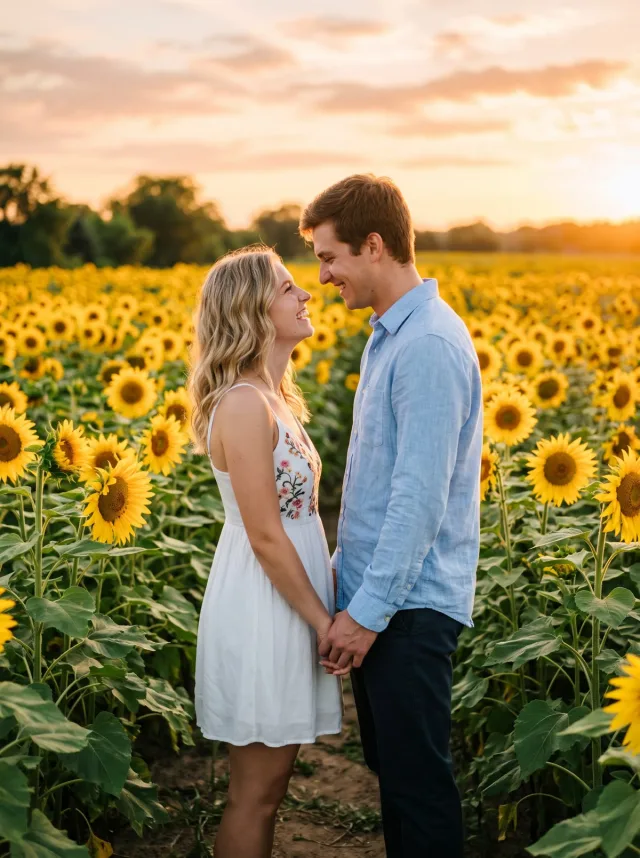
AI Kissing
They lean in and share a kiss, a peck or a kiss on the cheek.
1 photo, or 2 · 43+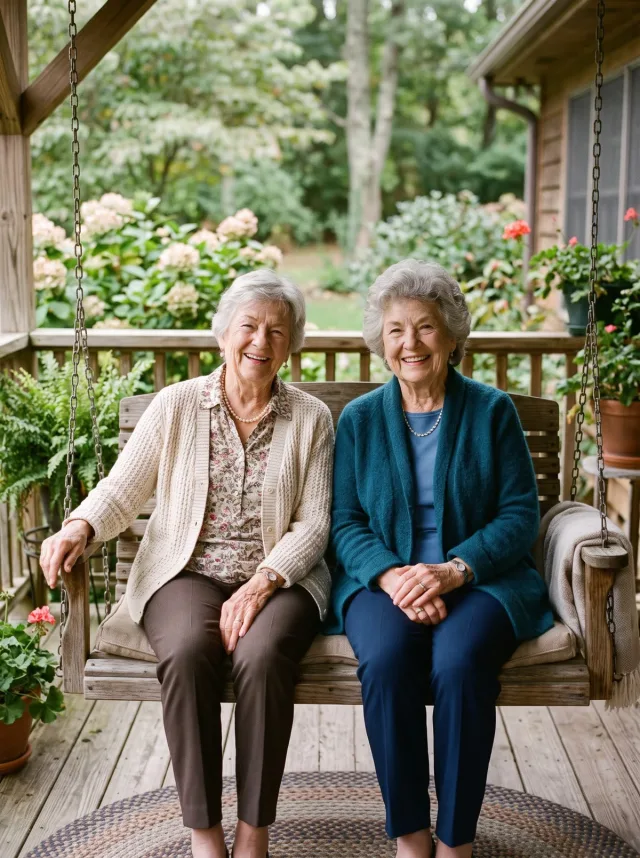
AI Hug
Two people pull each other into a warm hug.
1 photo of both · 43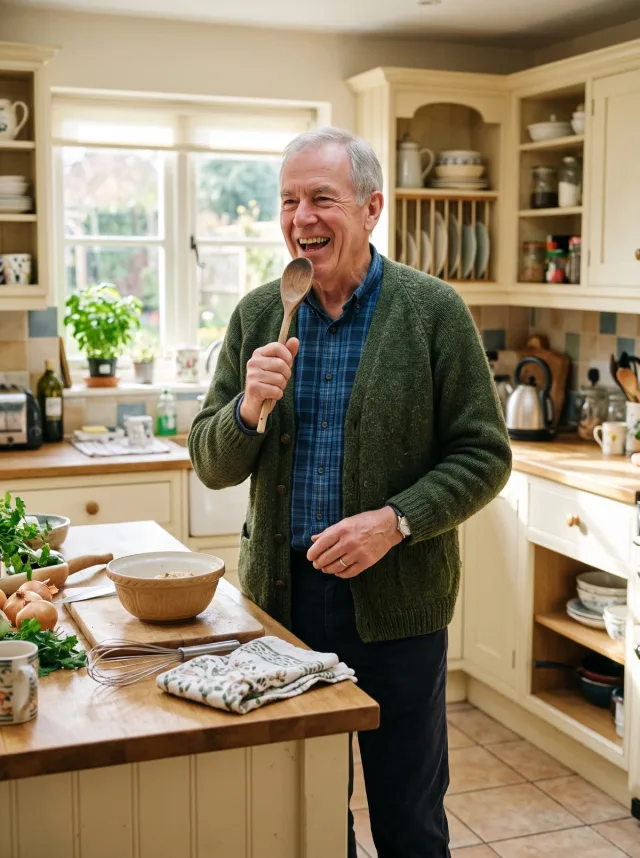 Popular
Make It Dance
Whoever is in the photo starts to dance on the spot.
1 photo · 43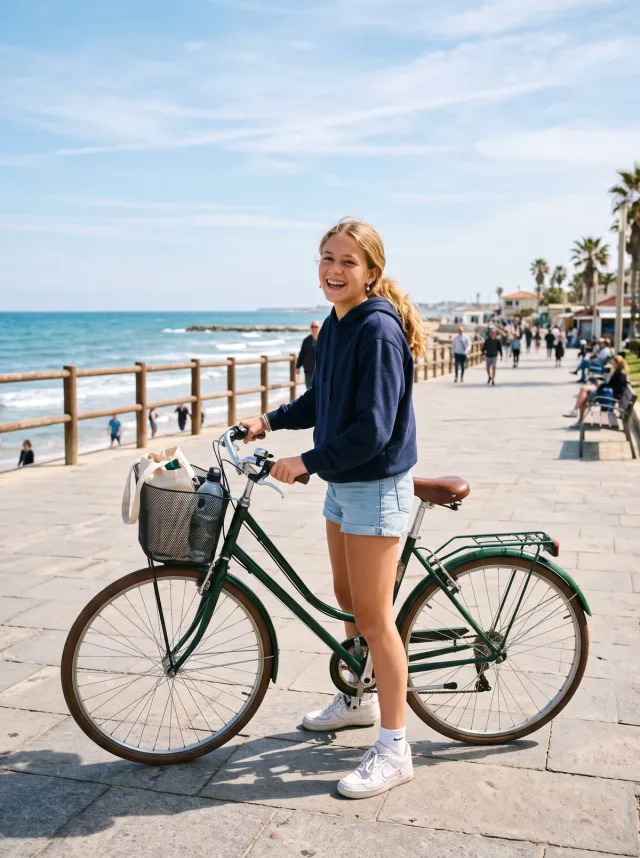
Wave Hello
A hand comes up and waves at the camera.
1 photo · 43
Big Laugh
A smile turns into a real, head-back laugh.
1 photo · 43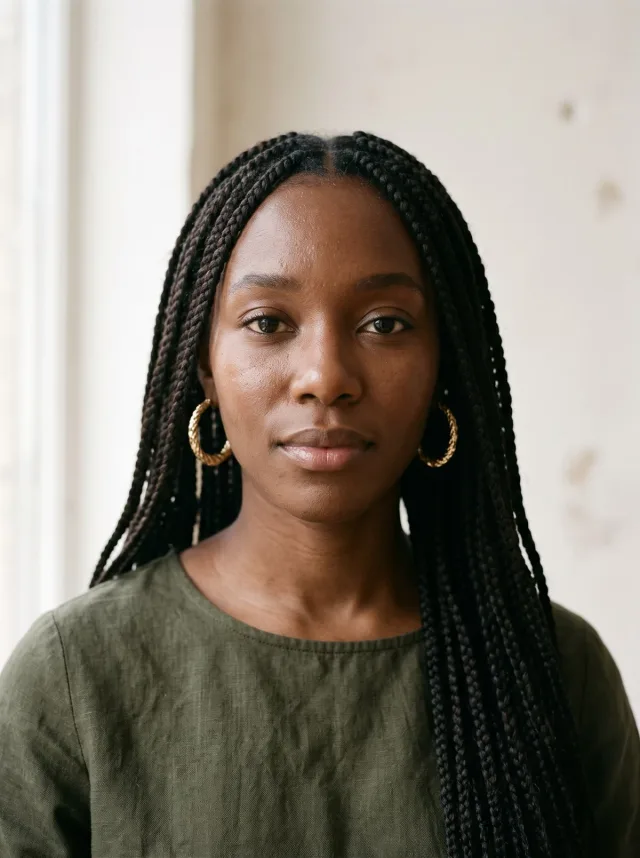
Blink & Smile
A slow blink, then a small smile. Good for portraits.
1 photo · 43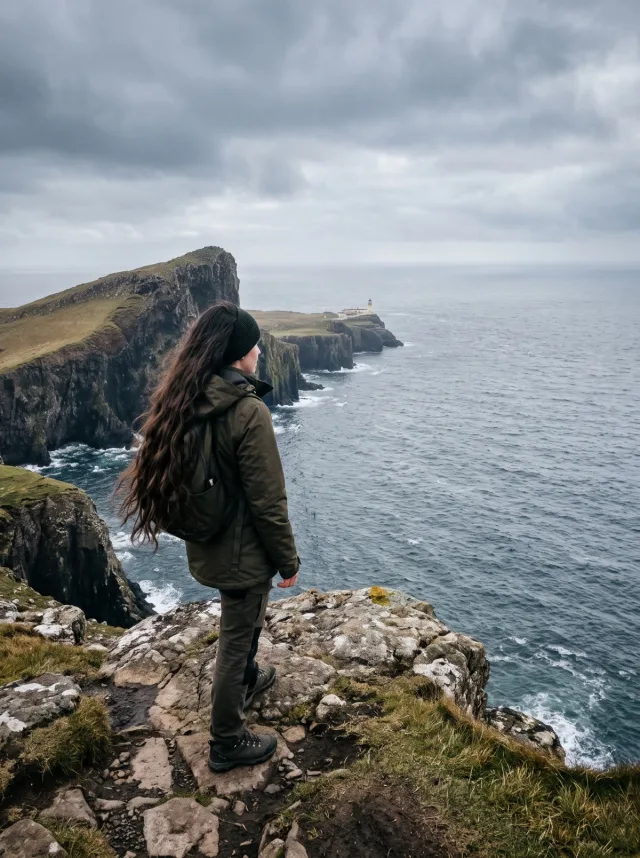
Hair in the Wind
A breeze lifts hair, scarves and loose clothes.
1 photo · 43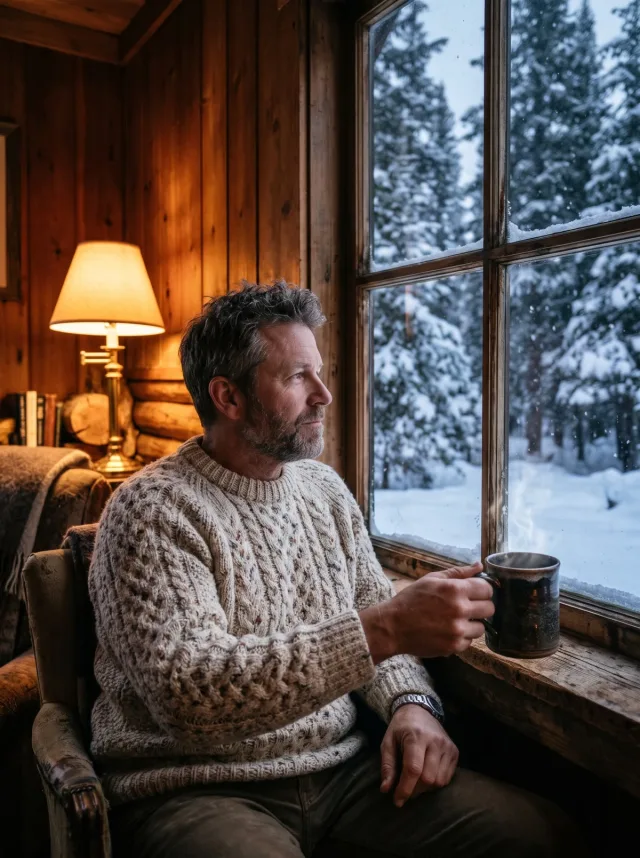 New
Let It Snow
Snow starts falling over the whole scene.
1 photo · 43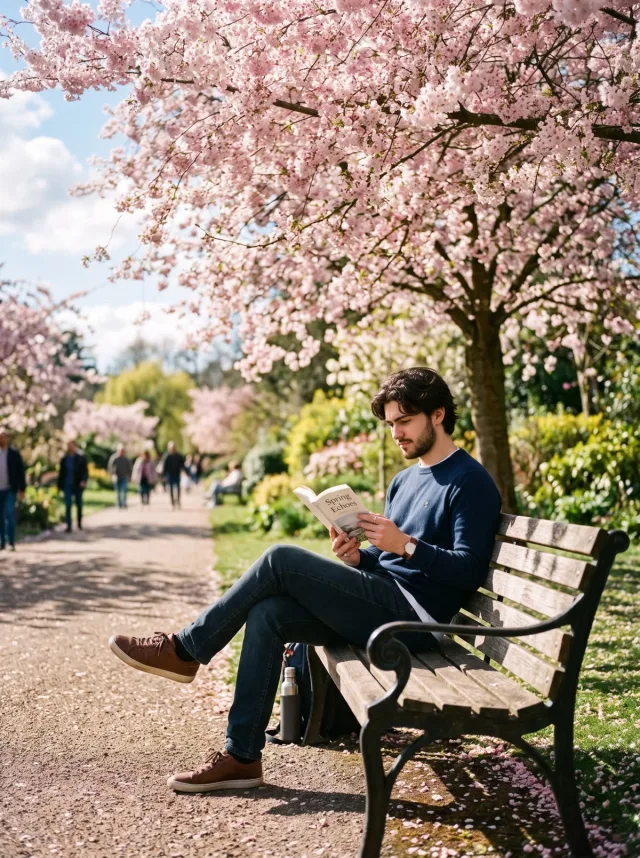 New
Petal Rain
Pink petals drift down through the frame.
1 photo · 43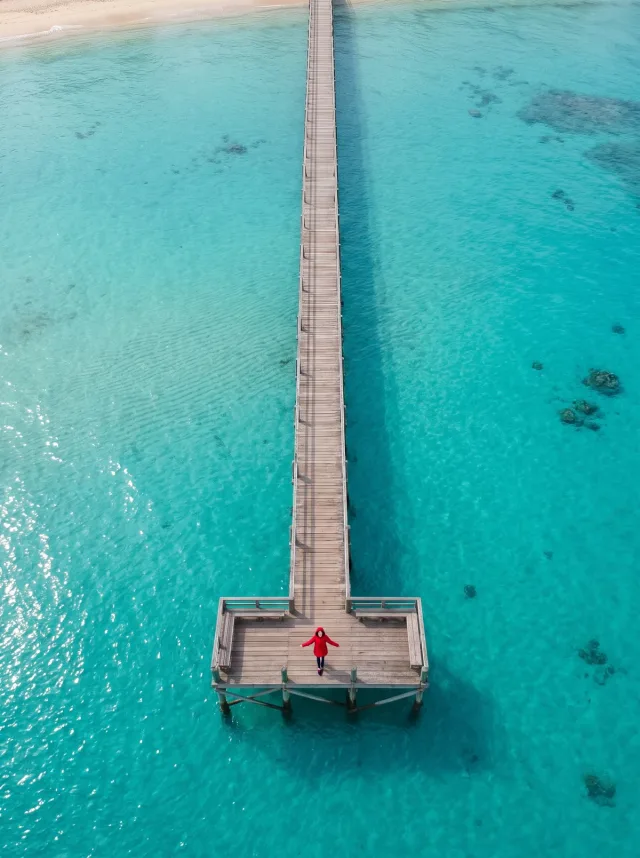
Earth Zoom Out
The camera pulls back from you all the way to space.
1 photo · 43What an effect does in 5 seconds
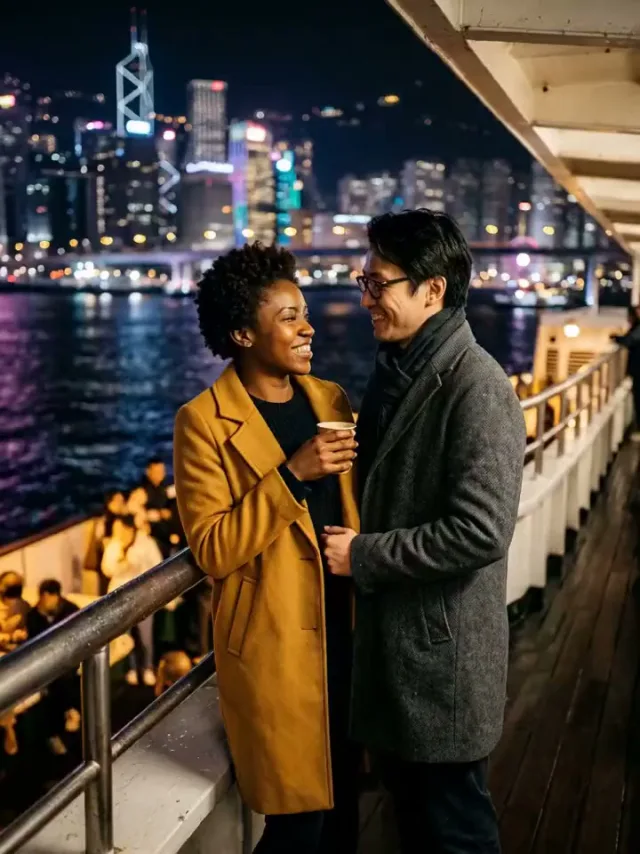
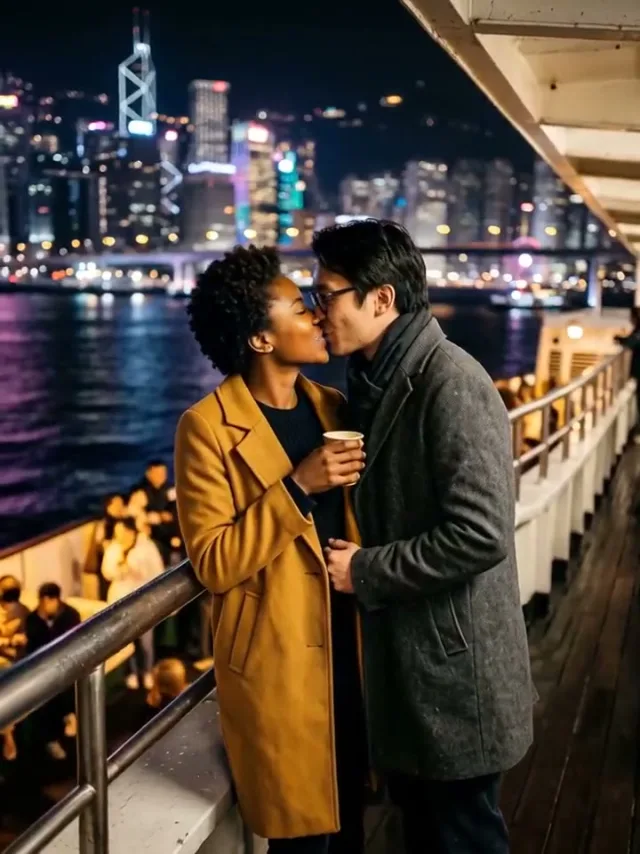
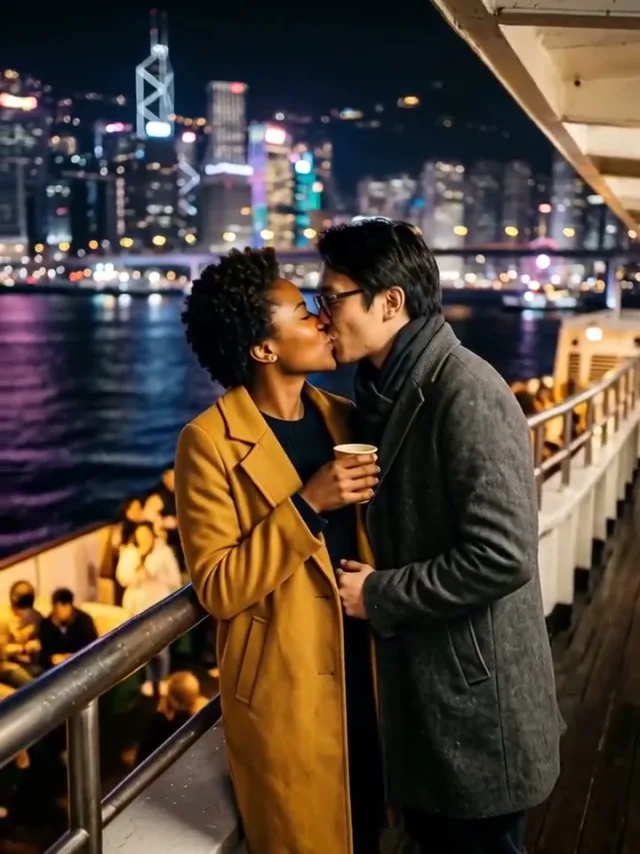
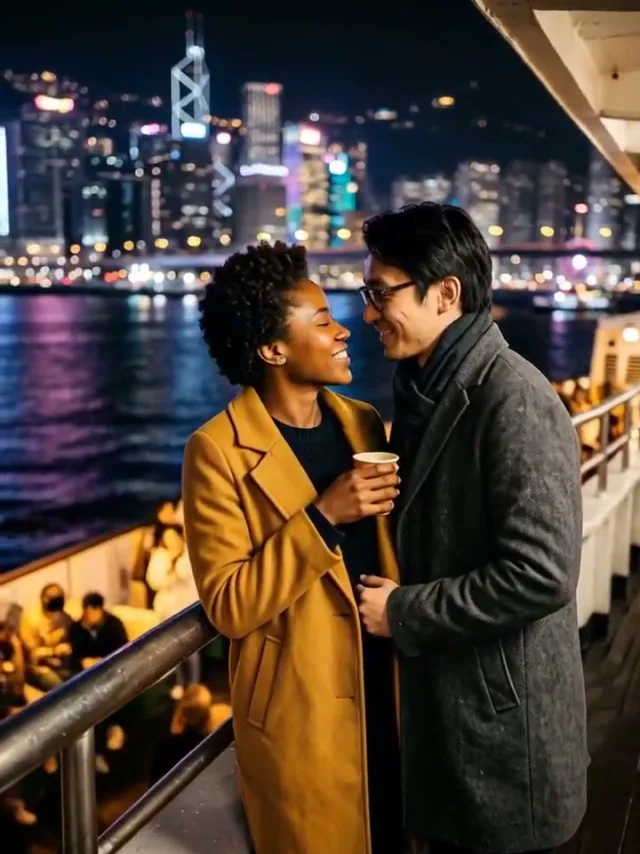
Four frames from one AI Kissing clip, made from a single photo. The motion is the only thing that changes; the faces, the clothes and the place stay yours.
- 0.0 s
Your photo, exactly as you took it: both of them smiling at the camera, paper cups in hand.
- 1.5 s
They turn toward each other. The skyline, the railing and the deck lights don’t move.
- 3.0 s
The kiss, eyes closed. It holds for about three seconds; nothing in the background changes.
- 4.9 s
They ease back and smile at each other, still close, still holding their cups.
The motion behind itThey lean in slowly and share a long, gentle kiss on the lips, eyes closed, then pull back a little and smile.
Which photo suits which effect?
The effect can only move what the photo shows. Here is what each kind of photo is good for, so the first run is the one you keep.
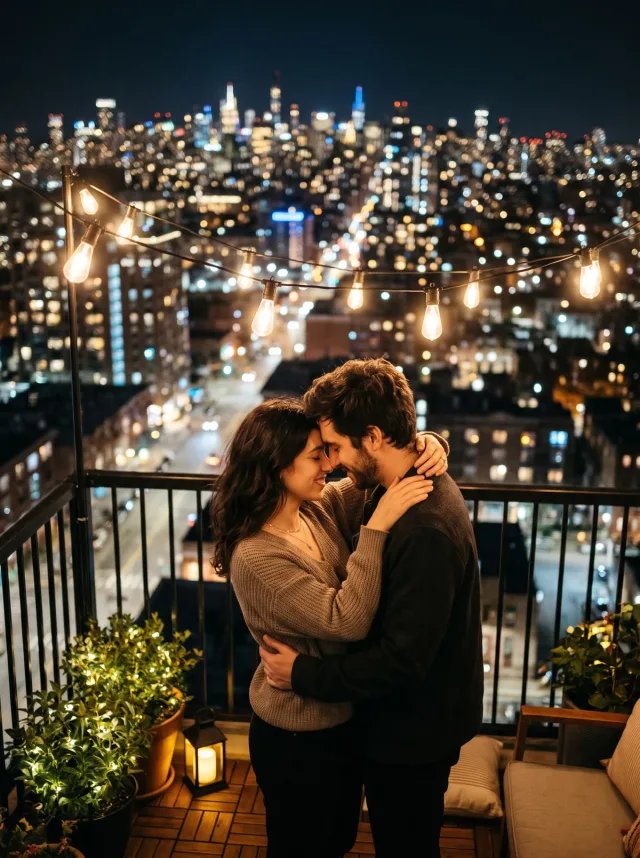
Two people, faces close
Both faces clear and turned a little toward each other. No sunglasses: the eyes are where a kiss or a hug starts.
AI KissingAI Hug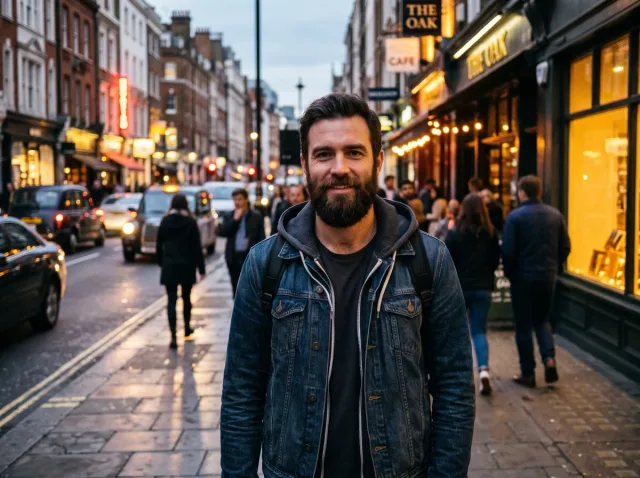
One face, close up
A head-and-shoulders photo, face in the light. Small faces get redrawn when they move, so crop a wide shot first.
Blink & SmileBig LaughWave HelloOne person, head to feet
Dancing needs legs and arms in the frame, with a little room around them. A photo cut at the waist can only sway.
Make It DanceHair in the Wind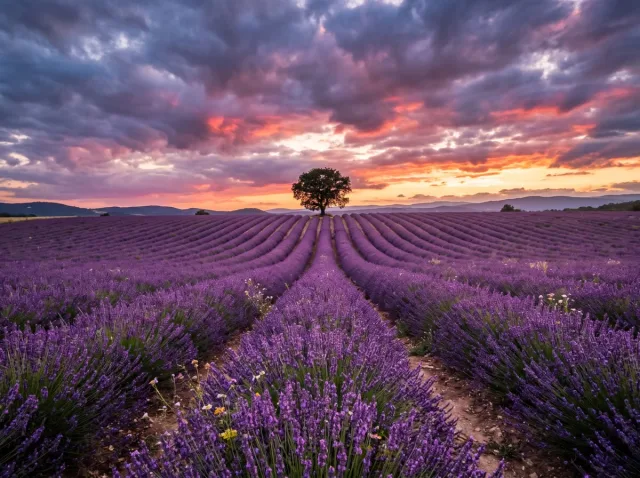
Outdoors, sky in the frame
Snow and petals need somewhere to fall, and Earth Zoom Out needs a place it can pull back from.
Let It SnowPetal RainEarth Zoom OutAn effect, or your own words?
Both make a 5-second clip from your photo for the same credits. The difference is who writes the motion.
Pick an effect
The motion is already written, so you only add the photo. Best when you want a known moment: a kiss for an anniversary, snow on a winter card.
She turns and kisses him on the cheek; he looks surprised, then grins.Browse effects
Write your own
Describe any motion in one sentence in the Photo Animator: who moves, what they do, what happens after. Best when the moment you picture isn’t on the list, or you want to change one detail of an effect.
Grandpa lifts his cap, winks at the camera, and the dog jumps up beside him.Open the Photo Animator
Every effect opens with its sentence in the box. Change a word, and it becomes your own.
How to add a video effect to a photo
- 1
Add a photo
JPG, PNG or WebP from your phone or computer. For a kiss you can add one portrait of each person instead.
- 2
Pick the effect
Read its sentence, keep it or change it. The button shows the credits before you press it.
- 3
Save the clip
Download the MP4, or turn it into a GIF or Live Photo for chats with our free tools.
Video effects: your questions
About credits, photos and what to do when a clip is off. Plans and refunds are on the pricing page.
What is an AI video effect?
A ready-made motion for a photo. You pick a moment, such as a kiss or falling snow, and the photo plays it out over 5 seconds. Each effect is one sentence describing the motion, which you can read and change before you start.
How many credits does an effect cost?
Most effects are 43 credits for a 5-second clip on MiniMax H3. AI Kissing from two separate portraits adds 8 credits, because the two photos are first joined into one, which you check before it moves.
Can I try an effect for free?
Yes. Confirm your email and you get 43 free credits, enough for one effect from one photo.
Do I need a photo of both people for a kiss or a hug?
For a hug, yes: one photo with both of you in it. For a kiss, one photo of the two of you works best, but on the AI Kissing page you can add one portrait of each person. We join them into one photo first and show it to you before anything moves.
What if the clip doesn’t look right?
Run it again from the same photo; every run is drawn fresh. If a clip fails or our safety check stops it, the credits go back to your balance on their own.
Can I use an effect on someone else’s photo?
Only on photos you have the right to use, of people who are fine with it. We don’t make kissing videos of children or of public figures.
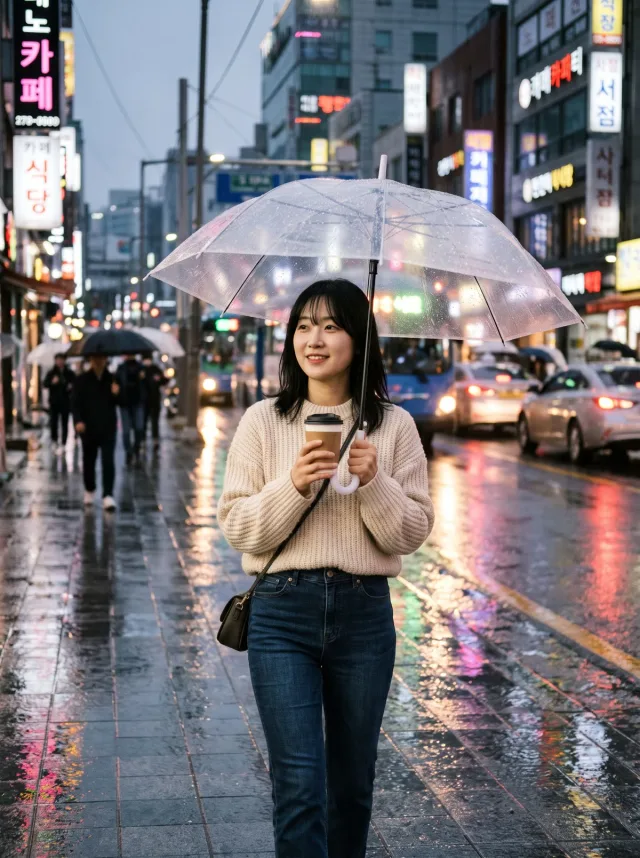
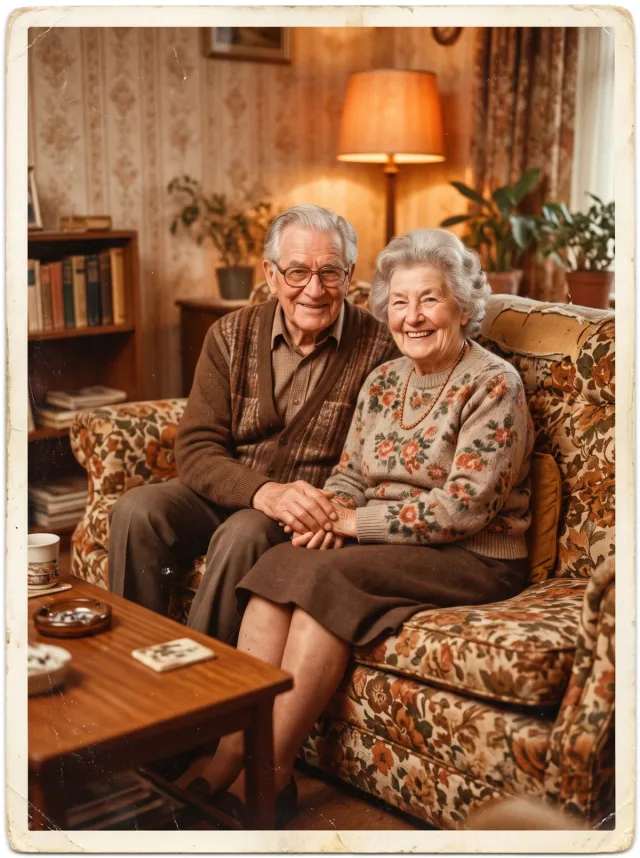
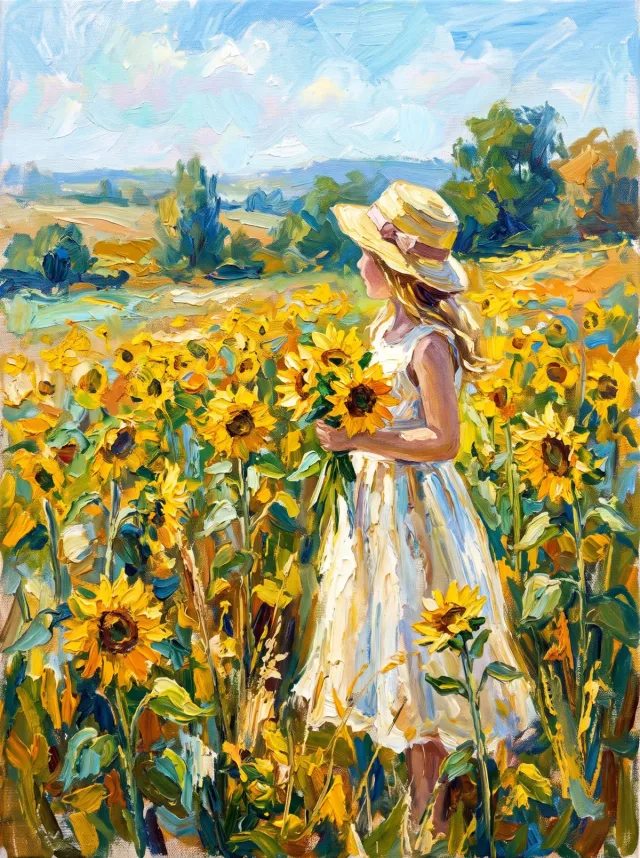
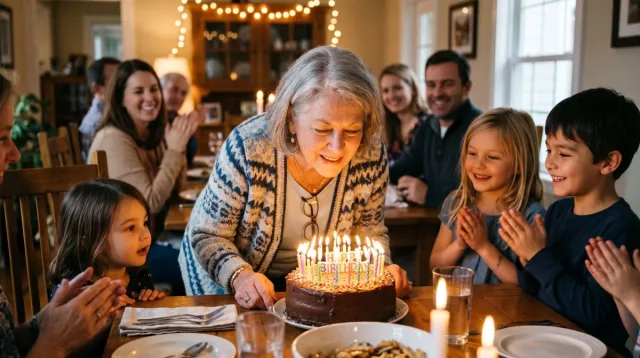
Which moment is in your photo?
Your first effect is free once you confirm your email. After that most effects are 43 credits, and a failed clip costs nothing.