AI photo enhancer
Make a blurry, dark or tiny photo clear in one tap. The AI sharpens it, lifts the light, takes out the grain and brings it to 2K, and faces stay the same person.
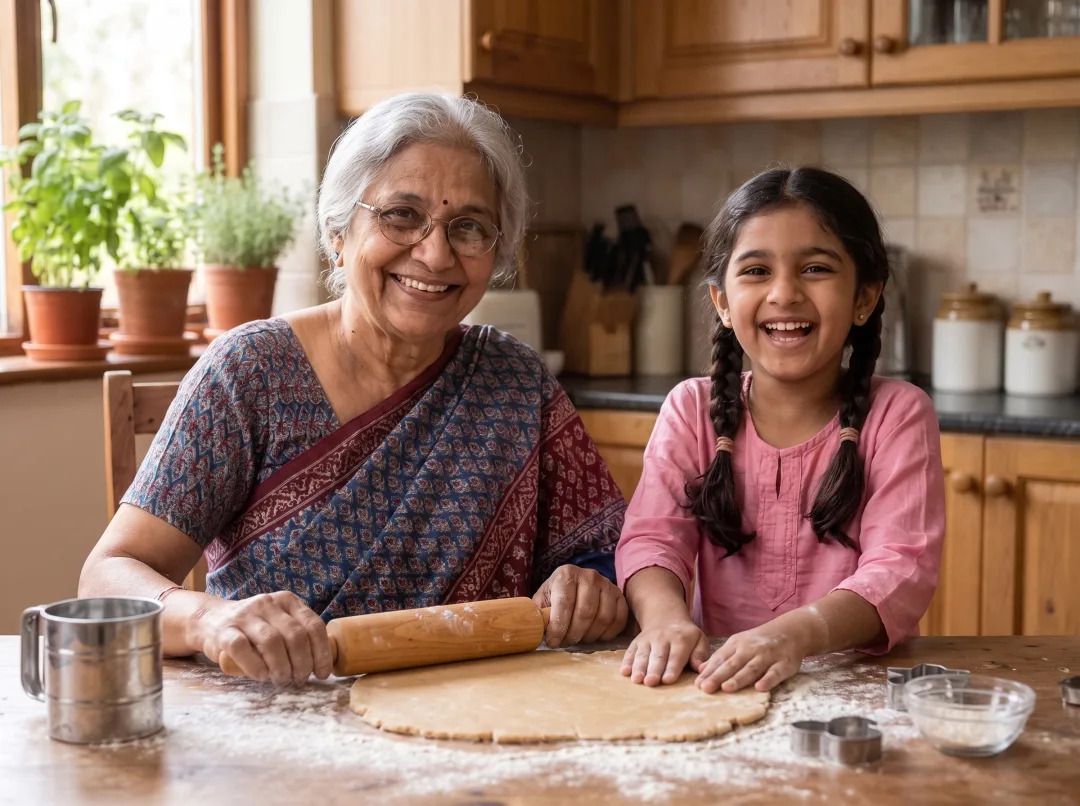
 BeforeEnhanced
EnhanceA blurry, grainy kitchen photo of a grandmother and her granddaughter rolling cookie dough
What does an AI photo enhancer do?
It takes a photo that came out unclear and gives you a clear copy of the same moment. One tap does four things at once: it sharpens what’s blurred, brightens what’s too dark, removes the grain and blocks, and makes the photo 2K, about 2400 pixels on the long side. Our runs took 27 to 38 seconds and cost 8 credits each.
It works by redrawing the photo, not by turning a sharpness slider up. That is why a face that was a soft smudge comes back with eyes and eyelashes, and also why detail that was lost completely, like tiny writing, can come back wrong. Every example below shows both.
Unblur an image, brighten it or make it bigger, in one tap
Photos go unclear in four ways. Each row is a sharp photo we spoiled on purpose that way, then enhanced once. Drag the line to compare.
Out of focus or shaken
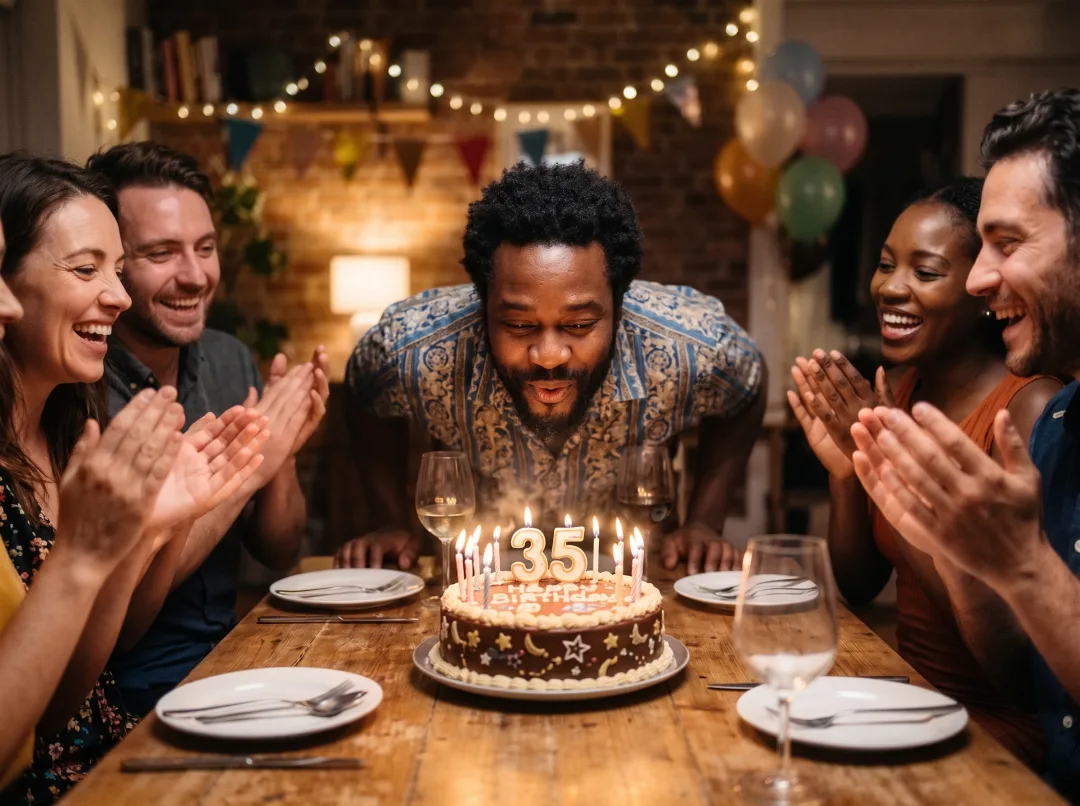
The camera focused on the wall behind him, so his face, the candles and the cake all went soft.
His beard, his puffed cheeks and the flames are sharp, and the “35” on the cake is still 35. The writing round it came back as new letters: it was too soft to read before, so the AI drew some.
Ready in 38 s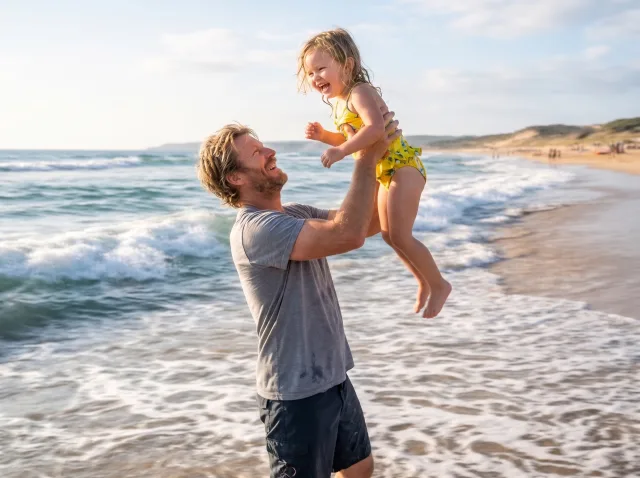
 BeforeEnhanced
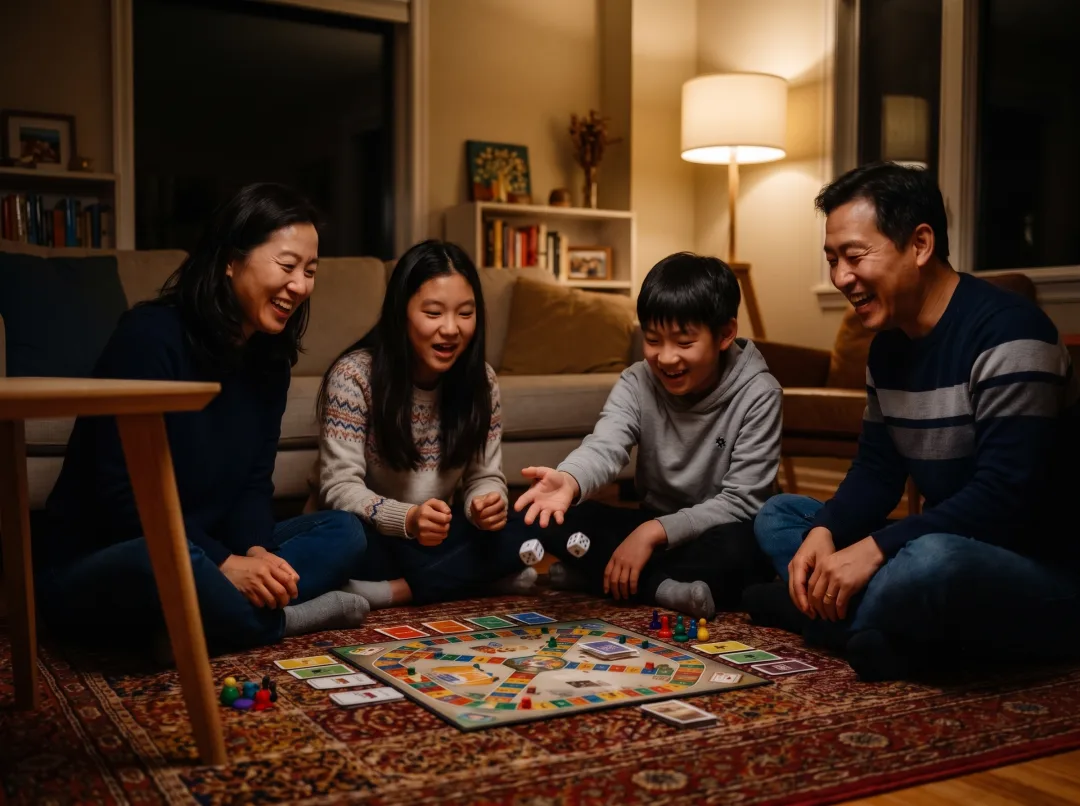
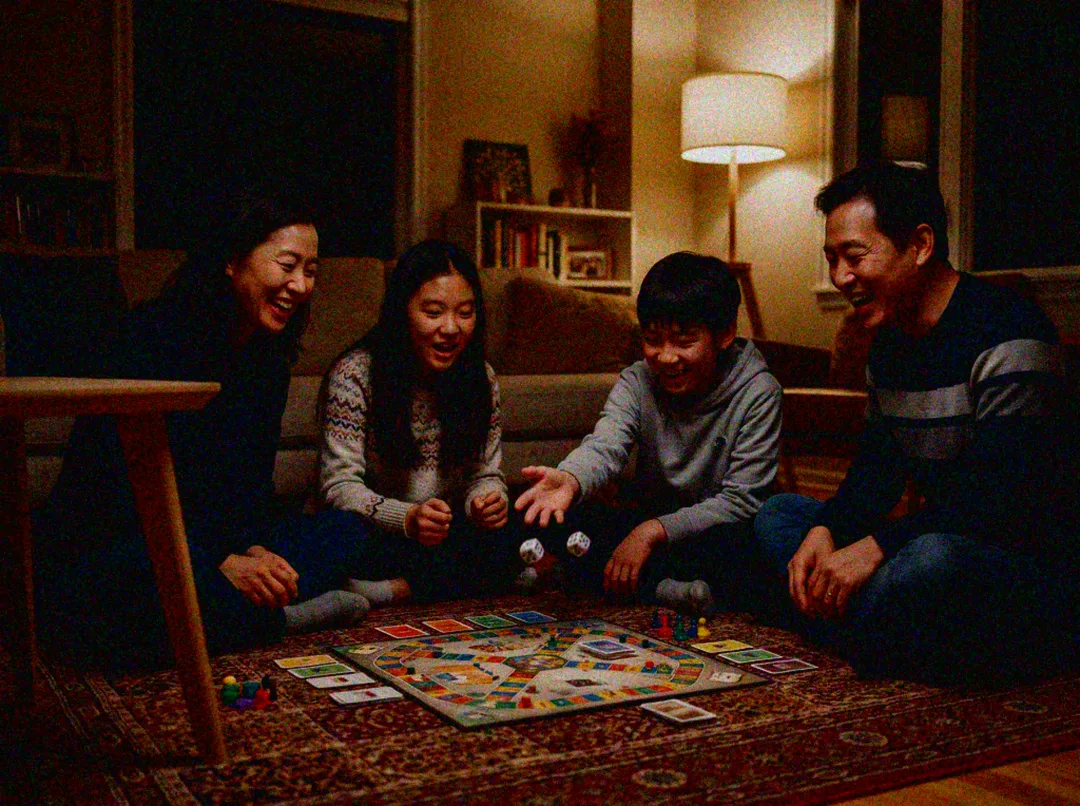
Too dark and grainy
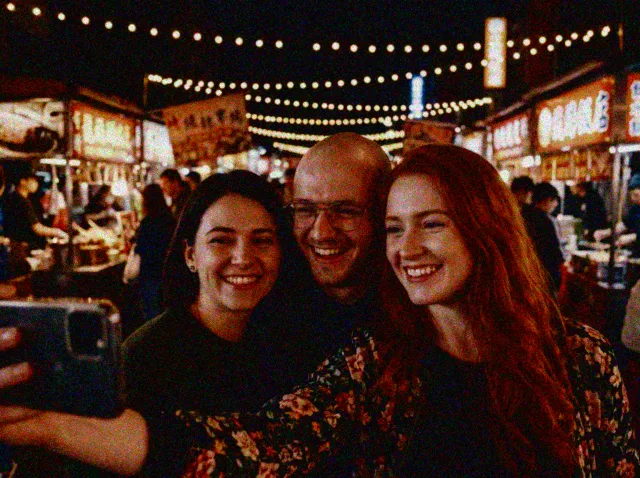
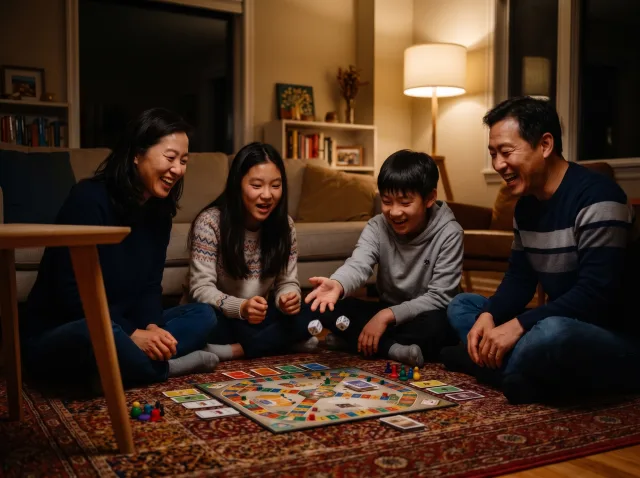
An evening photo under one floor lamp: dark faces and coloured grain all over the rug.
Brighter, with the grain gone, and the four of them, the dice and the board look like a normal evening photo. Nobody’s face was changed to get there.
Ready in 29 s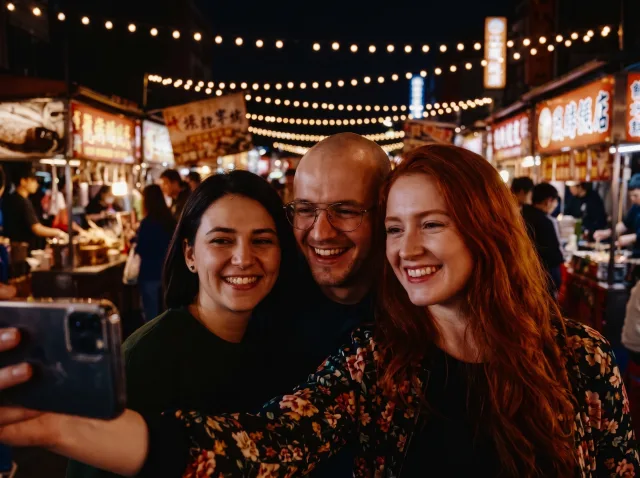
 BeforeEnhanced
Too small and blocky
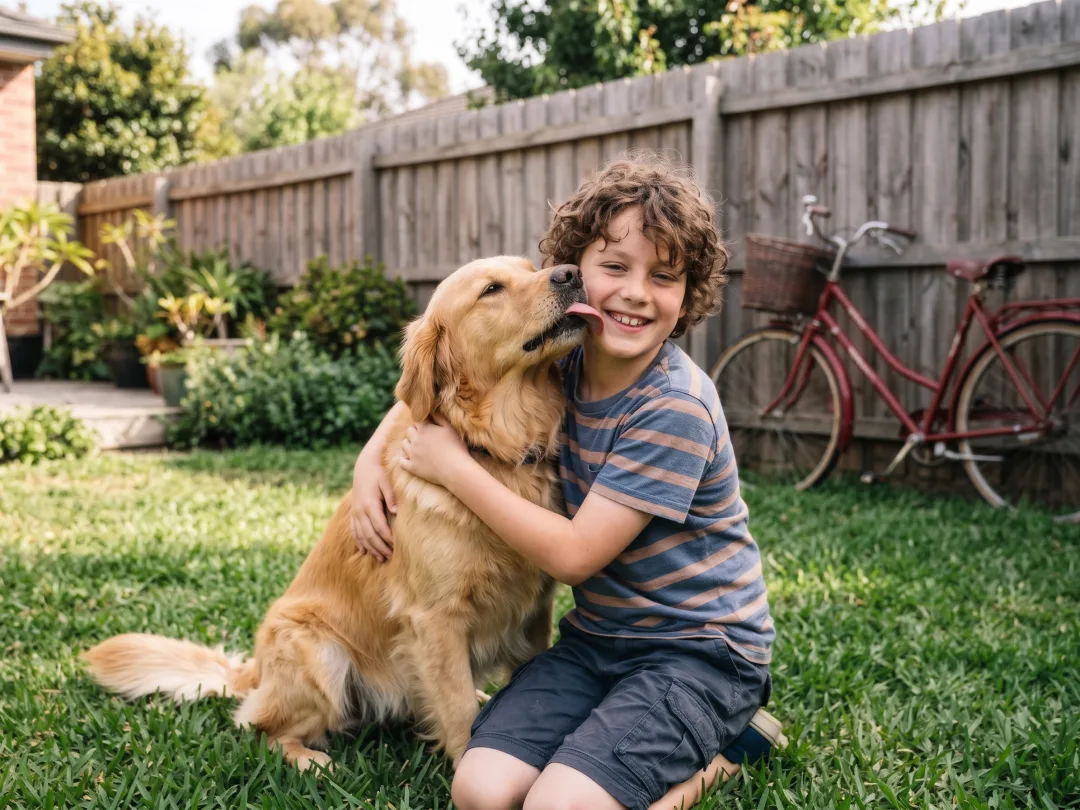
Only 256 pixels wide, so stretched to fit a screen it turns into blocks.
The freckles, the dog’s fur and the red bicycle are back, at 2K. The AI filled the detail in from what the blocks showed.
Ready in 28 s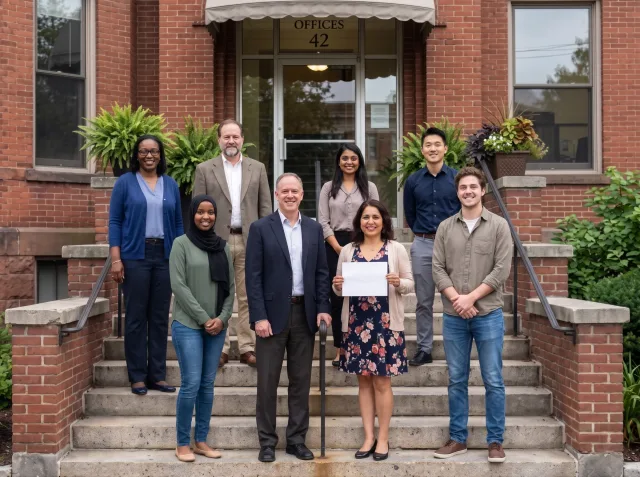
 BeforeEnhanced
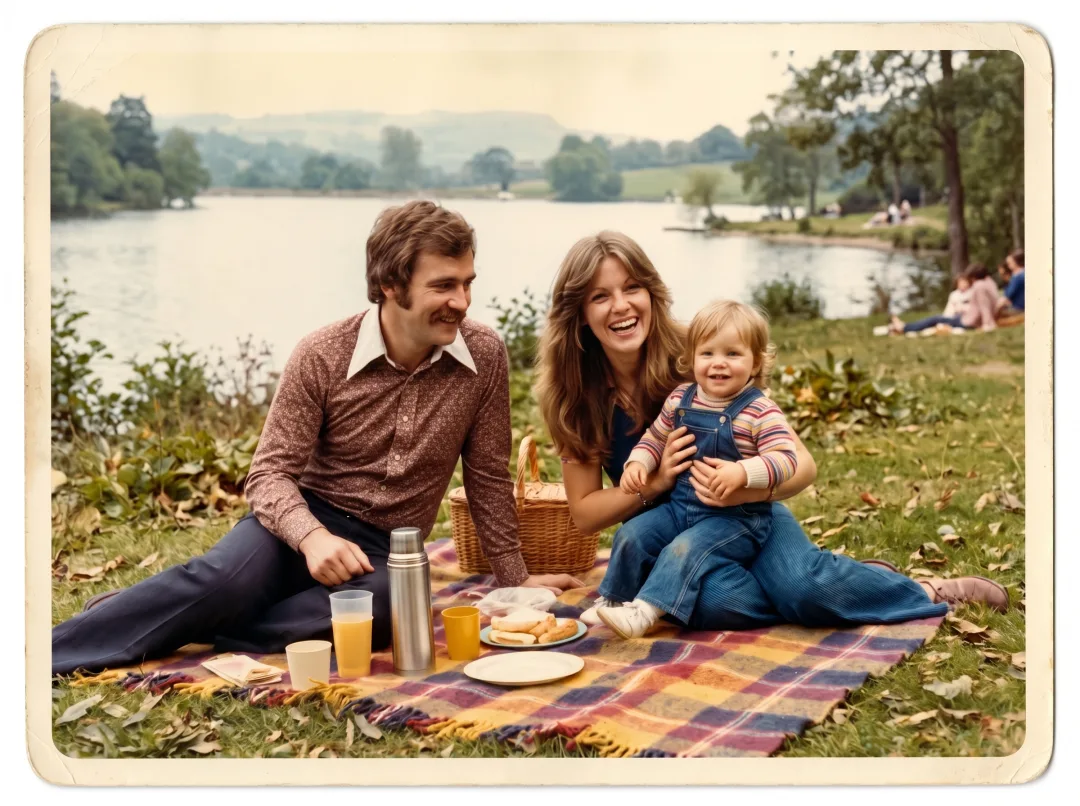
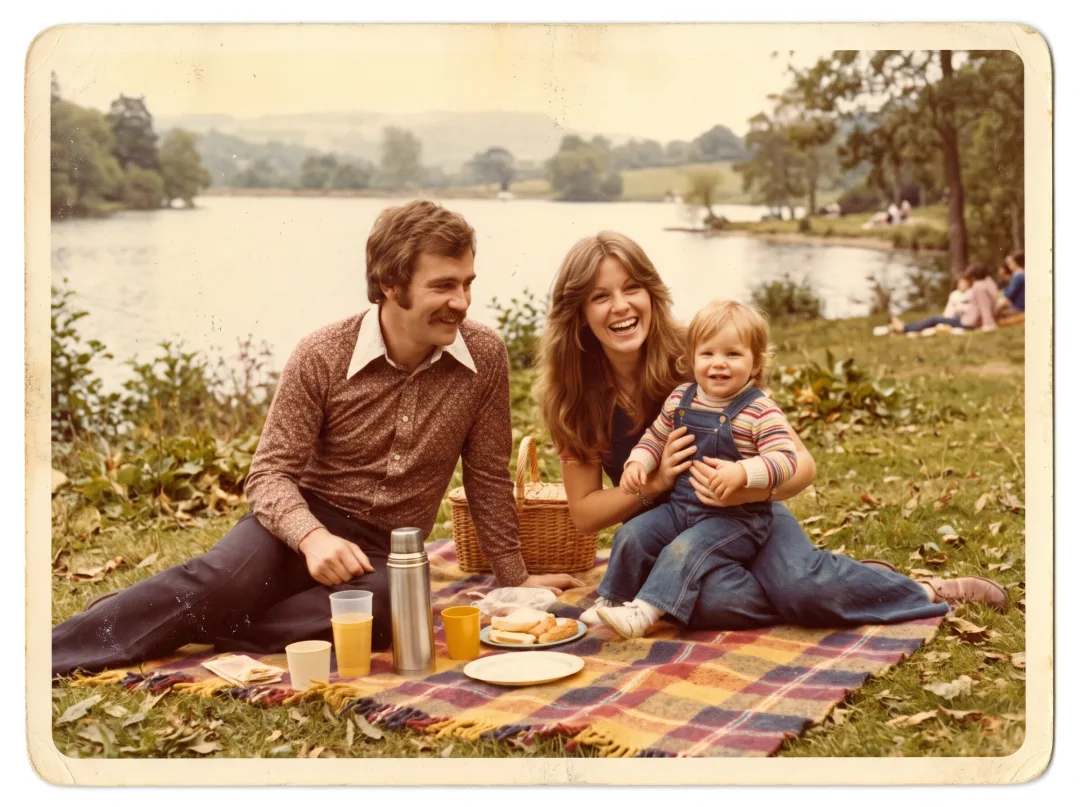
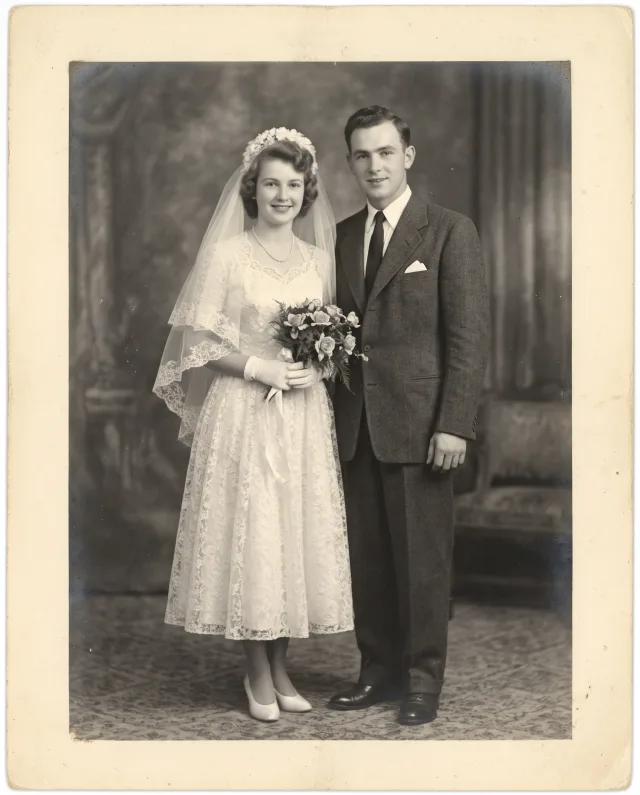
Faded old print
A 1970s snapshot gone orange, flat and soft.
Less orange, with a bluer sky and greener grass, the white border kept, and the family a little sharper.
Ready in 28 s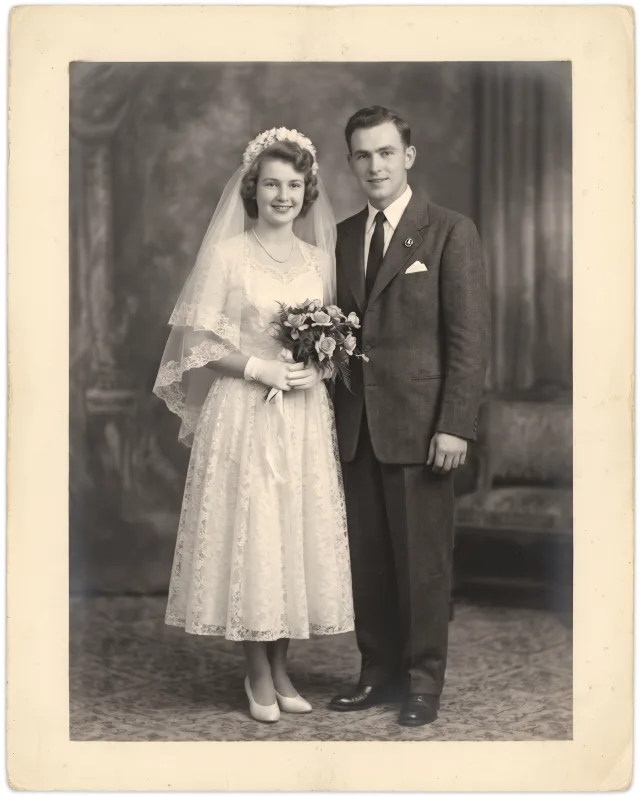
 BeforeEnhanced
Faces come back clear, and still look like them
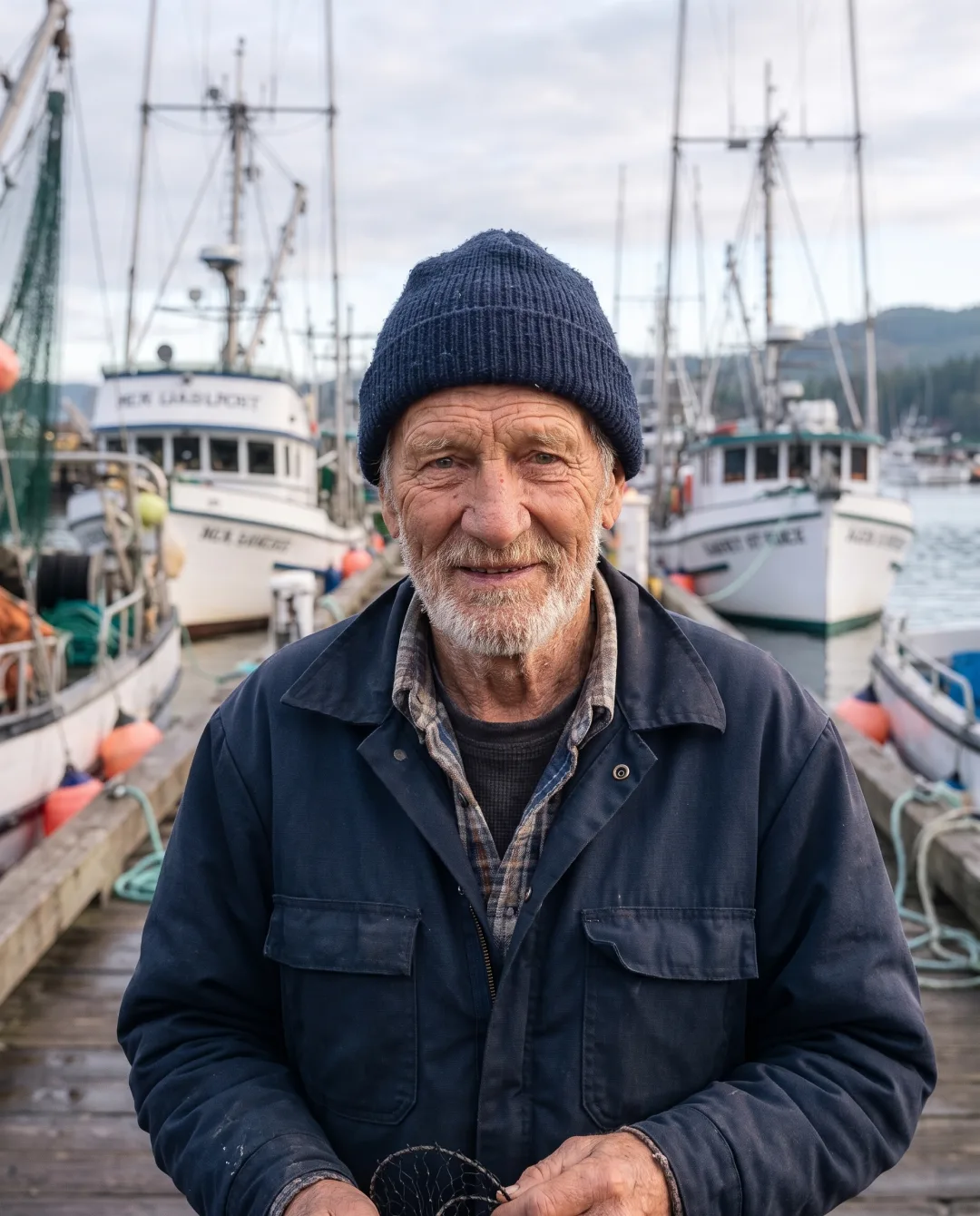
An enhancer that makes faces sharp but swaps the person is no use for a family photo. We kept the sharp original of each portrait, so you can check the face against the real one.
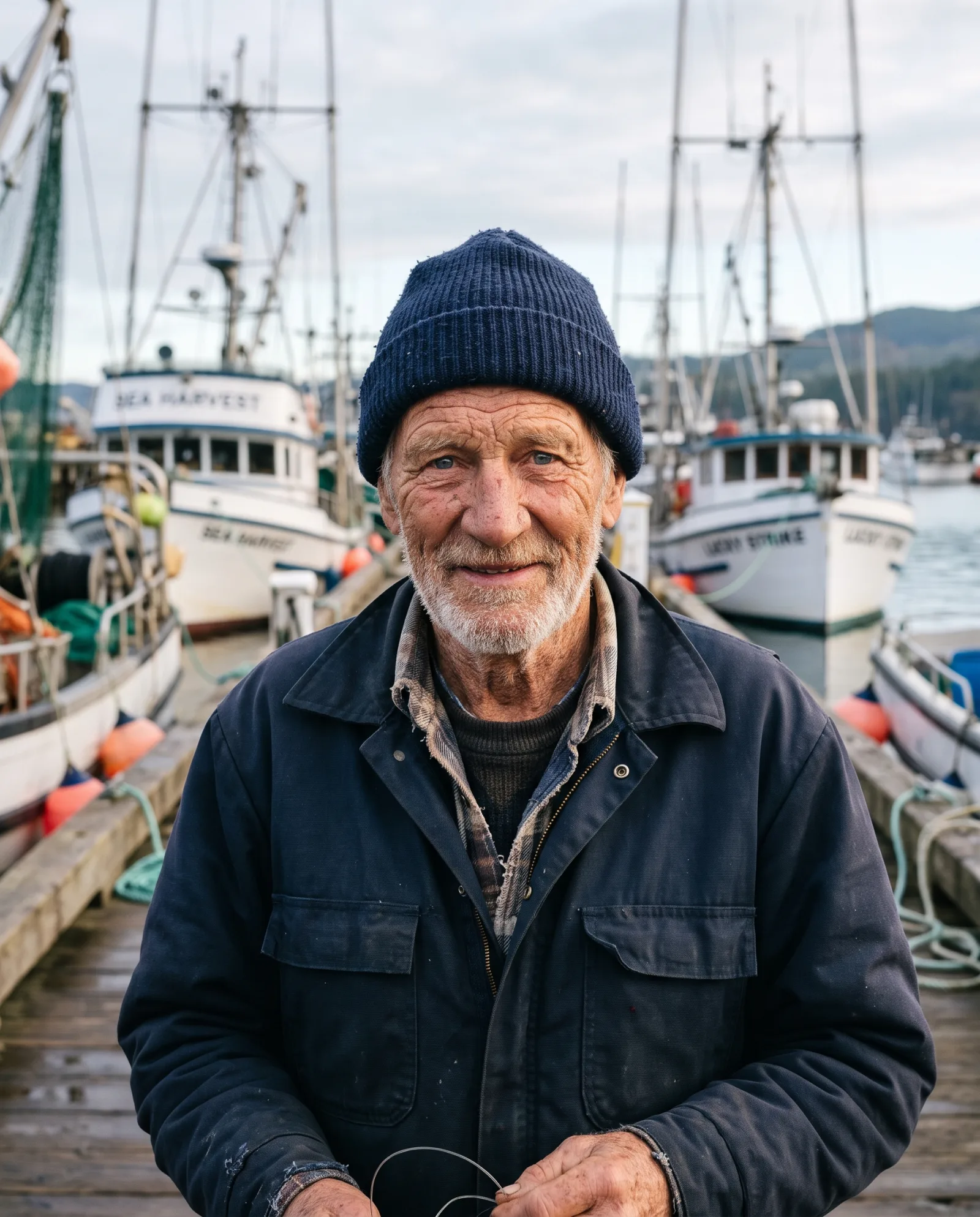 Original
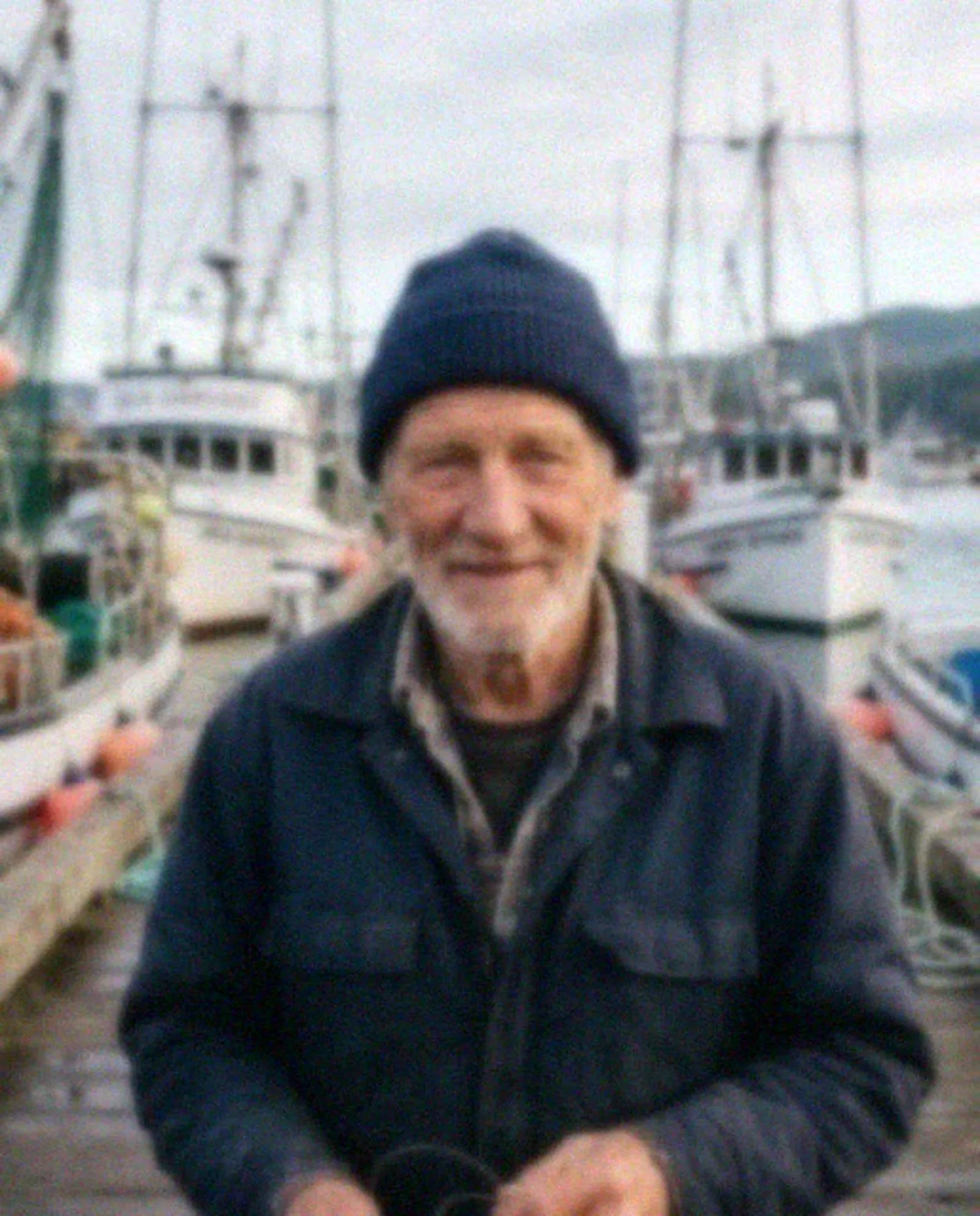 Uploaded
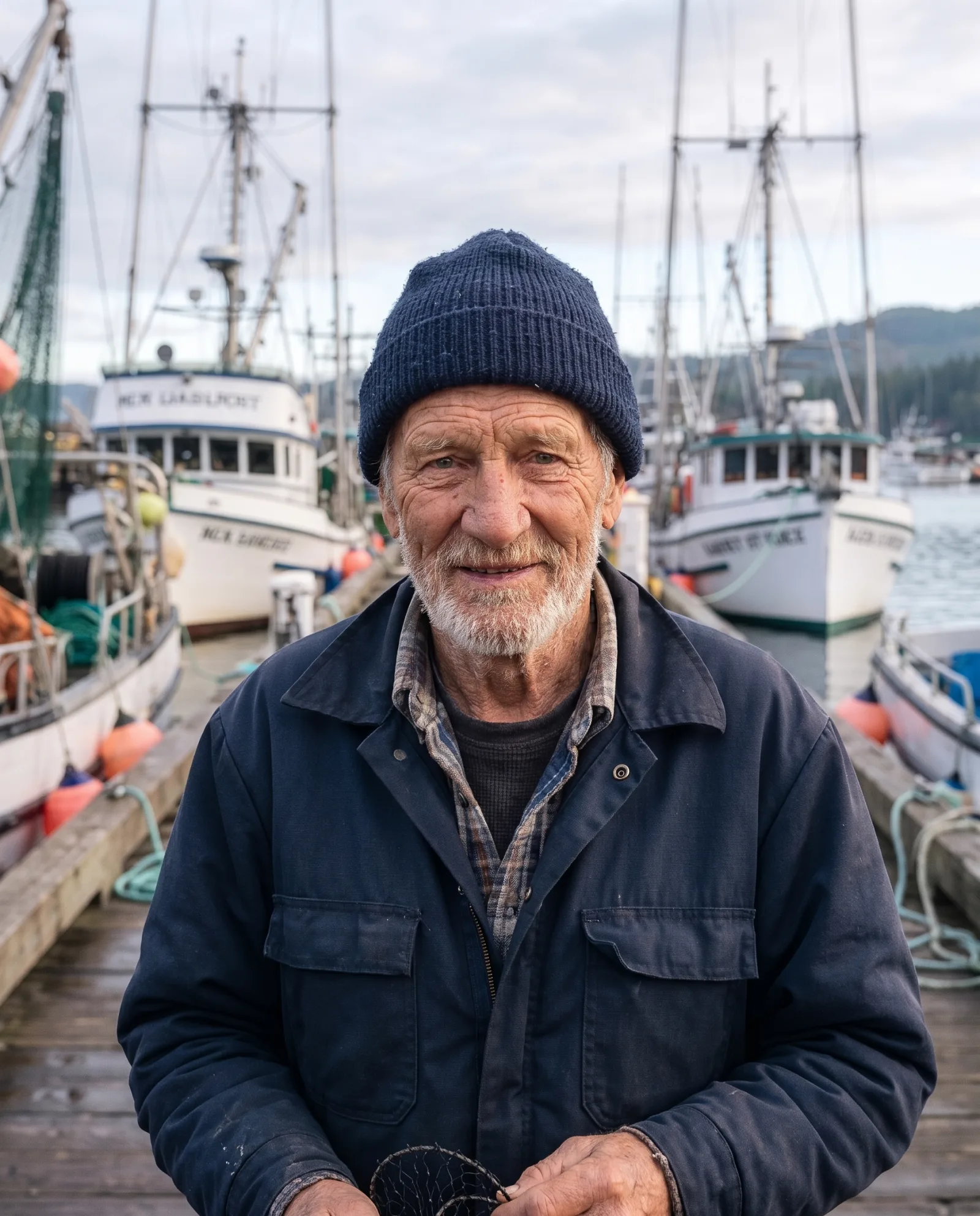 Enhanced
A fisherman, blurred and grainy
Every deep line, the white stubble and the pale blue eyes are where they were in the sharp original. This is the closest of the three.
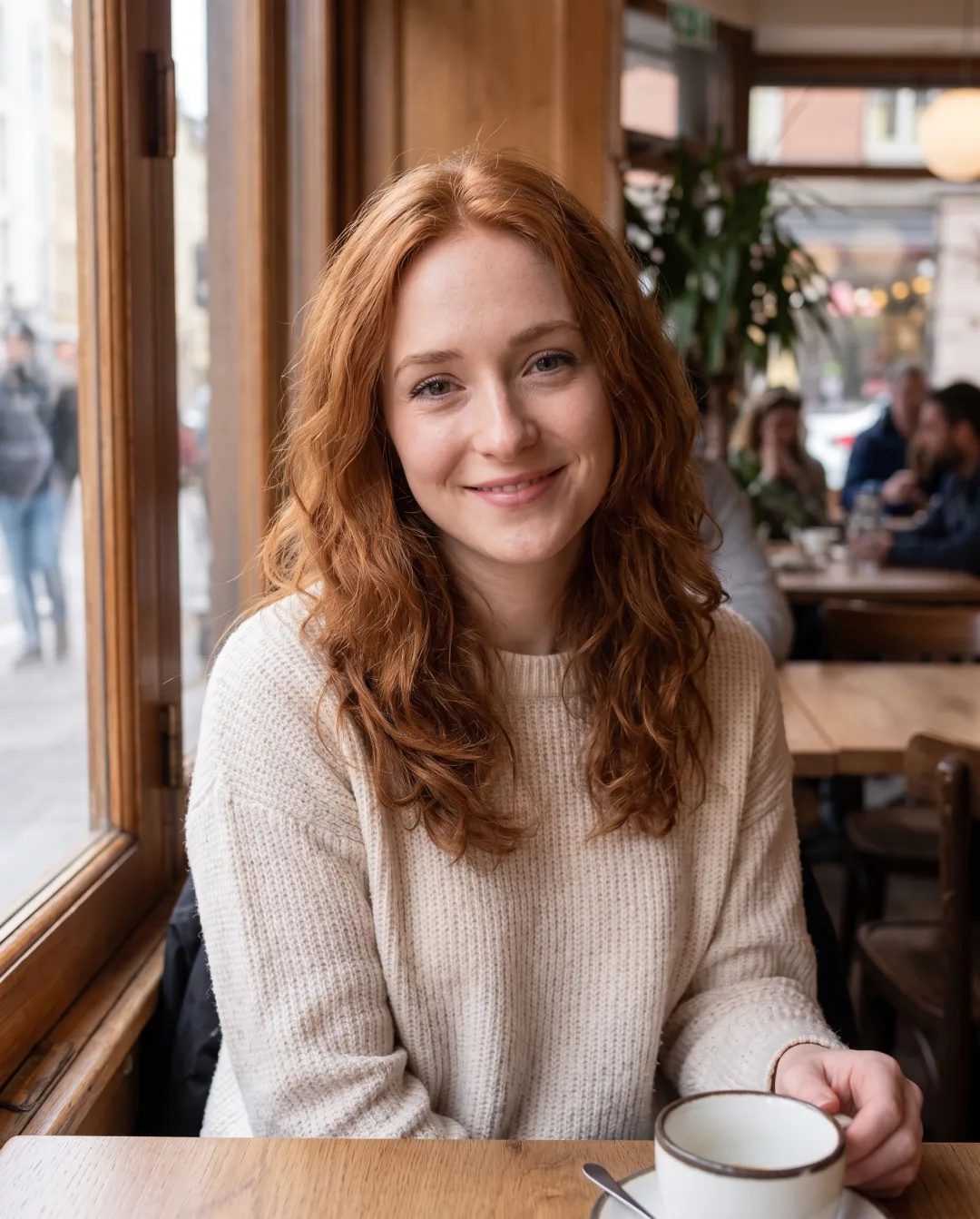
 Original
 Uploaded
 Enhanced
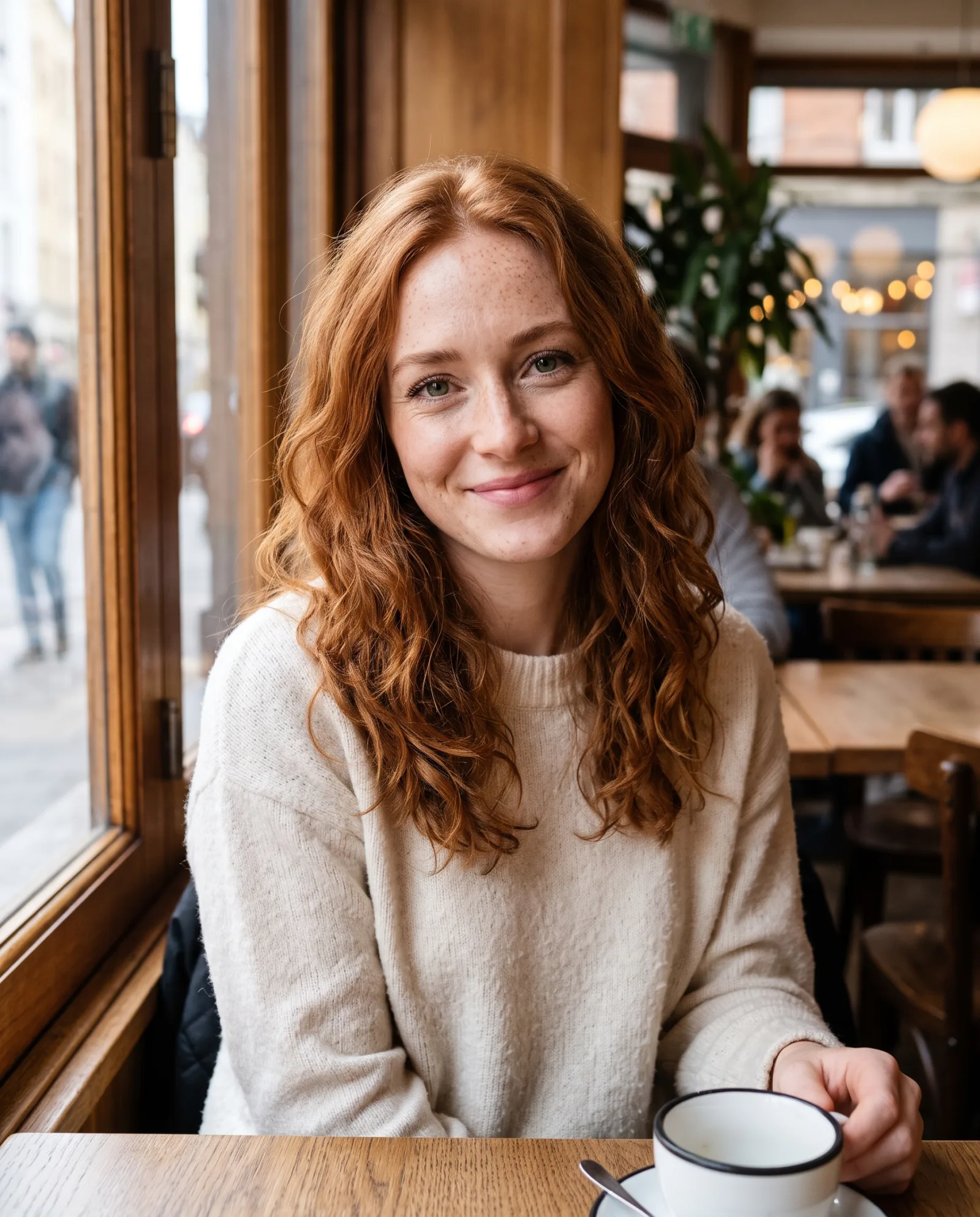
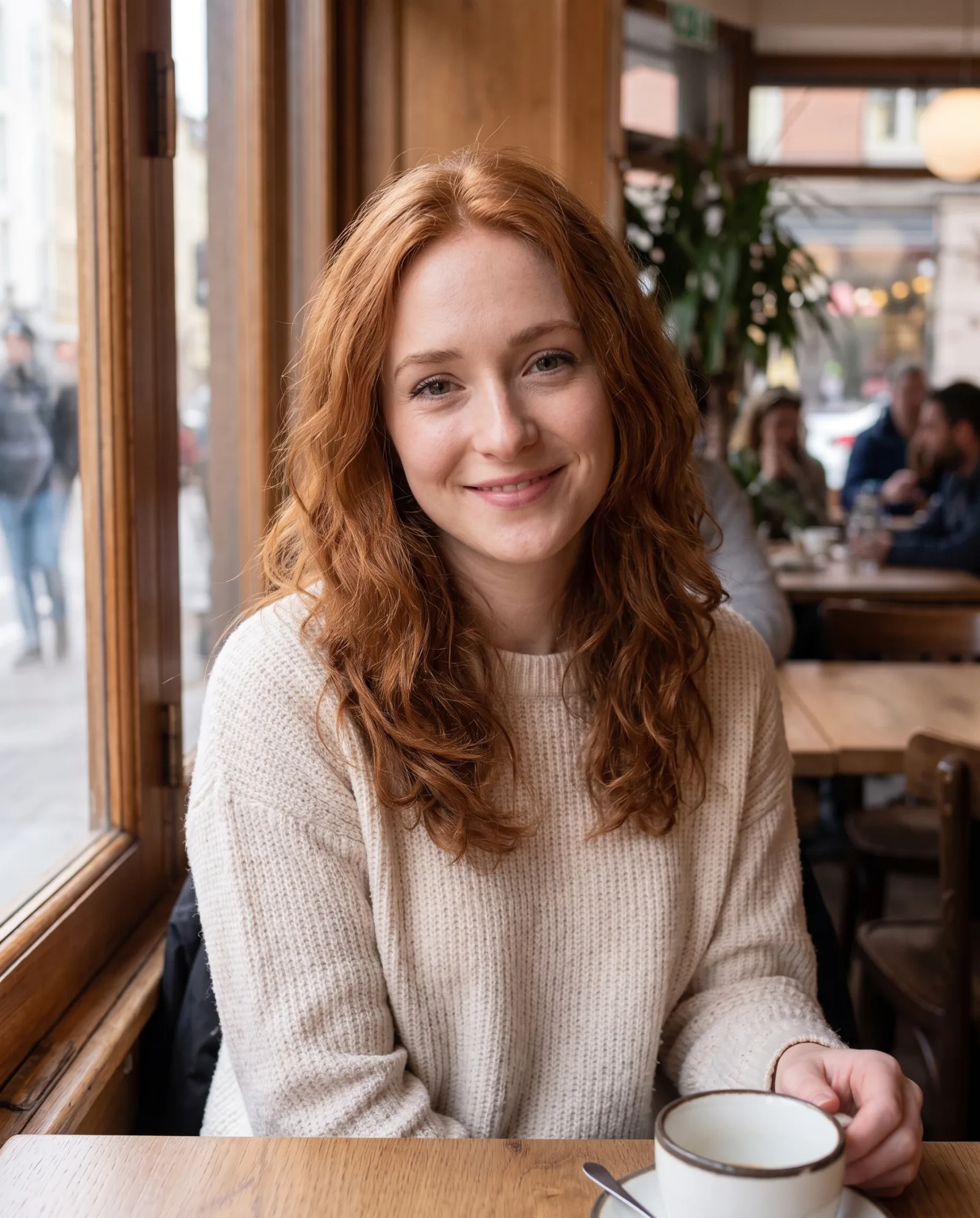
A portrait forwarded three times
Her face, smile and copper hair are hers, but most of her freckles didn’t come back: the forwarding had wiped them out, and the AI couldn’t know they were there.
 Original
 Uploaded
 Enhanced
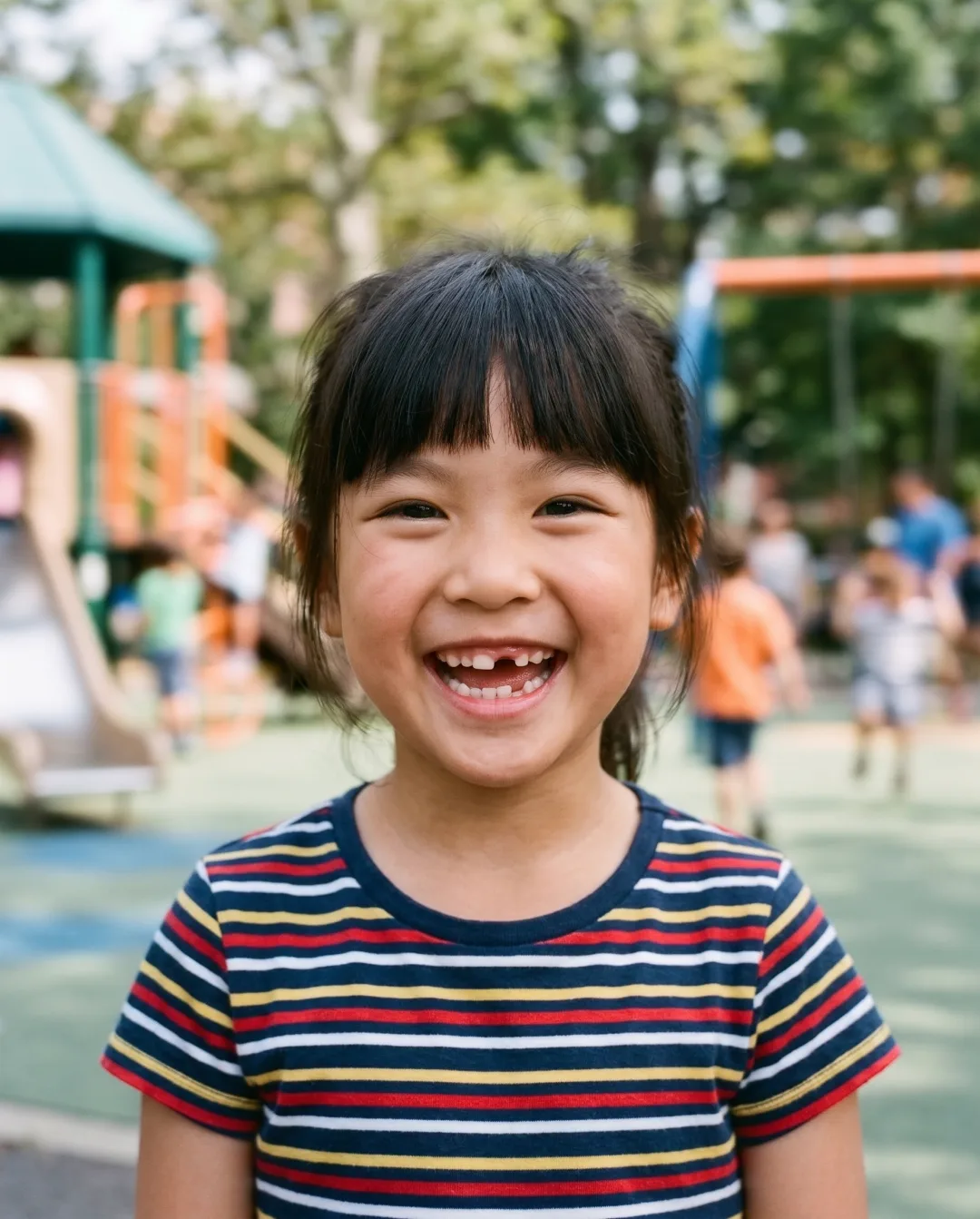
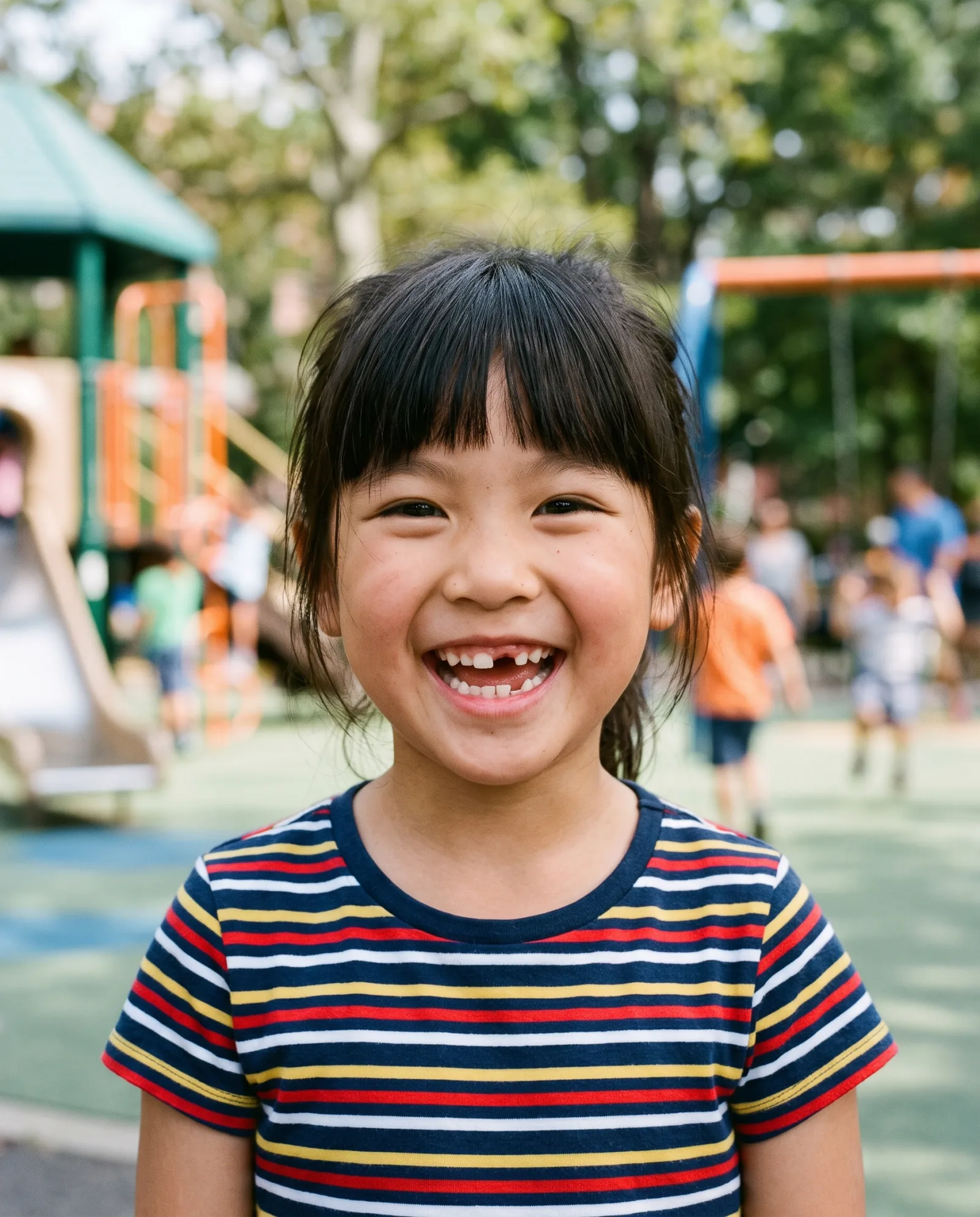
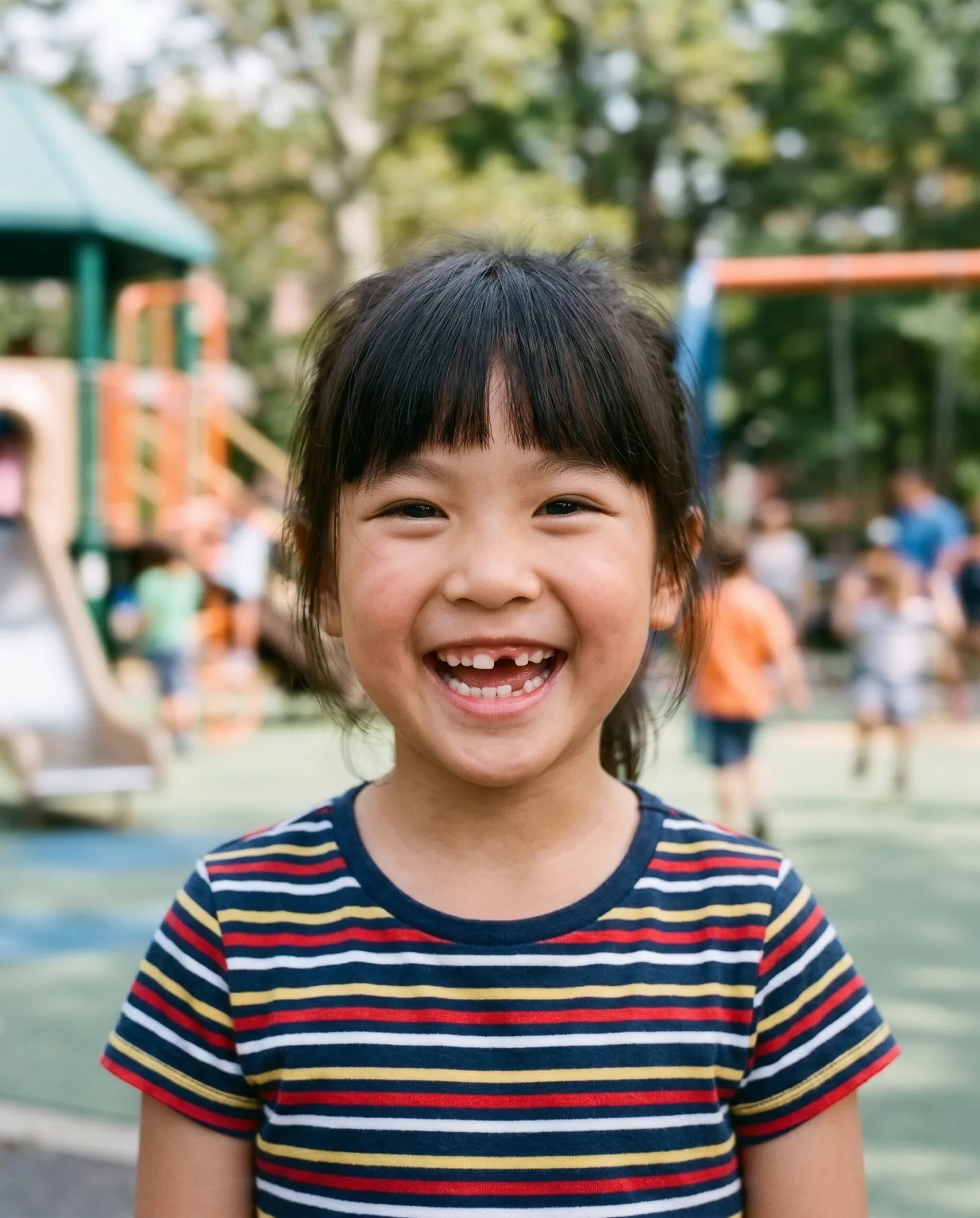
A girl, smeared by a moving hand
The same wide grin, with the gap from her missing front tooth kept, not filled in with a new tooth.
Detail a photo has lost completely, like freckles or the pattern of a shirt, gets drawn in or left out. Check the faces before you print, and try again if one doesn’t look right.
How blurry is too blurry?
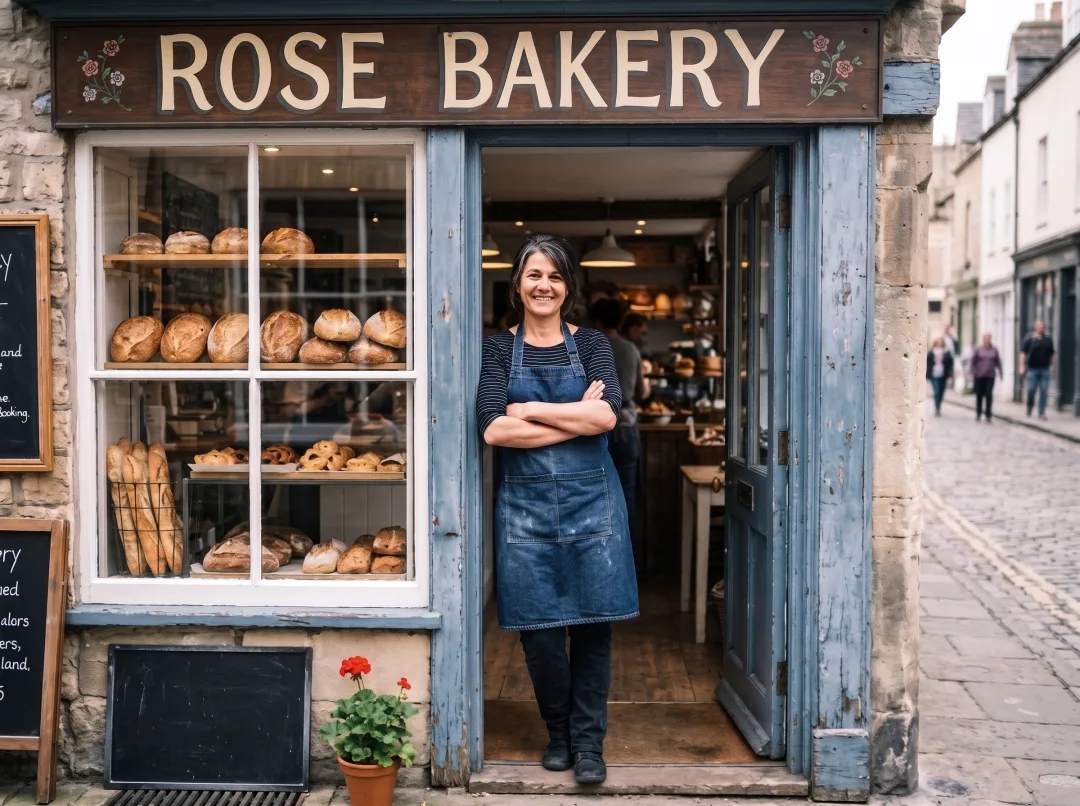
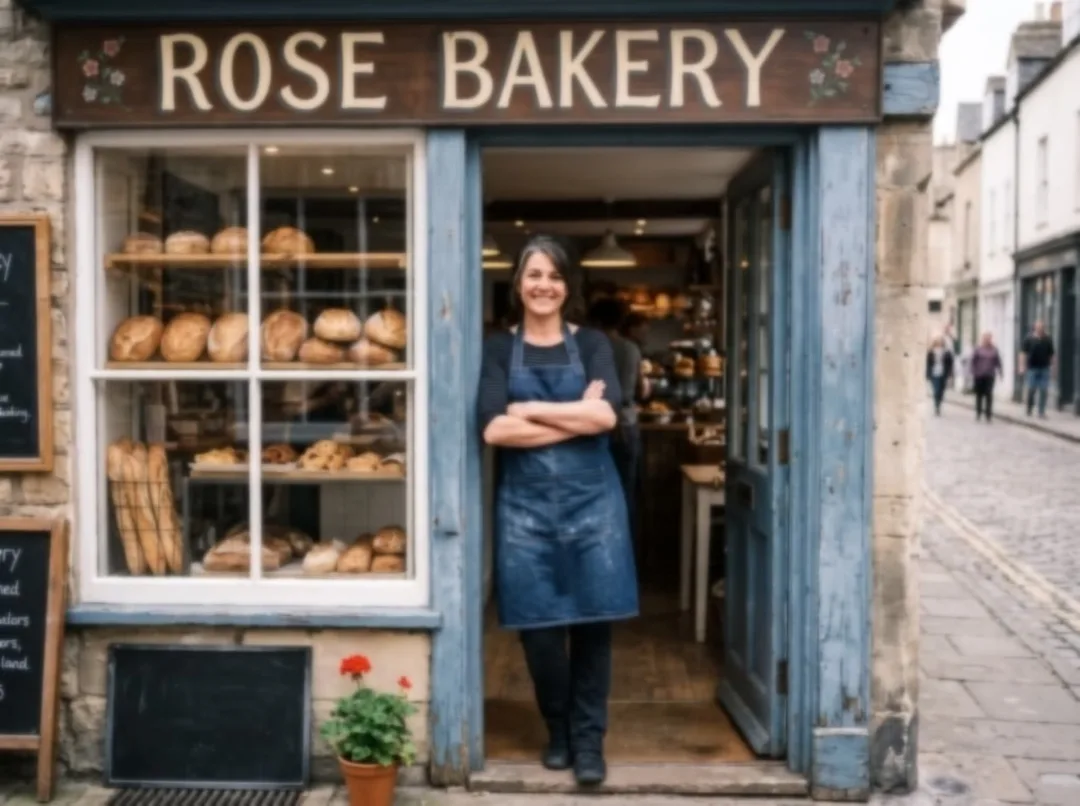
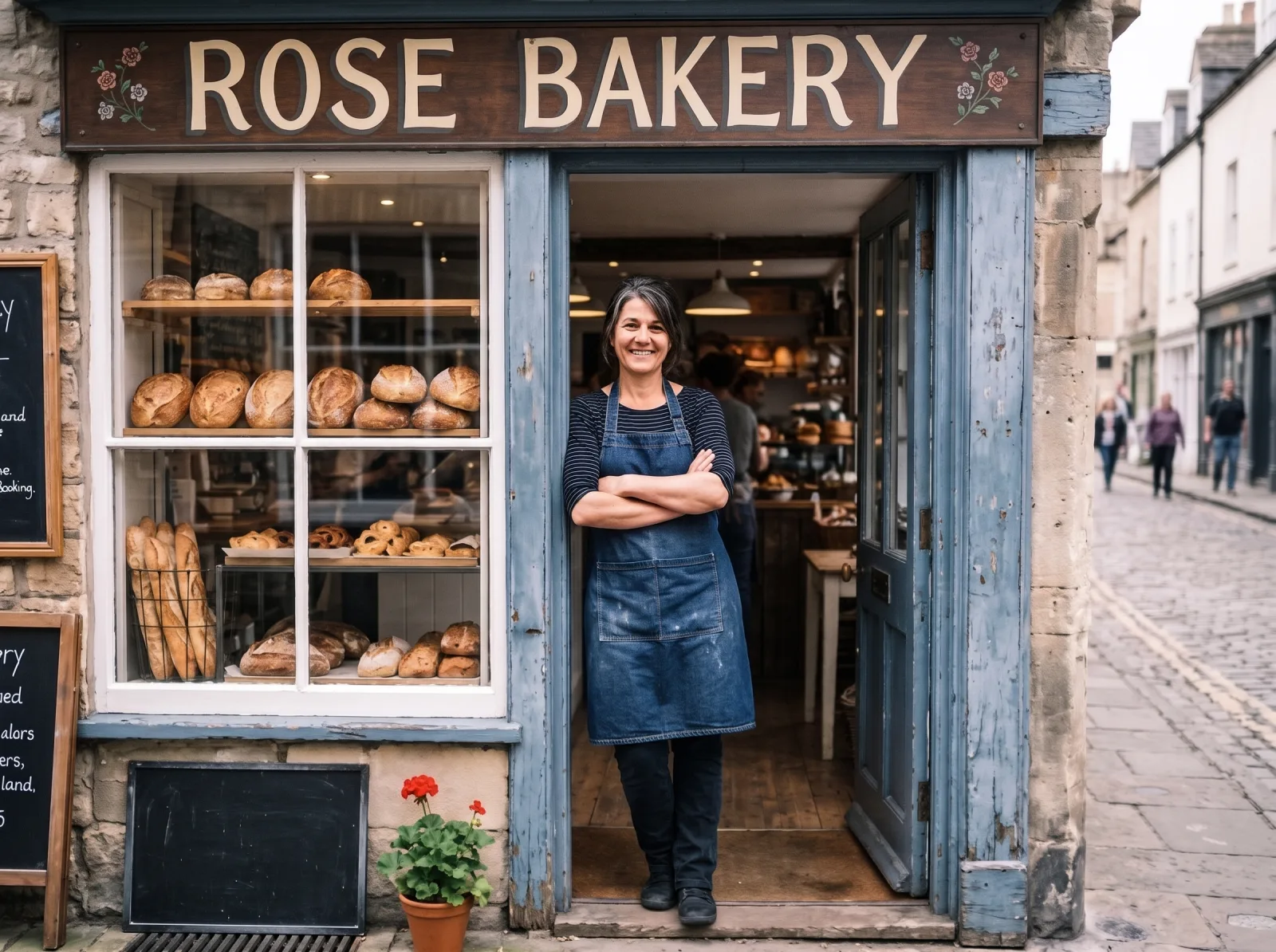
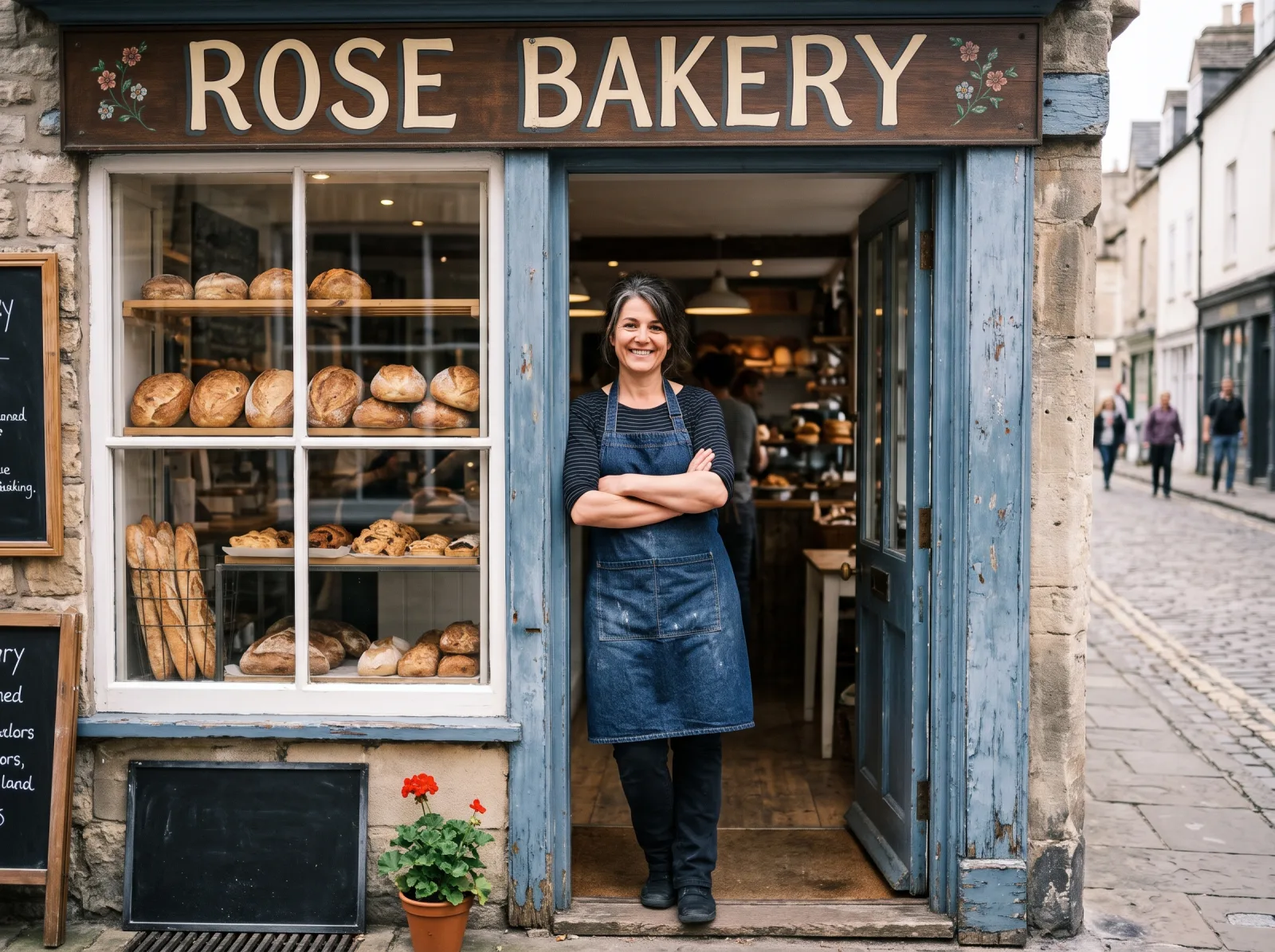
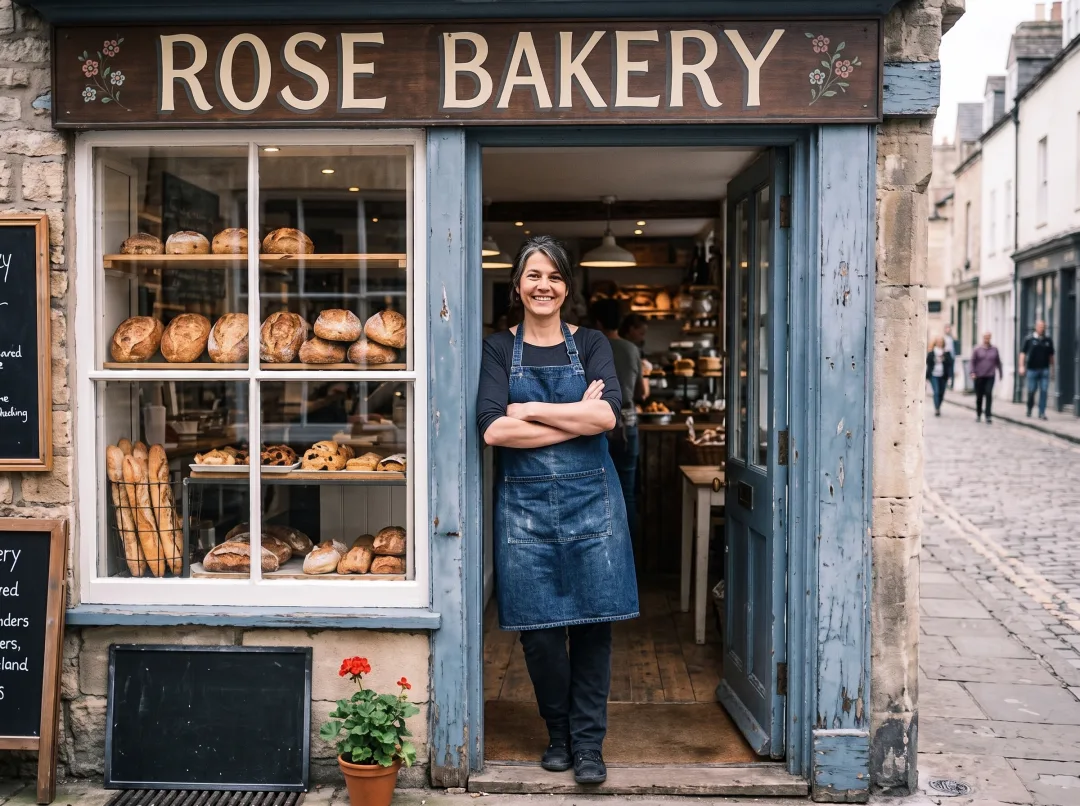
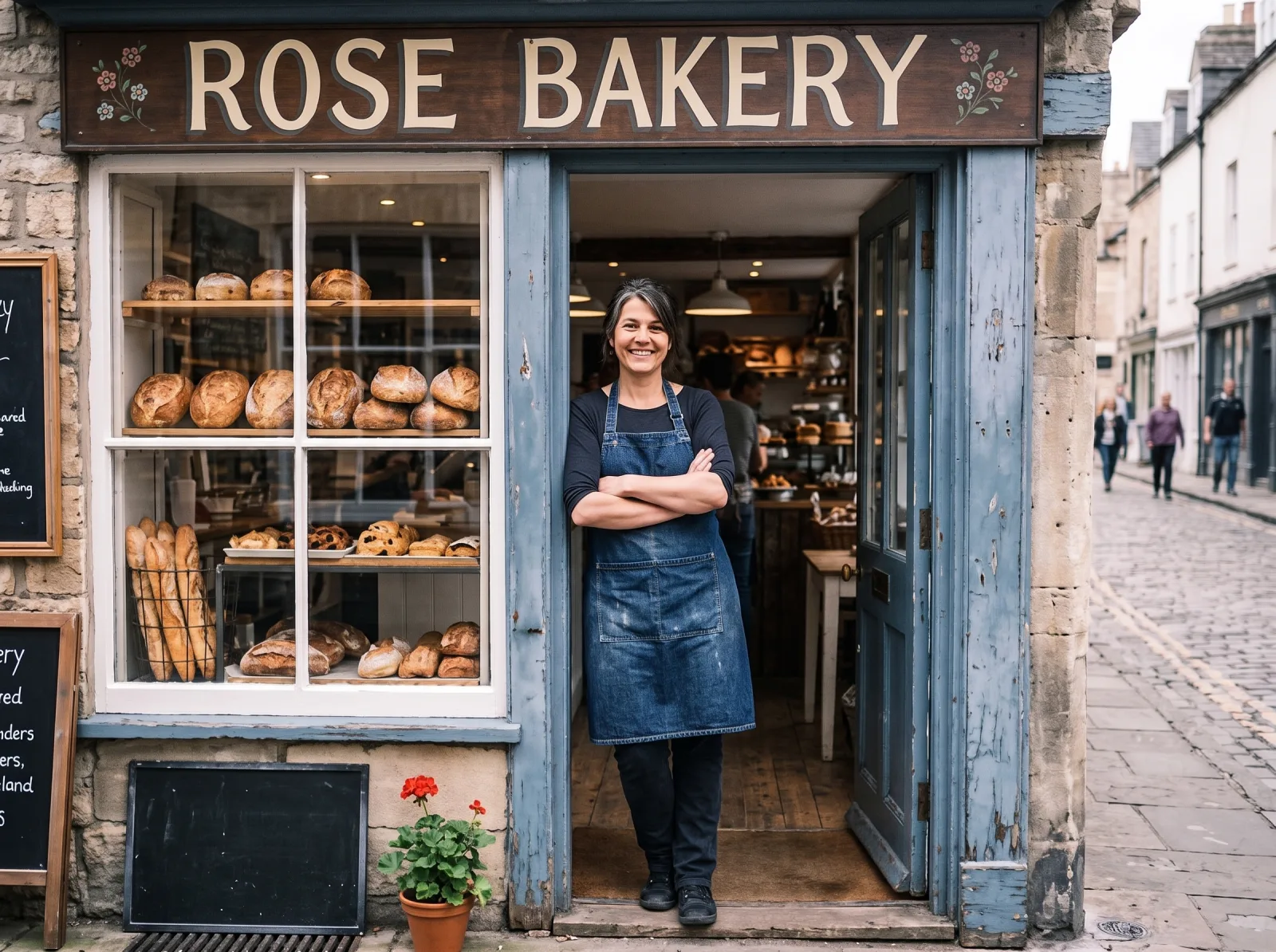
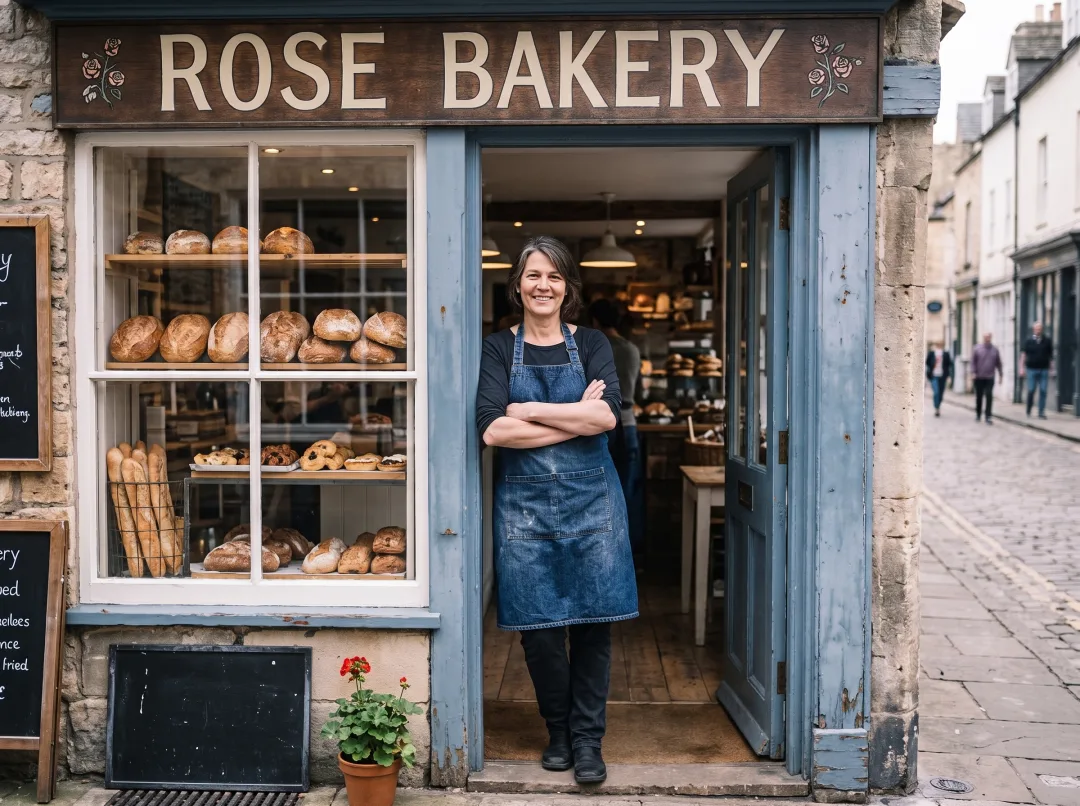
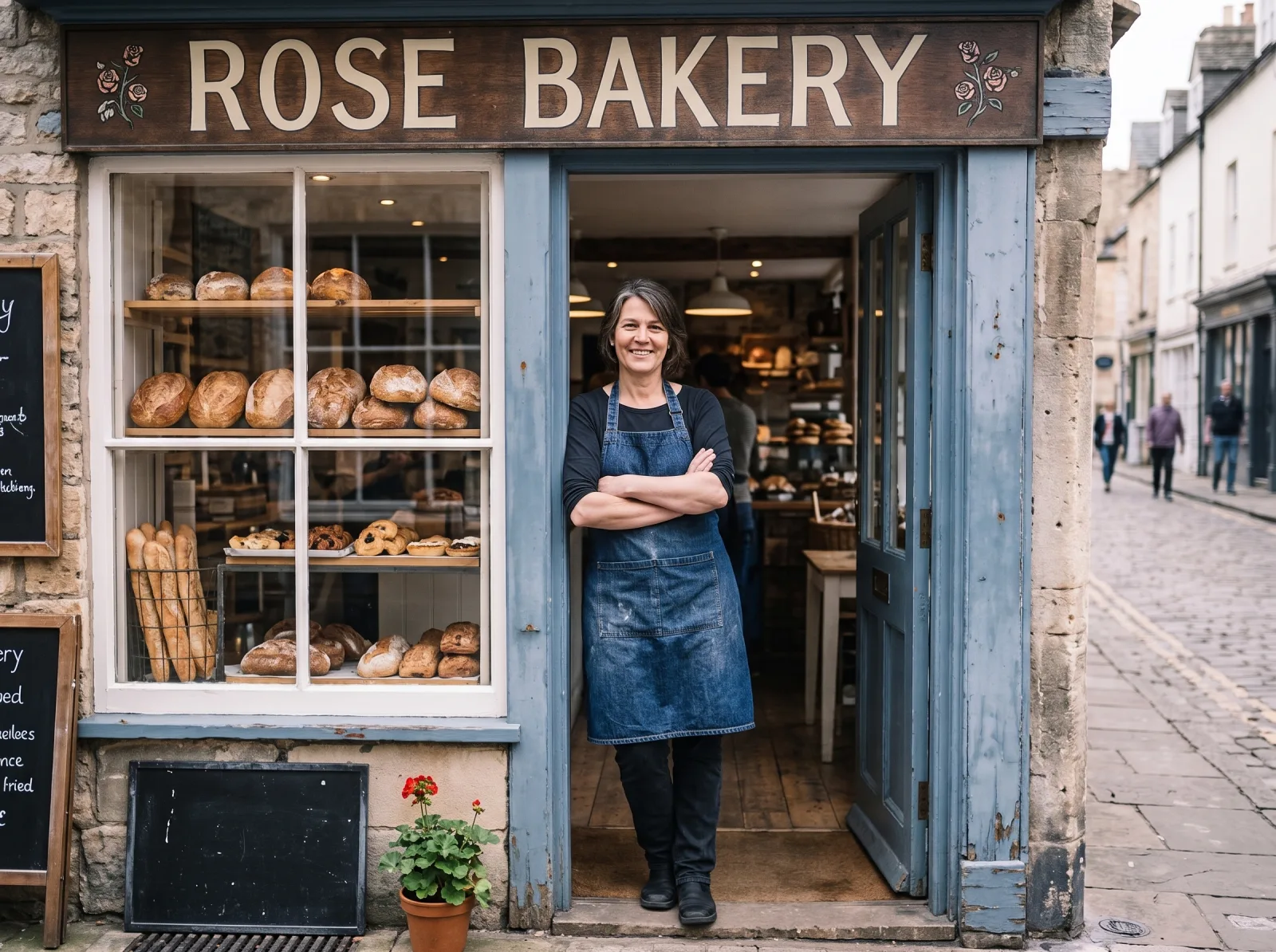
The same bakery photo blurred three times as much, each one enhanced once. Under each is her face in the result next to the sharp photo we started from.
 Enhanced
 Original
A little blurry
Back to almost the original: her face, the grey streak in her hair, the loaves and the ROSE BAKERY sign.
 EnhancedOriginal
Quite blurry
Her face and the sign are right. Her striped top came back plain black, and one word on the chalkboard changed.
 EnhancedOriginal
Very blurry
The sign is still right, because big letters survive. But the face is a different woman’s, and the chalkboard words are made up.
If you can still tell who is in the photo, it can be saved. If you can’t, the AI can’t either: it draws a clear face, but not necessarily theirs. The same goes for small, blurry writing.
Fix a photo that was sent through a chat app
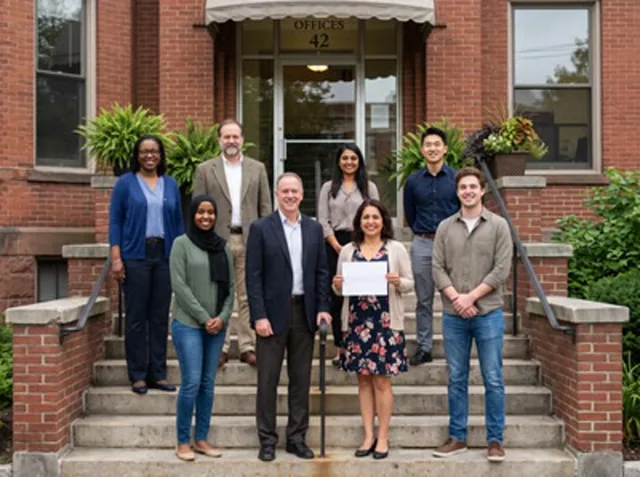
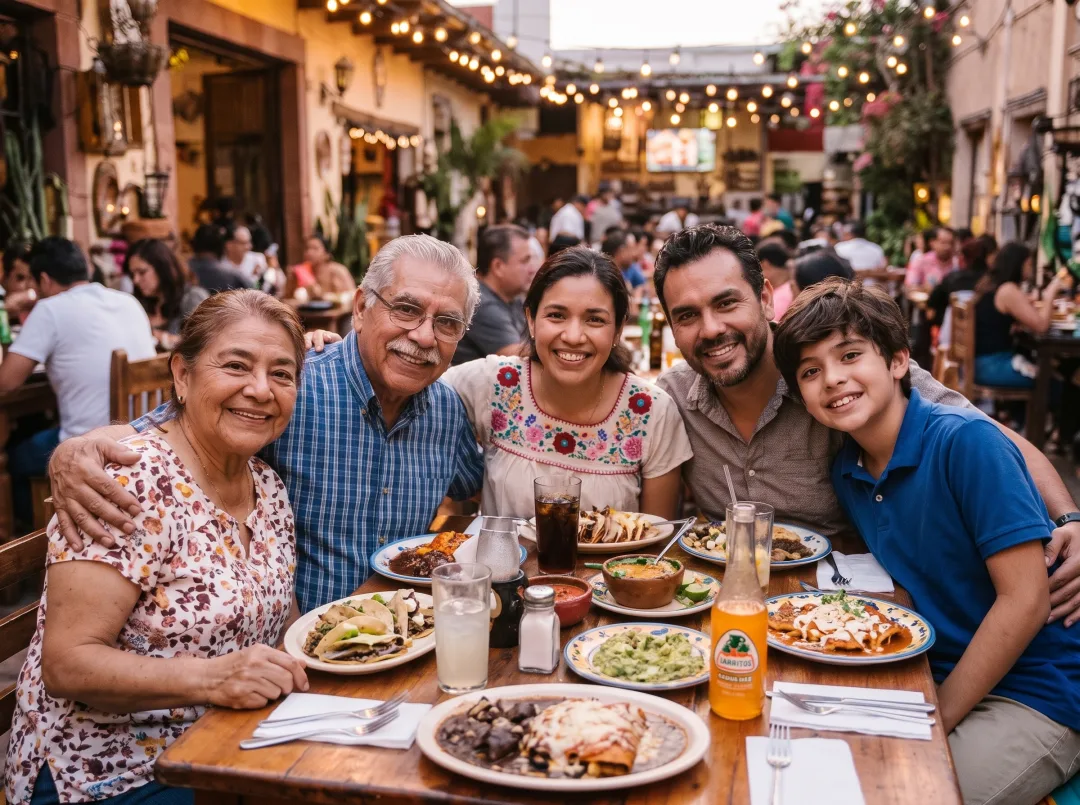
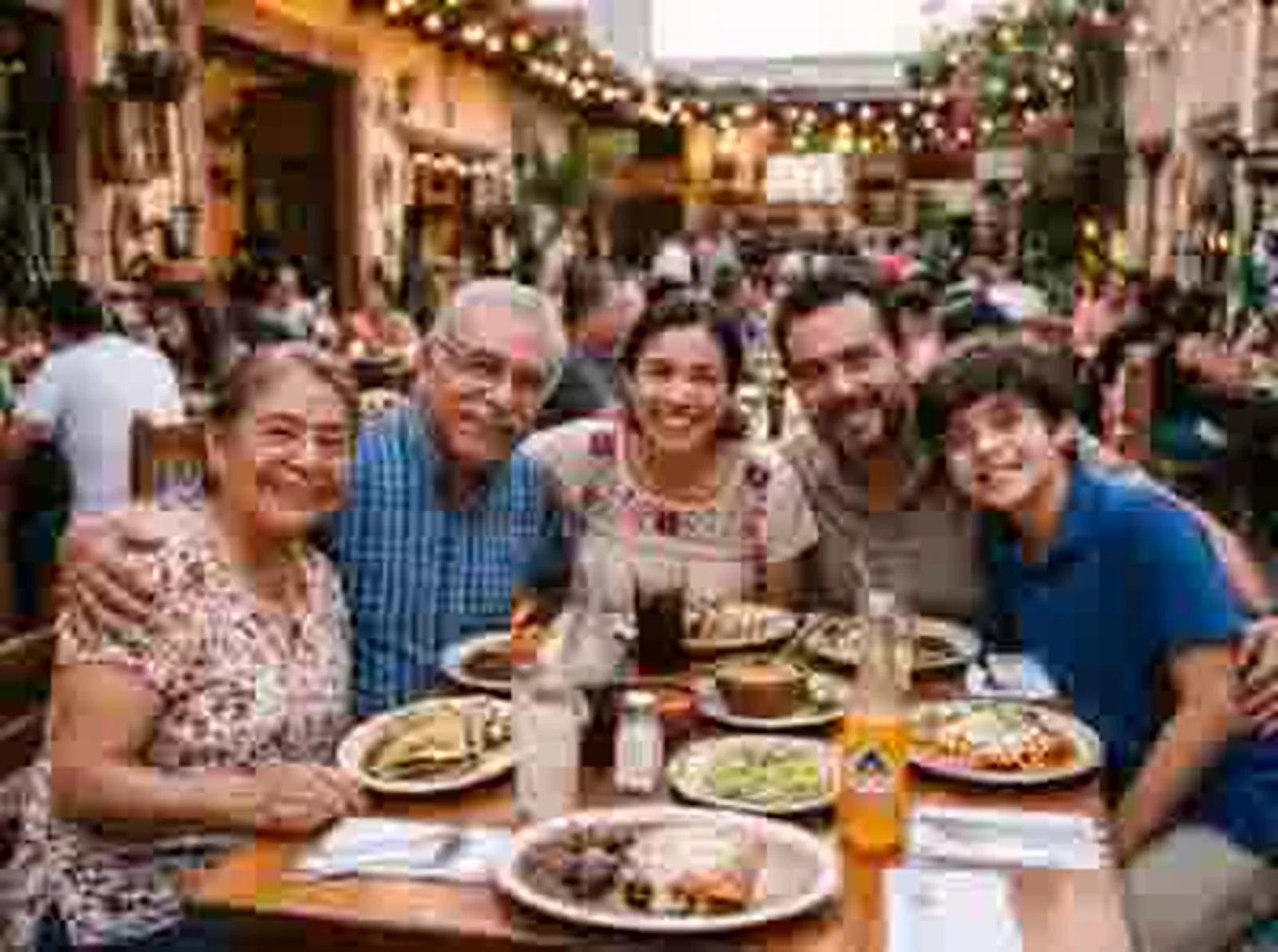
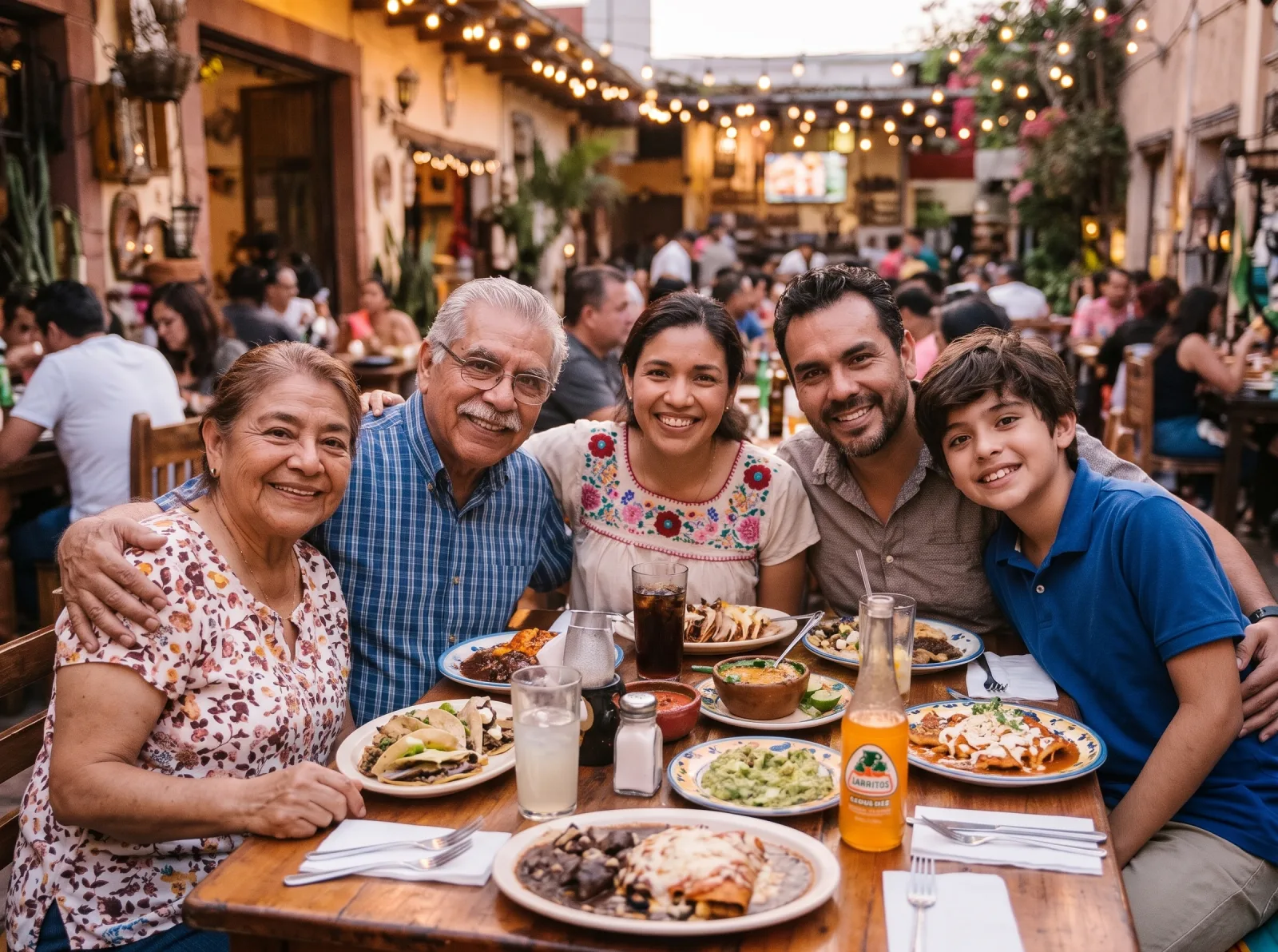
Every time a photo is forwarded on WhatsApp, WeChat or Messenger it is shrunk and saved again, and after a few hops it’s small and blocky. This family dinner was cut to 400 pixels and saved four times, like a photo passed round a family group.
Enhanced, it’s the same five people at the same table, with faces clear enough to print. Ask for the original first if someone still has it: the less a photo has been forwarded, the better the result.
 Forwarded
 Enhanced
Small print on bottles, menus and signs gets redrawn as letters that look right but may not be. Here the label on the bottle is a guess.
Ready in 28 sHow to enhance a photo
Upload it and press Enhance. There is nothing to set: the AI sees what’s wrong with the photo and fixes that. Each one is 8 credits, and a failed one gives them back.
- 1
Upload the photo
A blurry snapshot, a dark party photo, a tiny picture saved from a chat, or a scan. JPG, PNG or WebP.
- 2
Press Enhance
Our runs took 27 to 38 seconds. You can leave the page; the photo waits in My Creations.
- 3
Compare and download
Drag the line to check the faces against your photo, then download the clear one as a JPG.
Enhance, upscale or restore: which one do you need?
Start from what’s wrong with the photo. You can do more than one, in this order: restore, then enhance, then upscale.
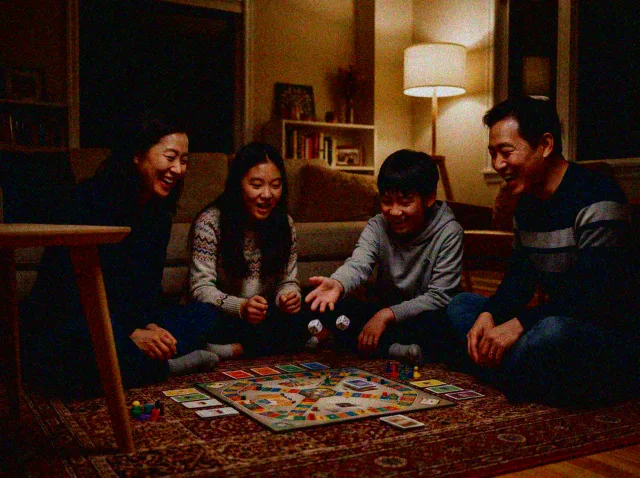 BeforeAfter
Enhance
Your photo is Blurry, dark, grainy, small or forwarded.
You get Makes it clear and sharp at 2K, faces included.
8 creditsEnhance a photo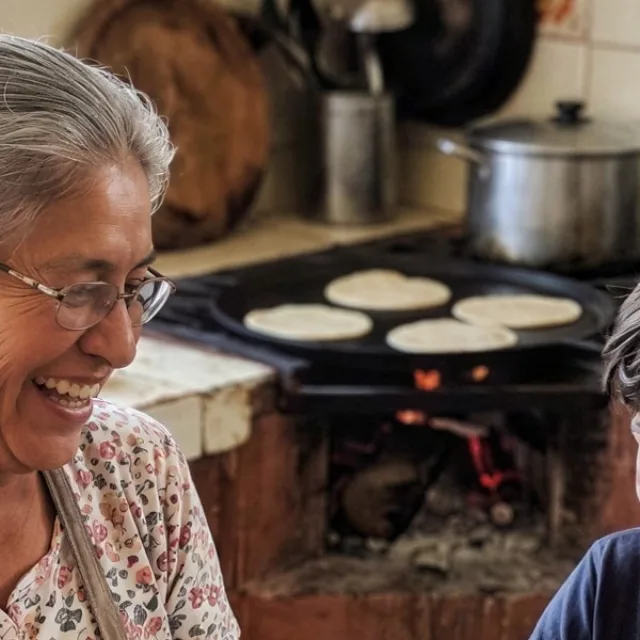
 BeforeAfter
Upscale
Your photo is Already sharp, just too small to print or crop.
You get Makes it 2× or 4× bigger without changing anything else, white backgrounds included.
30 or 40 creditsUpscale an image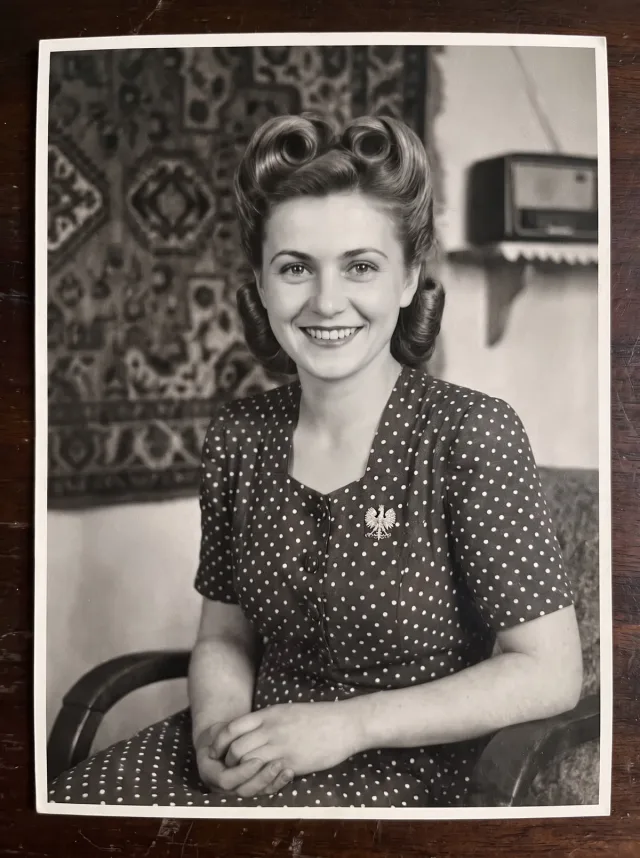
 BeforeAfter
Restore
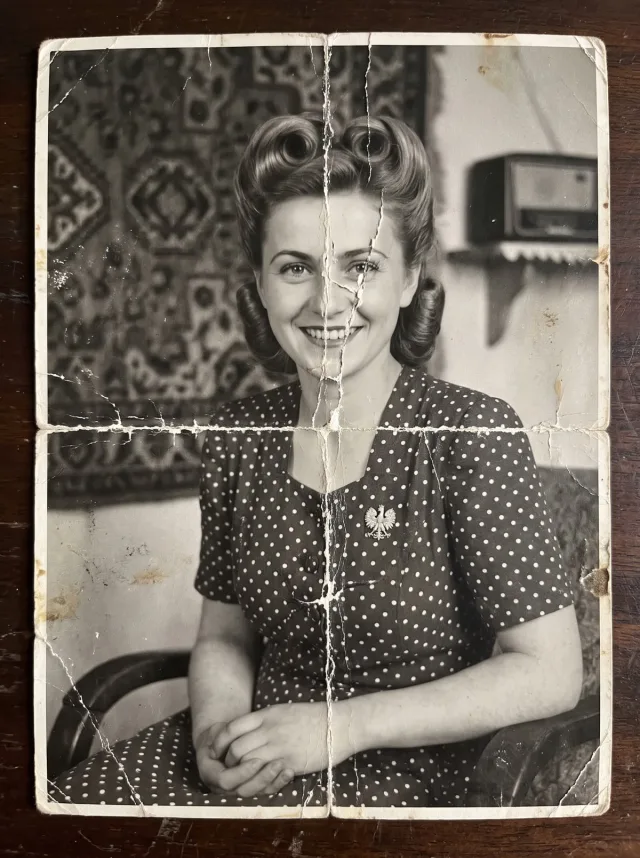
Your photo is An old print with tears, creases, stains or fading.
You get Takes the damage out, and can add color too.
8 creditsRestore an old photoMake it clear, then make it move
A video made from a blurry photo stays blurry for all 5 seconds. Enhance it first, and the clip starts from a clear face.
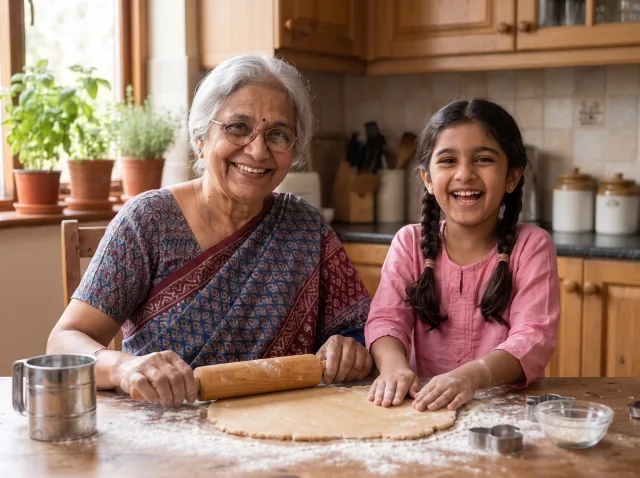
The grandmother presses a cookie cutter into the dough and lifts out a star, the granddaughter claps, they both laugh.
That’s the sentence we wrote. She presses the cutter, a star-shaped hole appears, the girl claps and they laugh together, and both faces stay the same people from start to end.
Both steps: 51 creditsMake a photo movePhoto enhancer: your questions
About blur, faces, text, size and credits. Plans and refunds are on the pricing page.
How do I make a blurry picture clear?
Upload it here and press Enhance. Our runs took 27 to 38 seconds and cost 8 credits. If you can still tell who is in the photo, it usually comes back clear; if you can’t, the face that comes back may not be theirs.
Is the photo enhancer free?
Confirm your email and you get 43 free credits, enough for 5 enhances, plus 8 free credits each day you come back, enough for one more. After that each enhance is 8 credits, and a failed one costs nothing.
Why do I have to sign in?
Enhancing redraws the whole photo at 2K, and each run costs us real money, so it runs on credits. Signing in is free with Google or your email, and it gives you the welcome credits.
Will the faces still look like the same people?
If the face is still recognizable in your photo, yes: our fisherman, the girl with the missing tooth and the five people at the dinner table all came back as themselves. If the photo is so blurry you can’t tell who it is, the AI draws a clear face that may be someone else’s.
Can it fix blurry text or a number plate?
Big letters, yes: the ROSE BAKERY sign came back right every time. Small text it can’t read, it redraws as letters that look real but may be wrong, like the bottle label in our dinner photo. Don’t rely on it for small text, and never for a number plate, a document or a receipt.
What size is the enhanced photo?
About 2400 pixels on the long side (2K), whatever size you upload. A 256-pixel photo and a 1024-pixel photo both come back at 2K. To make a sharp photo 2× or 4× bigger without redrawing it, use the AI image upscaler.
Should I enhance, upscale or restore?
Enhance a photo that’s blurry, dark, grainy or small. Upscale one that’s already sharp but too small, or a product photo on a pure white background, which enhancing can tint. Restore an old print that’s torn, creased, stained or faded. You can do more than one: restore, then enhance, then upscale.
Can I enhance old family photos?
A faded colour print, yes: our orange 1970s snapshot came back with a blue sky and green grass. A grey or damaged one barely changes, and it may add small details. Use photo restoration for those first.
Which AI does the enhancing?
Nano Banana 2, Google’s image model, told to keep the same people, the same scene and the same framing and only make the photo clear. We picked it after comparing results on blurred, dark and forwarded photos.
What happens to my photo?
Your photo stays next to the enhanced copy in My Creations, so you can compare them: 30 days on the free plan, or while a paid plan is active plus 90 days. Delete both whenever you like. We don’t use your photos to train AI.
Which photo came out blurry?
5 free enhances once you confirm your email. After that each one is 8 credits, and a failed one costs nothing.