AI smile: make a photo smile
An AI smile filter gives you one still. This gives you the moment the smile arrives – 5 seconds you can post as a clip or keep the best moment of as a photo.
 MiniMax H3
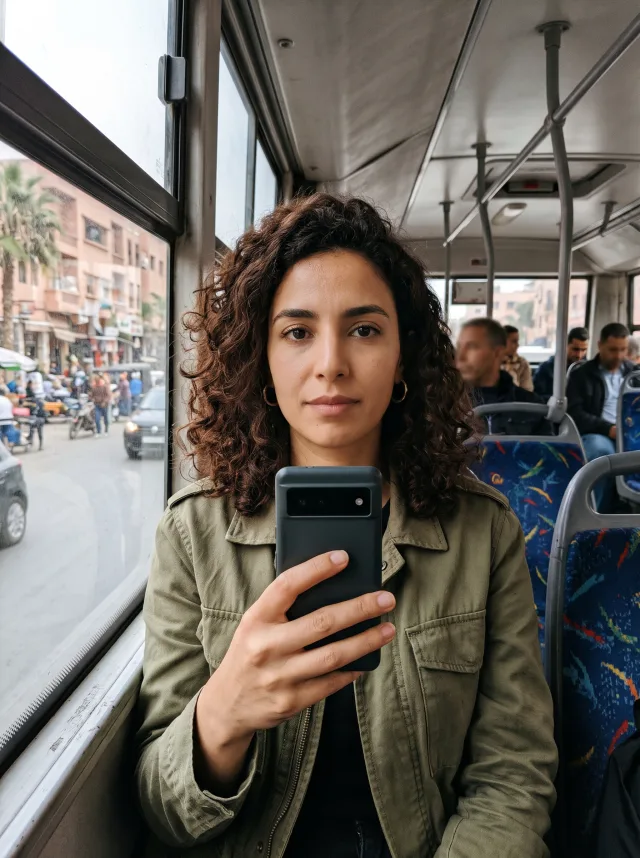
SmileClosed-mouth smile · “Their face stays still for a moment, then a small closed-mouth smile slowly spreads across their lips and reaches their eyes. Head stays in place. Camera still.”
Three smiles and a blink, from one bus selfie
A straight-faced selfie by a bus window, four sentences, four clips. Each sentence is under its clip: keep it, or change how big the smile gets.
Closed-mouth smile
Her face stays still for a moment, then a small closed-mouth smile slowly spreads across her lips and reaches her eyes.
Our run: a slow, quiet smile while the street slid past the window behind her.
Open smile
Her face stays still for a moment, then she breaks into an open, natural smile showing her teeth, cheeks lifting.
Our run: teeth showing, cheeks up, and still clearly her.
Big laugh
Her face stays still for a moment, then she breaks into a big laughing smile, eyes crinkling almost shut, she glances away and back at the camera.
Our run: a real laugh, eyes crinkled, a glance out of the window and back to the lens.
Blink, then smile
The person blinks slowly, then a small smile spreads across the face with a slight tilt of the head.
A slow blink, then a small smile. Good for portraits.
Our run: a slow blink, then the smile kept growing until it showed her teeth by the last second.
How to make a photo smile
Add a photo with the face turned to the camera, pick how big the smile gets, and press Make it smile. You get 5 seconds that start on your photo and end on the smile; our runs took 29 to 38 seconds.
- 1
Add a photo
A face turned towards the camera, mouth not covered, in decent light. Selfies, portraits, ID photos and old prints all work.
- 2
Pick the smile
Closed-mouth smile, Open smile, Big laugh or Blink, then smile. Or describe it: how slowly it starts, whether teeth show, where they look.
- 3
Make it smile
43 credits with MiniMax H3, shown on the button first. The clip has sound. If it fails or is blocked, the credits go back on their own.
Smile filter or smile video?
A smile filter edits the photo and hands back one smiling still. A smile video keeps your photo as the first frame and shows the smile happening.
| Compared | A smile filter | A smile video |
|---|---|---|
| What you get | One still with a smile added | 5 seconds, from a straight face to the smile |
| The moment it changes | Not shown; you only see the end | Shown from start to finish |
| Where it goes | A profile picture, a print | A story, a message, a Live Photo |
| If you want a still too | That’s all it makes | Save any moment of the clip as a photo, free |
Want a photo, not a clip? Keep the best moment
The smile in a clip passes through several looks: half-smile, full smile, mid-laugh. You can keep the one you like as a photo.
Every finished clip has a Photo button under it. It saves the moment you pick as a JPG the same size as the clip, free, without uploading anything again.
- Tap Photo under your clip.
- Pause the video on the smile you like, or tap one of the six moments.
- Tap Save this photo.
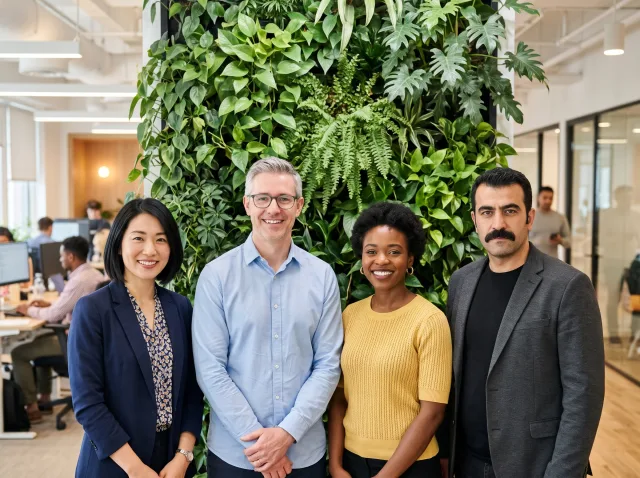
Only he didn’t smile
Every group photo has one. Here are three smiling coworkers and one serious face on the right. To make someone smile in a picture without touching the rest, name them: “only the man on the right smiles”.
In our run his face softened into a smile under the moustache, and the other three kept their smiles and poses, at most a touch wider.
Fix your group photo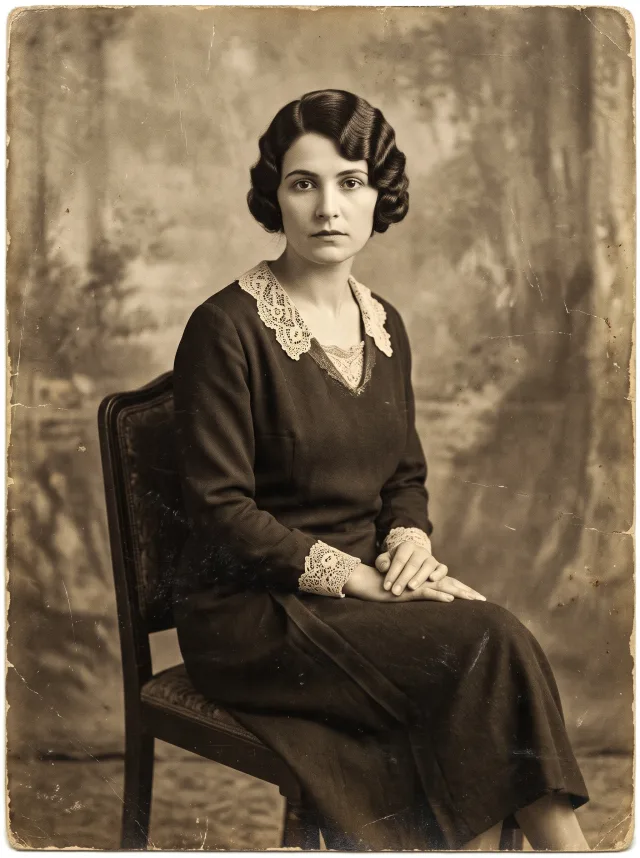
An old portrait, smiling for once
Nobody smiled in old studio portraits. The usual explanation is long sitting times and a habit of looking serious for the camera.
In our run her face softened into a small smile, then she looked down shyly, so her face was partly hidden at the end. The sepia and the scratches stayed. It’s an imagined smile, not how she looked; for more on old photos, see Bring old photos to life below.
An ID photo that finally smiles
ID and passport photos ask for a straight face. Five seconds later, it doesn’t have to be one.
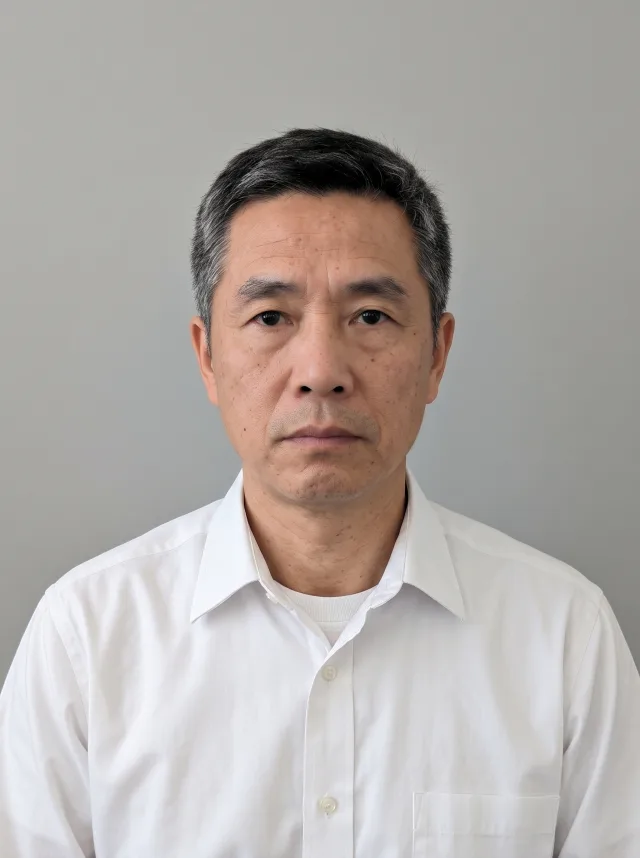 The straight-faced photoFive seconds later
In our run he held the straight face for a moment, then broke into a broad smile with his eyes crinkling, and his head stayed centred against the grey background the whole time. Post them side by side: the official photo, then the real one.
The result is an edited photo. Don’t use a frame of it where an unedited photo is required.
Side profile, hand over the mouth
Asked only to smile, she dropped her hand, turned to the camera and smiled with a face the photo never showed. The camera drifted in and cut off the laptop, then she turned back to the screen.
Photos that don’t smile well
We tried a photo many people have: caught from the side, hand over the mouth. Here’s what happened, and what to pick instead.
Face the camera
A face seen from the front gives the smile a real mouth and eyes to work with. A side view gets turned and filled in.
Mouth in view
Hands, cups and scarves over the mouth have to move first, and that’s 5 seconds spent on something else.
Light on the face
Eyes and cheeks carry a smile. A face in shadow leaves them to guesswork.
If a clip fails or our safety check stops it, the credits go back to your balance on their own.
AI smile: your questions
About saving a still, faces, old photos and privacy. Plans and refunds are on the pricing page.
Can I make a photo smile for free?
Yes, once. Confirm your email and your first clip is on us, with nothing stamped in the corner. After that each smile is 43 credits, and a failed one costs nothing.
Can I save the smile as a photo?
Yes. Under your clip, tap Photo, stop on the smile you like and save it as a JPG the same size as the clip. It’s free. If you already downloaded the clip, the free Video Frame Extractor does the same with the file.
Will it still look like me?
In our runs the faces stayed recognisable from the first frame to the last. The smile itself is made up, so teeth and dimples may not be exactly yours.
Will it show my real teeth or dimples?
Only if the photo shows them. Teeth hidden behind closed lips are imagined, so pick Closed-mouth smile if you’d rather keep your own look.
Can I make a baby or a pet smile?
This page’s examples are adults only. We haven’t tried pets, so we can’t tell you how a dog’s “smile” turns out; if a clip fails, the credits come back.
Why do people never smile in old photos?
The common explanation is that early portraits needed people to sit still for a long time, and a serious face was the custom for the camera. A smile made here is imagined, not a record of how they looked.
Can I use a smiling frame on a dating profile or CV?
It’s an edited photo of you, so check the platform’s rules first. Some sites ask for unedited photos, and an ID document always needs one.
Who sees the portrait I make smile?
Only you. The smiling clip and your photo stay in My Creations for 30 days or more, and you can remove them there sooner. Neither is used to train models.

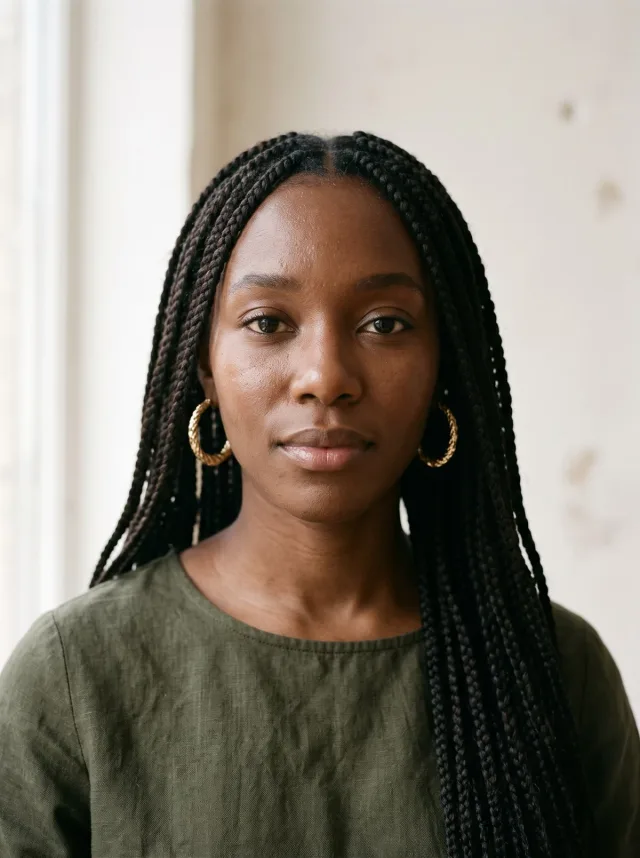
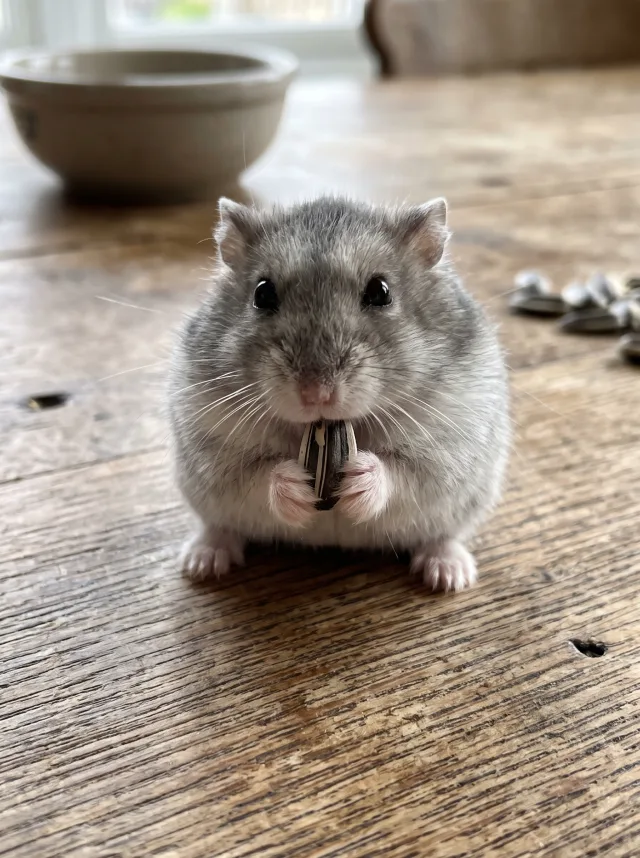
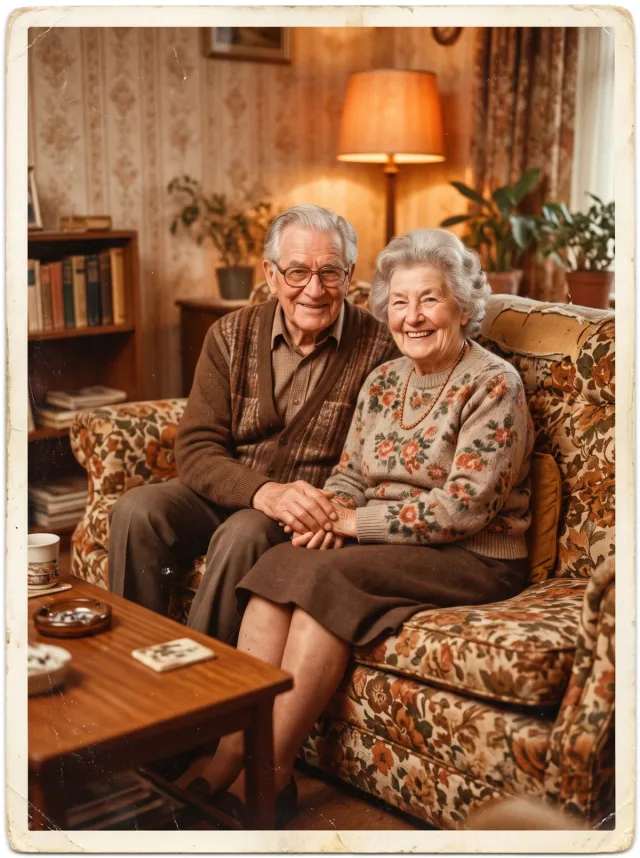
From a straight face to a smile
Five seconds, one photo. 43 credits, and a failed clip costs nothing.