How to make a picture talk
Three ways to make a talking picture — with your own recording, with a typed line, or so it only looks like it’s talking — and which photos hold up.
To make a picture talk with AI, start with a clear, front-facing photo and add a voice — your own recording or a typed line read aloud — and a talking-photo tool moves the lips to match. If you only need it to look like it’s talking, an ordinary photo animation with a sentence like “he talks to the camera” moves the mouth without matching any words. Both work on AnimatePhotos: the talking photo matches the lips to a typed line, an upload or a recording, and the looks-like-talking way is a regular photo animation.
Made on AnimatePhotos as an ordinary photo animation, no audio added · Updated 2026-11-19
 The photoLooks like talking
Three ways to make a talking picture
People who want a picture to talk usually want one of three things: to hear a real voice come out of it, to have it say a line without recording anything, or just to see the mouth move under a caption or a song. Each needs something different from you, and all three work on AnimatePhotos.
The first two are lip-sync: the tool listens to a voice and shapes the mouth around each word. The third is a regular photo animation where you ask the person to talk. Nothing is matched, so it costs much less and needs no audio at all, but nobody could lip-read it.
- Your own recording: a greeting, a memory or a message in your voice, lips matched to it. Upload a voice note or record one on the talking photo page.
- A typed line: you write what it says and a computer voice reads it aloud. Pick one of six voices and hear the take free before the video is made.
- Only looks like talking: the mouth moves, you add captions or music. One sentence in the photo animator, the cheapest of the three.
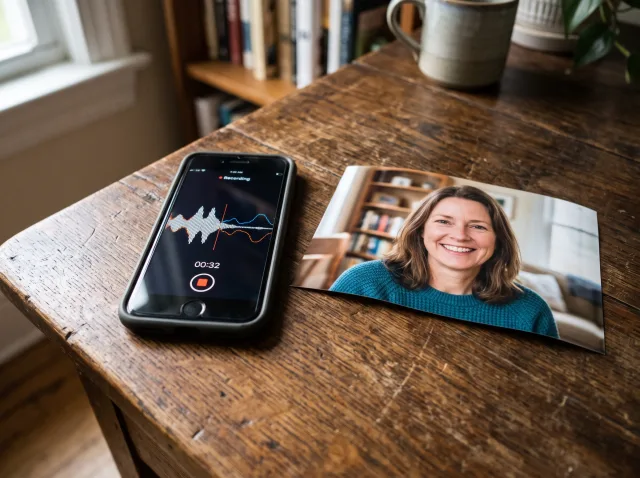
Lip-sync or a mouth that only moves?
If the words matter, you need lip-sync. If the words are on screen anyway, the cheaper way is usually enough.
| Compared | Lip-sync to a voice | A mouth that only moves |
|---|---|---|
| What you bring | A recording, or a line to be read aloud | One sentence describing the moment |
| Do the lips match the words? | Yes, that’s the whole point | No: the mouth moves, but not to any words |
| On AnimatePhotos | 133 credits for 5 seconds at 480p, 183 at 720p; any pack or plan | 43 credits for 5 seconds; the free credits cover it |
| What comes out of the speaker | The voice you gave it | In our runs, a voice saying words we couldn’t make out, so mute it |
| Good for | Birthday messages, greetings, a short explanation | Short videos with captions, a song over the top, a bit of fun |
How to make a picture look like it’s talking
No recording, no voice to choose: one photo and one sentence. Our tailor clip took 30 seconds from the button to the finished MP4.
- 1
Pick a photo with the mouth in plain view
Face toward the camera, head and shoulders big in the frame, nothing in front of the mouth. A closed or gently parted mouth gives the tool the least to invent.
- 2
Write that they talk to the camera
Say who talks, add a small head movement so it doesn’t look stiff, and name what must stay still. Copy ours and change the details.
- 3
Mute it, then add your words
Both our clips, the tailor and the dog, came with a voice speaking words we couldn’t make out. Turn the sound off in your phone’s editor or in TikTok, then add captions, a voice-over or music.

How to make a dog picture talk
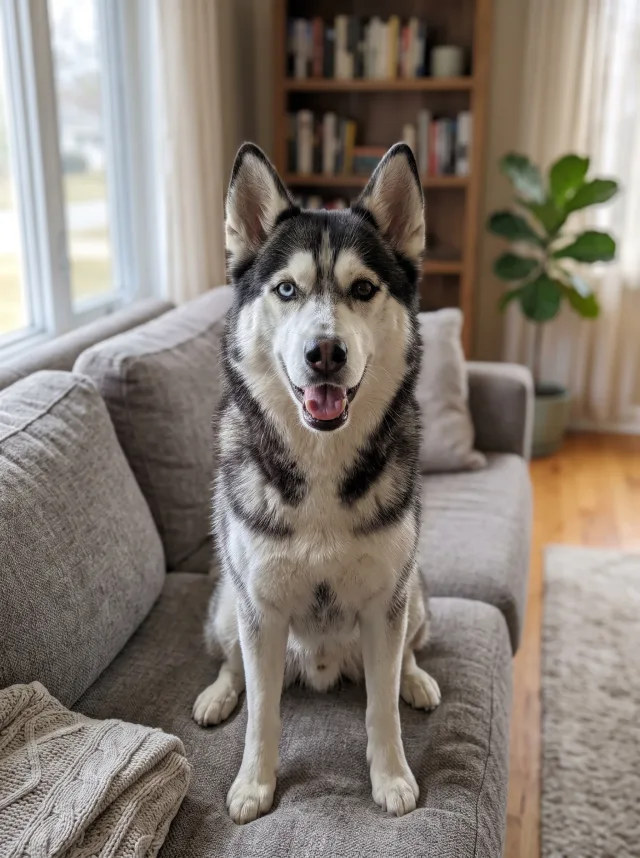
Pick a photo where the dog faces the camera with its mouth a little open, then ask it to talk. Ours was: “The husky looks into the camera and moves its mouth as if talking, ears twitching; the sofa stays still.” 43 credits, the same as any 5-second clip.
In our run the husky opened and closed its mouth as if chatting and twitched its ears, sitting where it was on the sofa. It took 29 seconds. The sound had a human-sounding voice in it with no clear words, which is either the funniest part or the first thing to mute.
A dog’s mouth will never shape human words, so with this way captions do the talking best: put the line on screen, time it to the mouth opening, and the brain fills in the rest.
If you want the pet to say an actual line, type it on the talking photo page and pick a voice. Our cat there complains about dinner in a typed line, every word as written; we haven’t run a dog through it yet.
Make a photo sing
Singing is the hardest thing to ask of a still photo. The mouth opens wider than in speech, holds notes, and has to land on the beat, so a mouth that only moves looks wrong the moment the song starts. Making a photo sing properly needs lip-sync to the song itself.
The talking photo on AnimatePhotos matches the lips to any audio you upload or record, but we haven’t put a song through it yet, so we won’t promise how it handles held notes, and there’s no singing clip of this photo here. What we have tested is animating the moment around the song — him strumming and smiling at the camera — and laying your own recording over it.
If you try it, a short, clear take of the song helps most: one voice, no backing track, phone close to your mouth, and no longer than 30 seconds.

A talking photo app, or a website?
You don’t need to install anything. AnimatePhotos runs in the browser on your phone, so you can pick the photo straight from your camera roll, press the button and download the clip in the same place.
On an iPhone, the downloaded MP4 lands in the Files app under Downloads; open it, tap Share, then Save Video to put it in Photos. On Android it goes to Downloads and shows up in your gallery. From there it posts like any other video.
The clip keeps your photo’s shape: in our runs an upright 3:4 portrait gave an upright 3:4 clip, which sits well on TikTok, Reels and Shorts.
Which photos talk well, and which don’t
A tool has to invent any part of a mouth it can’t see, and invented mouths are the ones that look stretched. Pick the photo before you write a word.
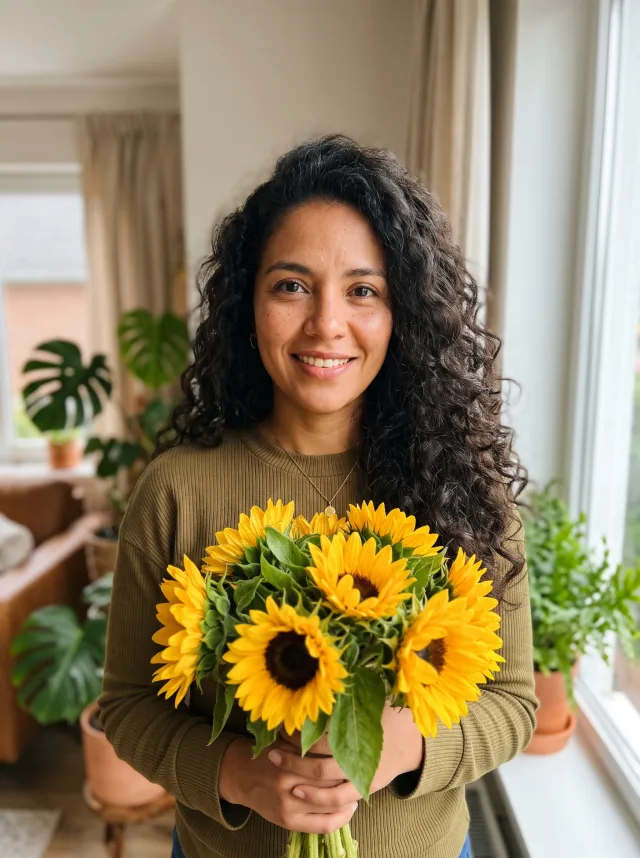 Use this
Straight on, in soft light
She faces the camera, the whole mouth is visible, her face fills a good part of the frame, and window light shows the lips clearly. This is the kind of photo a talking picture needs.
 Skip this
Side-on, hand at the chin, dark glasses
Half the mouth is out of sight, a hand sits right under it and the sunglasses hide the eyes that sell the expression. Expect a mouth that bends oddly once it moves.
Two more to skip: a mouth already wide open (laughing or mid-shout), and a face so small the lips are barely visible.
Making someone else’s picture talk
A talking picture puts words, or at least a voice, into someone’s mouth. That is fine for your own face and usually fine for a friend who’s in on the joke. It stops being fine when the person doesn’t know, or can’t say no.
- Ask first. If the person is alive, get a yes before you make it and before you post it.
- Don’t make anyone say what they never said, least of all someone who has died. Use their real words, or keep it to a smile and a nod.
Questions about making pictures talk
Can I make a picture talk without recording anything?
Yes, two ways. Type the line on the talking photo page and pick a voice: you get real words with nothing to record, and you can hear the take free before the video is made. Or skip words altogether: ask for a photo animation where the person talks to the camera, then add captions.
Why does the mouth look stretched or rubbery?
Usually because the tool had to guess. Side-on faces, a hand or a scarf near the mouth, a mouth already wide open and very small faces all leave parts of the lips to invent. Start from a straight-on photo with the whole mouth in view.
Can two people in one picture talk to each other?
We haven’t tested it yet, so we won’t promise it. With the looks-like-talking way you can write that both of them chat, but we haven’t run that sentence; we’ll add what happens once we have.
Why does the whole head move when I only want the lips to move?
Because a still head with a moving mouth looks strange, tools tend to add a little head motion. In our tailor run we asked for small nods and got exactly that. If you want less, say “his head stays still” in the sentence; we haven’t run that version ourselves.
Is it okay to make someone else’s picture talk?
Only with their yes, if they can give it. And never make a photo say something the person didn’t say, whether they’re a colleague, a relative or someone who has died.
Can I use a song I didn’t write?
We don’t check the music you add, but TikTok, Instagram and YouTube do, and they can mute or take down a clip. Your own recording, a song you have a licence for, or the platform’s own music library are the safe choices.
Which format do I get, and does it work on TikTok?
An MP4 with sound. It keeps your photo’s shape, so an upright portrait gives an upright clip, and it uploads to TikTok, Reels and Shorts like any phone video.
Does a talking picture need a lot of credits?
The looks-like-talking way costs 43 credits for 5 seconds, the same as any default clip, and the free credits for verifying your email cover one. Lip-sync to a voice is 133 credits for 5 seconds at 480p or 183 at 720p, with any pack or plan; the free credits don’t cover it, and a run that fails gives the credits back.
Keep reading
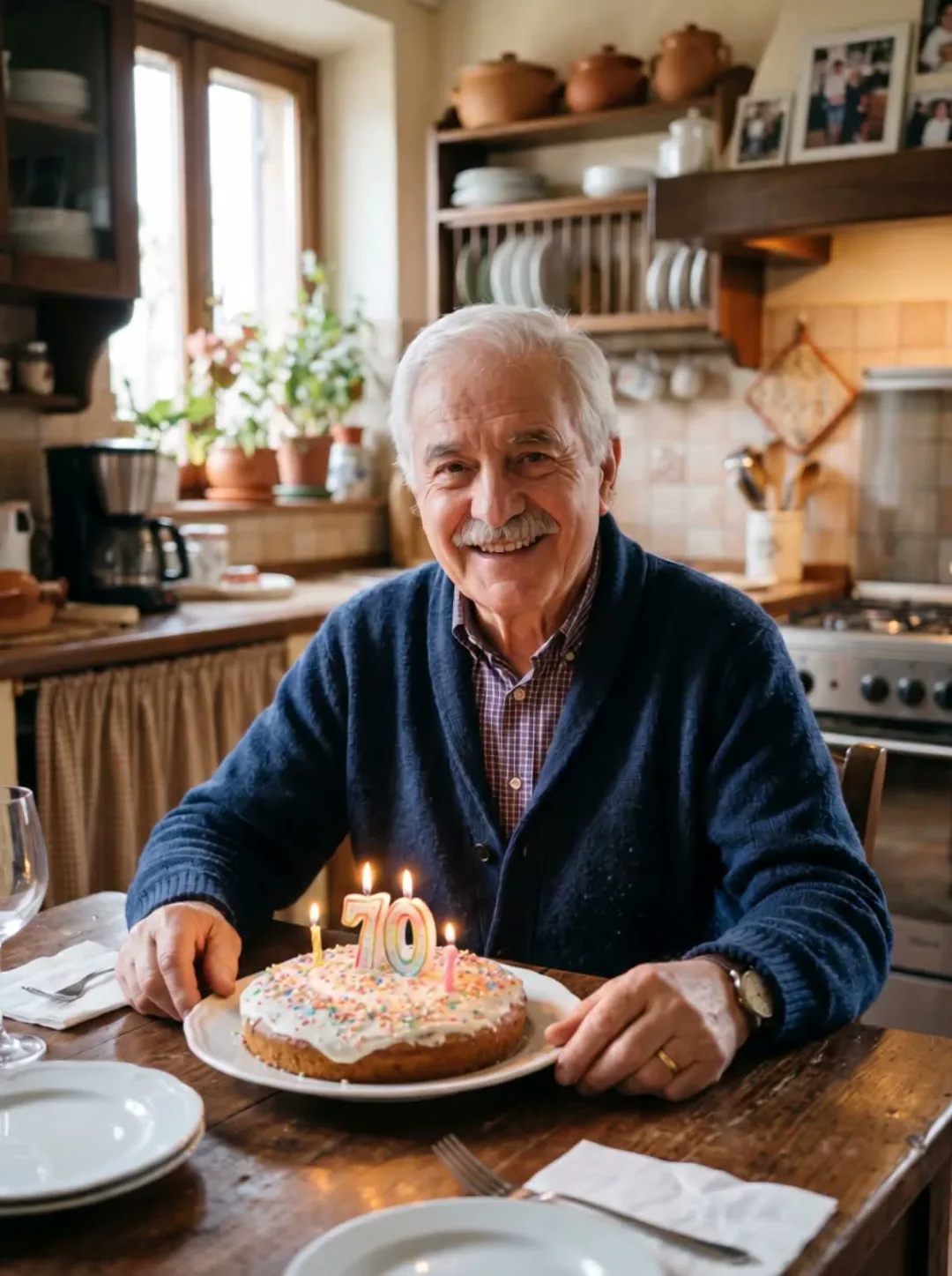
Talking photo
Type a line, upload a voice note or record one, and the lips follow.
Open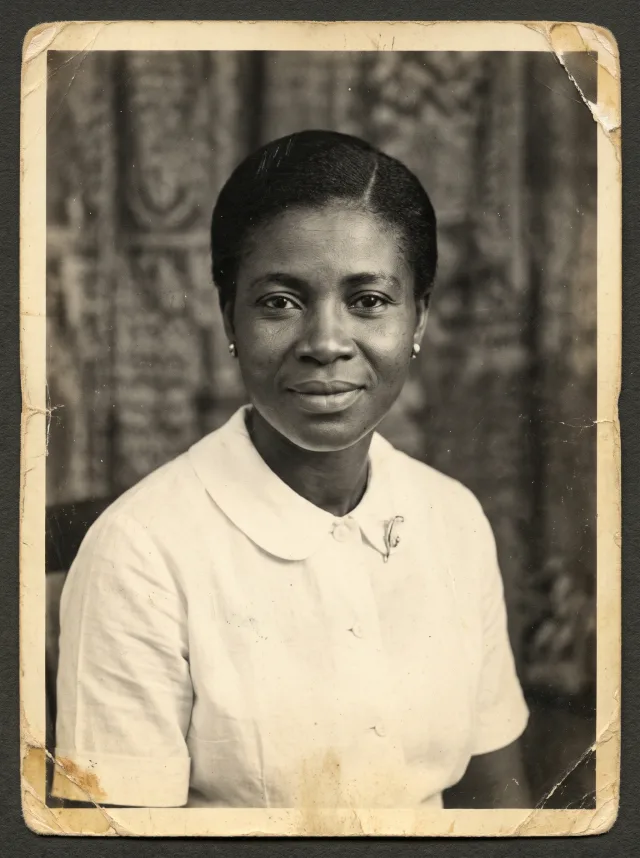
MyHeritage Deep Nostalgia, explained
Faces that blink and smile in old photos, and what’s free.
Open
Bring old photos to life
Restore, colorize, then animate one faded print.
Open
How to animate a photo
Which photos move well and sentences you can copy.
OpenMake a picture look like it’s talking
One straight-on photo, one sentence, 5 seconds back. 43 credits, and a failed run gives them back.