Make a photo move
Choose what moves (water, sky, hair or the whole photo) and how much. Everything else stays still.
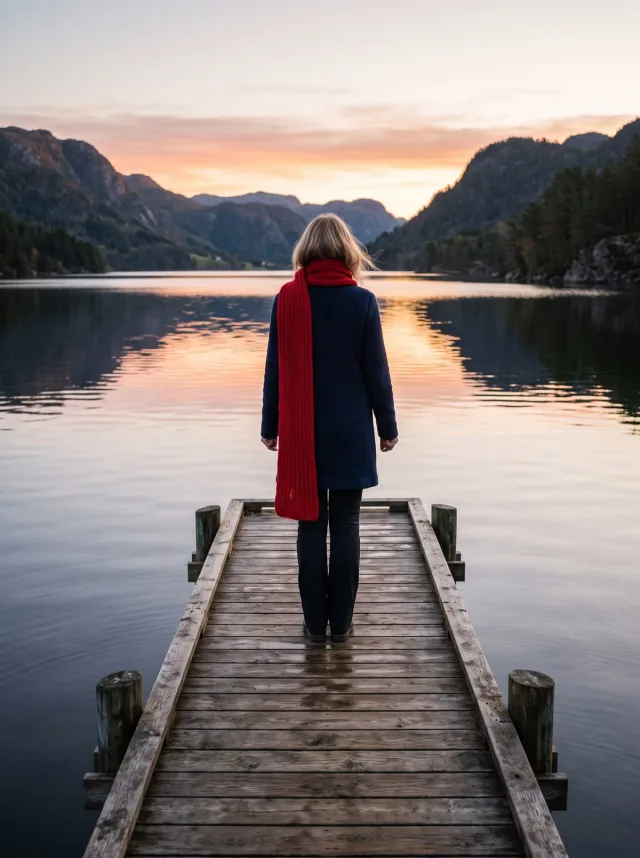
Moves“Only the lake water ripples and her scarf moves in the wind. She and the pier stay completely still. The camera does not move.”
 MiniMax H3
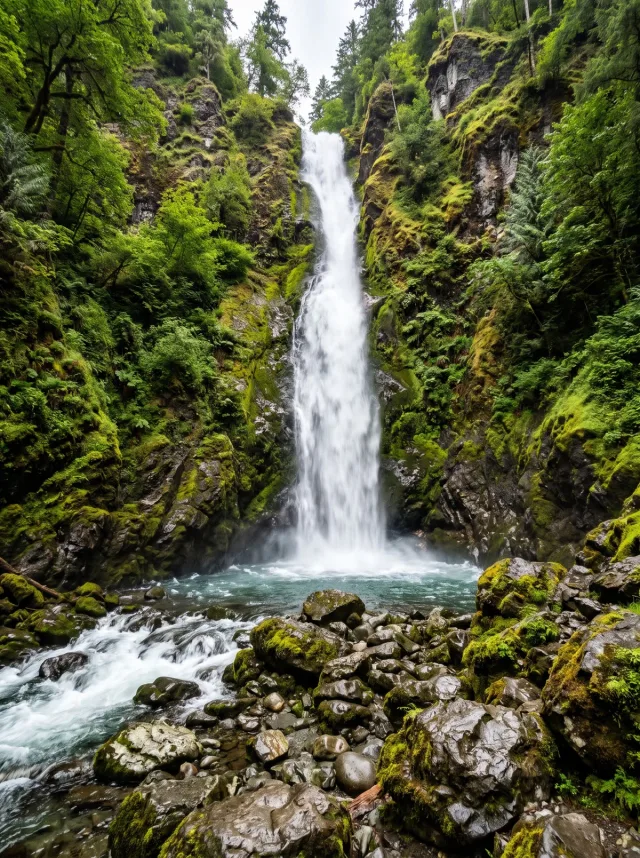
Make the water in a photo move
Pick Water and the falls pour while the river below rushes over the stones. The rocks, the moss and the trees hold still, which is what makes it look like a living photo rather than a video.
Most photo animators move the whole picture at once. Choosing one part keeps everything else frozen, and asking for less motion usually gets a cleaner clip.
Prompt: “Only the waterfall flows and splashes. The rocks, moss and trees stay completely still. The camera does not move.”
Make a photo move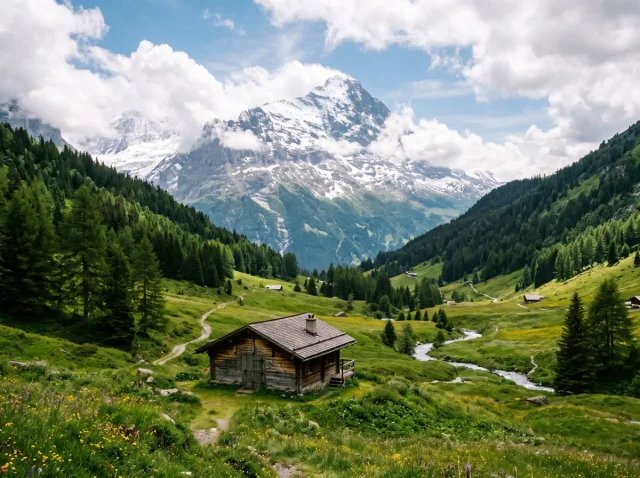
Make only the clouds move
Pick Sky and the clouds roll over the peak while the valley and the hut keep their shape. A landscape like this makes a calm background for a screen, a slide or a lock screen.
Our prompt said “the camera does not move”, and the camera still slid to the side: by the last frame the hut sits in the middle. If it happens to you, try Subtle and run it again.
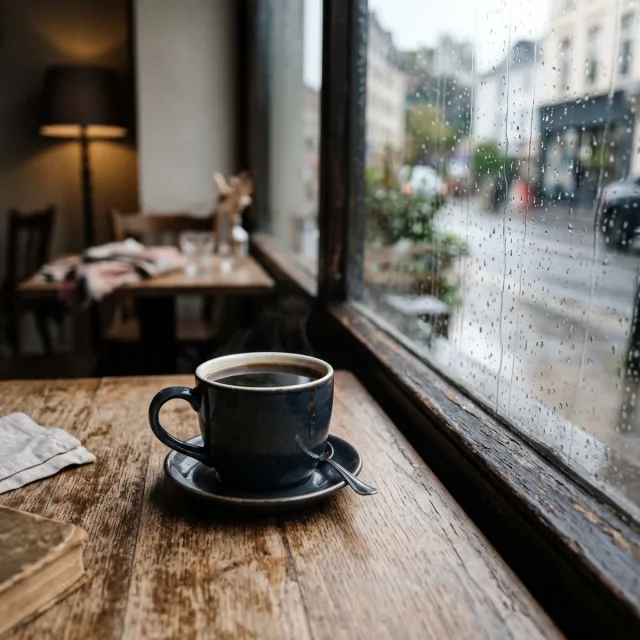
Make rain run down a window
Rain runs down the glass beside a cup of coffee while the cup and the table hold still. The first and last frames came out 88% alike, so the clip loops with only a small jump and works as a quiet background.
We asked for steam too, and none rose from the cup. Cars drove past outside, which no one asked for: things that could plausibly move in a scene sometimes do.
Make hair and clothes move in the wind
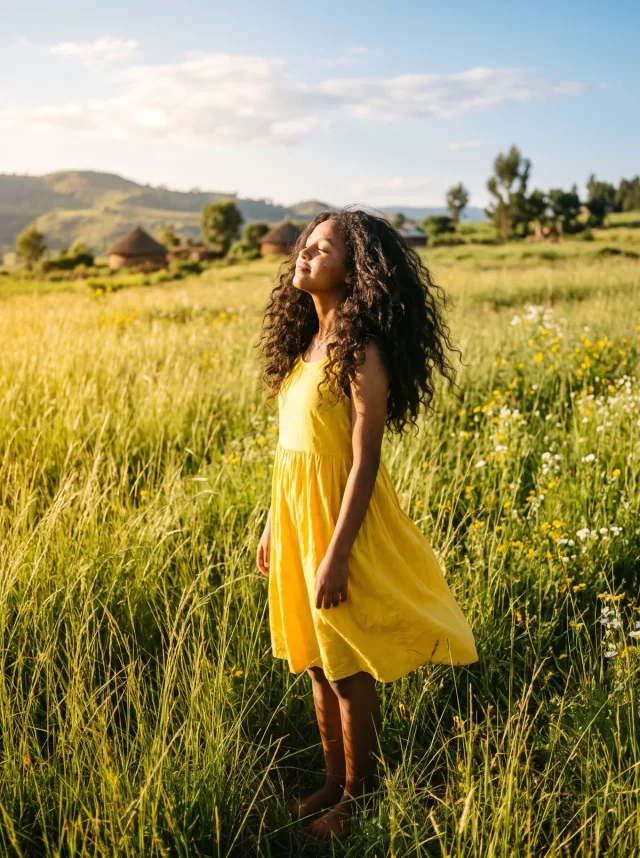
Pick Hair & clothes and her curls and the yellow dress lift in the wind. Her face and body hold their pose, so it reads as a portrait in a breeze rather than a video of someone moving.
Loose hair, scarves, flags and long dresses give the model the most to work with.
Prompt: “Only her hair and dress move in the wind. Her face and body stay still. The grass stays still. The camera does not move.”
How do you make an image move?
Upload a photo, choose what should move (the water, the sky, someone’s hair or the whole photo) and how much, then press Make it move. Everything you didn’t pick is asked to stay still.
- 1
Add a photo
Landscapes with water or sky, portraits with loose hair, anything with steam or rain in it.
- 2
Pick what moves
Water, Sky, Hair & clothes or Whole photo. The parts you don’t pick are told to hold still.
- 3
Choose how much
Subtle, Medium or Big. Less motion usually gives a cleaner clip.
- 4
Watch, then download
A clip costs 43 credits and took about 44 seconds in our tests. Check that nothing else moved, then save an MP4, GIF or Live Photo.
How much should it move?
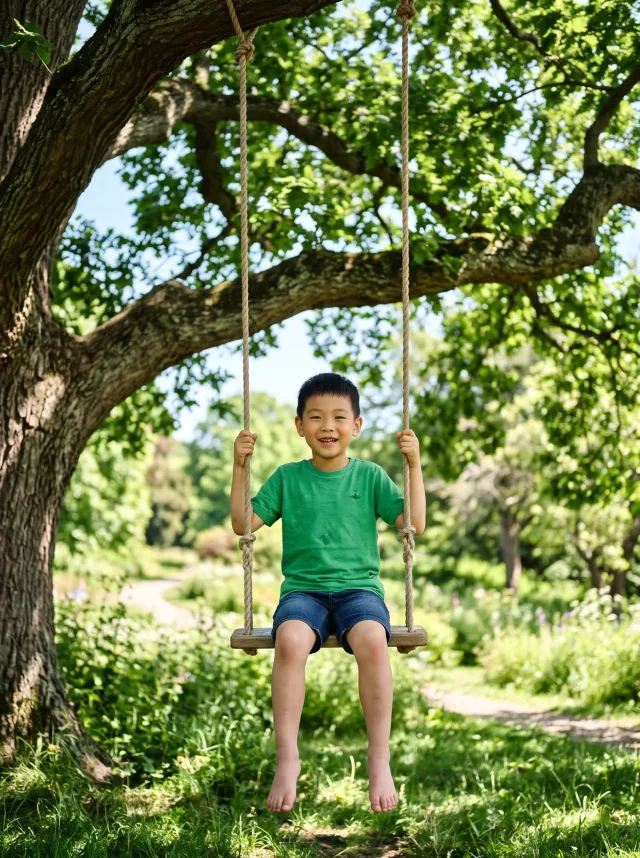
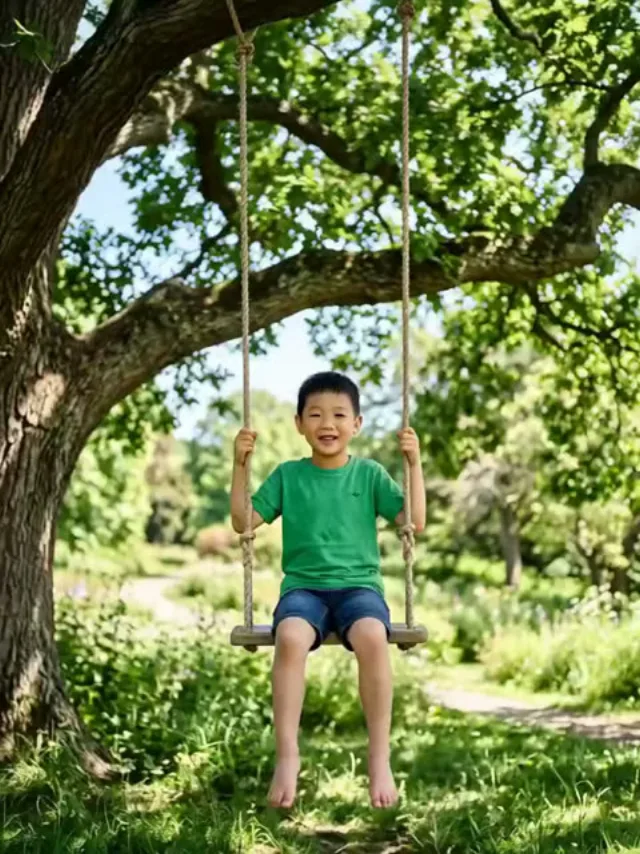
One photo of a boy on a swing, made three times. Only the amount changed.
Subtle
He smiles and the leaves sway. The swing barely moves. Good for a portrait that should still look like a portrait.
Medium
The swing rocks gently back and forth, and the view moves in a little with it.
Big
He swings toward the camera, laughing, and the view swoops in close. The most fun, and the most likely to bend a hand or a face.
Start with Subtle. You can always ask for more; a clip that moved too much is harder to rescue.
Didn’t move, moved too much, moved the wrong thing
The three ways a moving photo goes wrong, what usually causes each and what to change. The third one happened to us on this page.
It barely moved
The part you picked is small in the frame, or the prompt only said “move”.
Name the motion: “the scarf flaps in the wind”, not “the scarf moves”. Then try Medium.
It moved too much
Big motion on a person, or the view moving on top of the person moving.
Drop to Subtle and say the camera does not move. Give one action, then let it hold.
The wrong thing moved
The model filled in life you didn’t ask for: our café window got passing cars.
Say what must stay still: “the street outside stays empty and still”. Then run it again.
The words that make each part move
A prompt that works here has two halves: what moves and how, then what stays still. Leave out the second half and the model tends to move everything a little.
Only the waterfall flows and splashes. The rocks, moss and trees stay completely still. The camera does not move.
| Part | Moves | Stays still |
|---|---|---|
| Water | flows, ripples, splashes, laps at the shore | the rocks and the shore stay still |
| Sky | clouds drift, roll past, light shifts | the mountain and the buildings stay still |
| Hair & clothes | blows in the wind, flaps, sways | her face and body stay still |
| Light & smoke | steam rises, smoke curls, candles flicker | the cup and the table stay still |
| Faces | blinks, smiles a little, breathes | the head and shoulders stay still |
Will the moving photo loop smoothly?
A clip loops smoothly when its last frame looks like its first. We measured how alike they are in our own clips. Small motion came back close to the start; the swing on Medium and Big did not.
How alike the first and last frames are, measured frame by frame. 100% would be a perfect loop.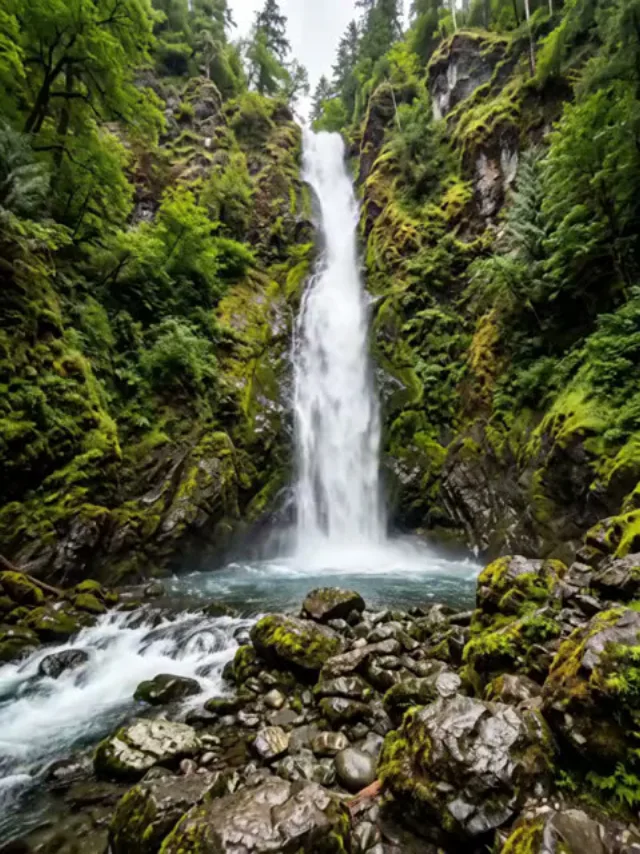
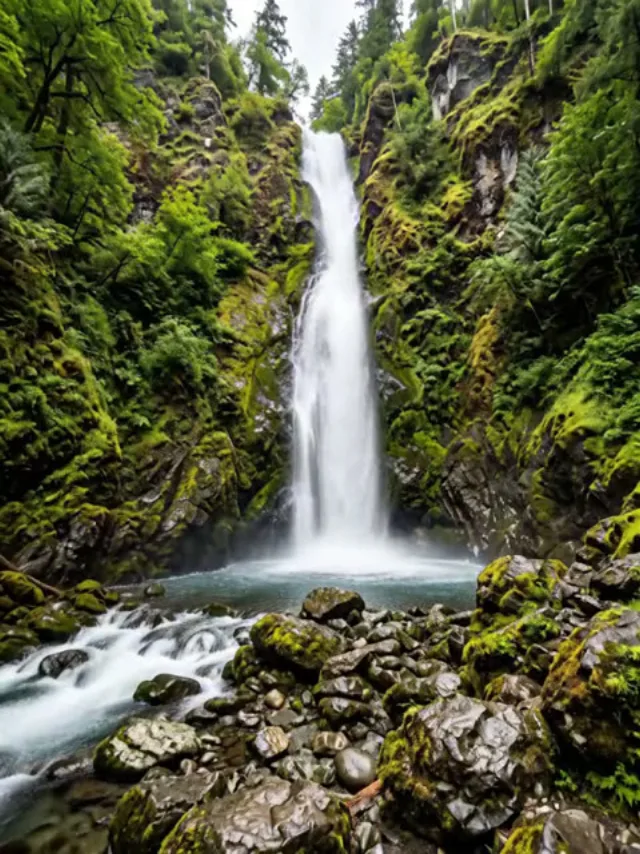
Waterfall: the end lands almost where it started. The jump back is hard to see.
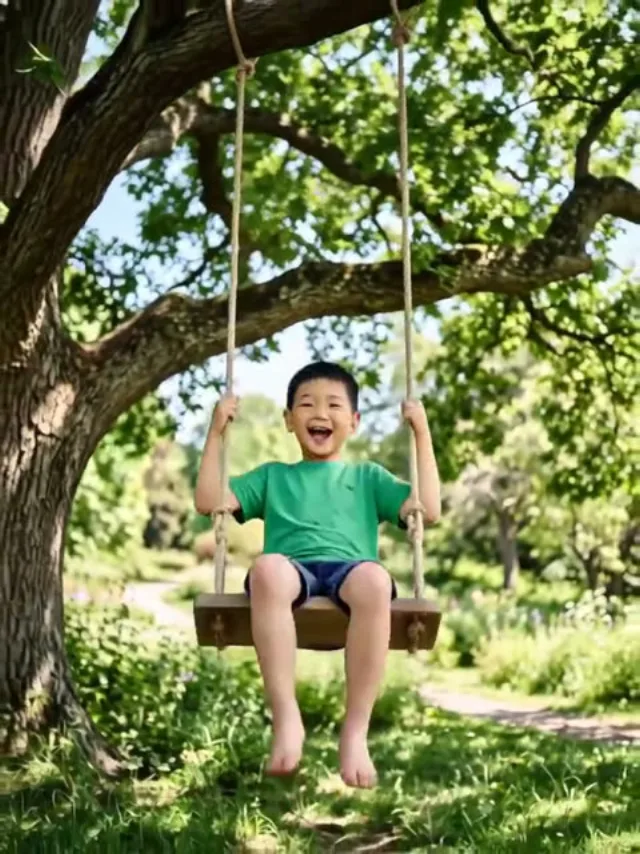
Big swing: he ends much nearer the camera, with the view moved, so the loop snaps back to the start.
Make a photo move or use a cinemagraph app?
Both give you a picture where one thing moves. They get there differently, and each wins somewhere.
| Make a photo move | Cinemagraph app | |
|---|---|---|
| How you pick the part | Tap a choice or name it in words | Paint a mask over it with your finger |
| What it starts from | One photo | Usually a short video you filmed |
| Can it add new motion? | Yes: clouds, rain or a smile that weren’t in the photo | No: it replays motion the camera caught |
| Exact control | Less: the model can move a bit more than asked | More: the masked part is all that moves |
| Seamless loop | Not promised; it plays from the start again | Usually built in |
Where a photo with one moving part works
Small motion draws the eye without taking over the page.
Website headers
A hero image where only the sea moves, so the text stays readable.
Phone wallpapers
Save it as a Live Photo and press the lock screen to play it.
Menus and shop screens
Rain on the café window or a candle flickering, on a loop by the till.
Portraits that breathe
A smile and a little hair in the wind, without a full animation.
Email banners
A light GIF of clouds or water above the headline.
Travel posts
The falls, the lake or the clouds from the trip, moving again.
Questions about making photos move
About choosing what moves and how much. Billing questions are answered on the pricing page.
How do I make an image move?
Upload the photo, choose what moves (water, sky, hair and clothes, or the whole photo), choose Subtle, Medium or Big and press Make it move. In our tests a clip was ready in 37 to 55 seconds.
Can only part of the photo move?
Yes. Pick one part and the prompt also tells everything else to stay still. It usually holds; sometimes a little extra moves, like a camera slide or a passing car, and you can run it again with that named as still.
How do I make the motion subtle?
Choose Subtle and ask for small actions: a blink, a ripple, hair lifting slightly. Avoid words like dance, run or spin.
Why didn’t my photo move?
Usually the part you chose is small in the frame or the prompt only said “move”. Name the motion, such as flows, drifts or flaps in the wind, and try Medium.
Can a still image move in a seamless loop?
Not guaranteed. The clip plays to the end and starts again. Small motion, like water or rain, ended close to where it began in our tests, so the jump is hard to see; a big action snaps back.
Can I do it on my phone?
Yes. The page works in your phone’s browser: take or pick a photo, choose what moves and download the result to your camera roll, as a video or a Live Photo.
Is this the same as a cinemagraph?
The result looks like one: a still picture with one moving part. A cinemagraph app starts from a video and a mask you paint; here you start from a photo and name the part.
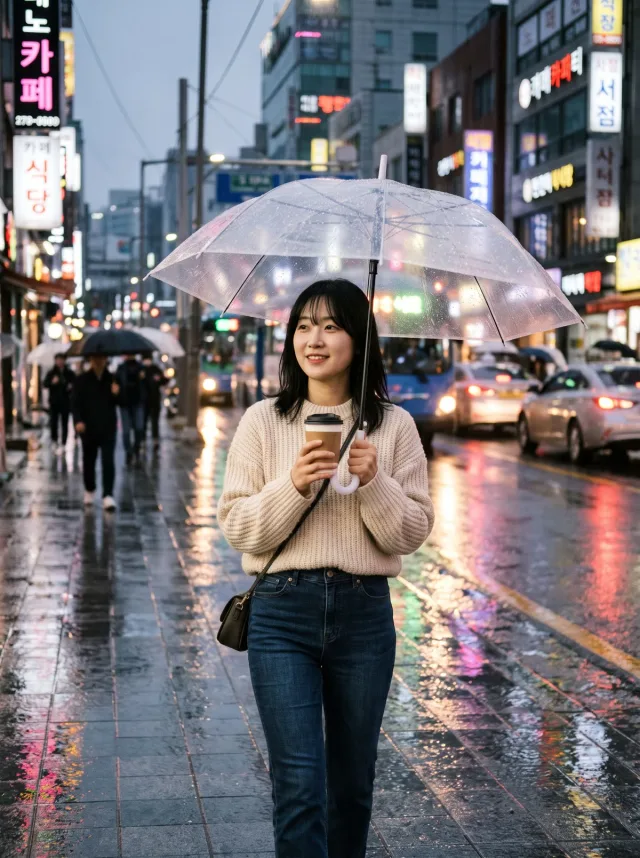

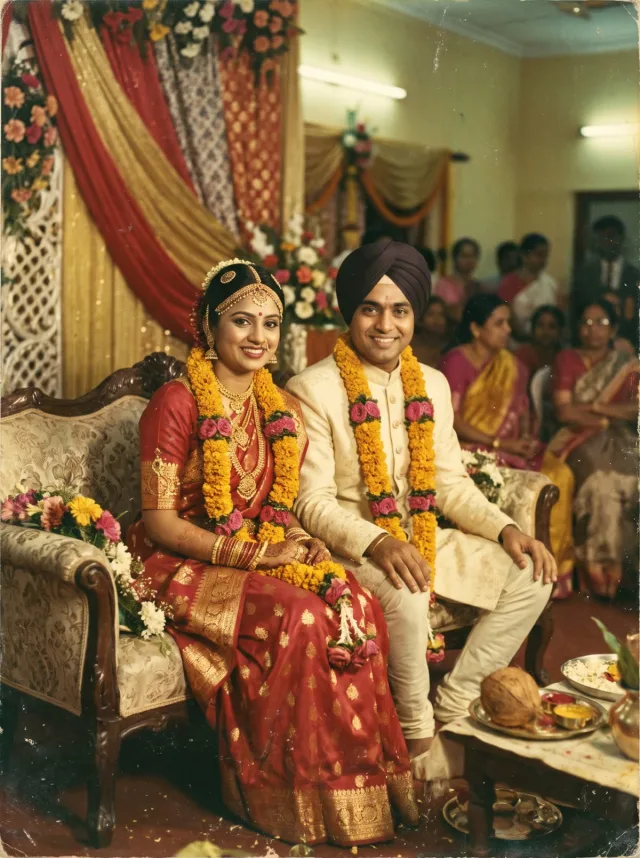
Pick the part that moves
Your first clip is free once you confirm your email. Bring a photo with water, sky or hair in it.